Comparisons
Bluetooth, 2.4 GHz or USB: Choose a Keyboard Connection
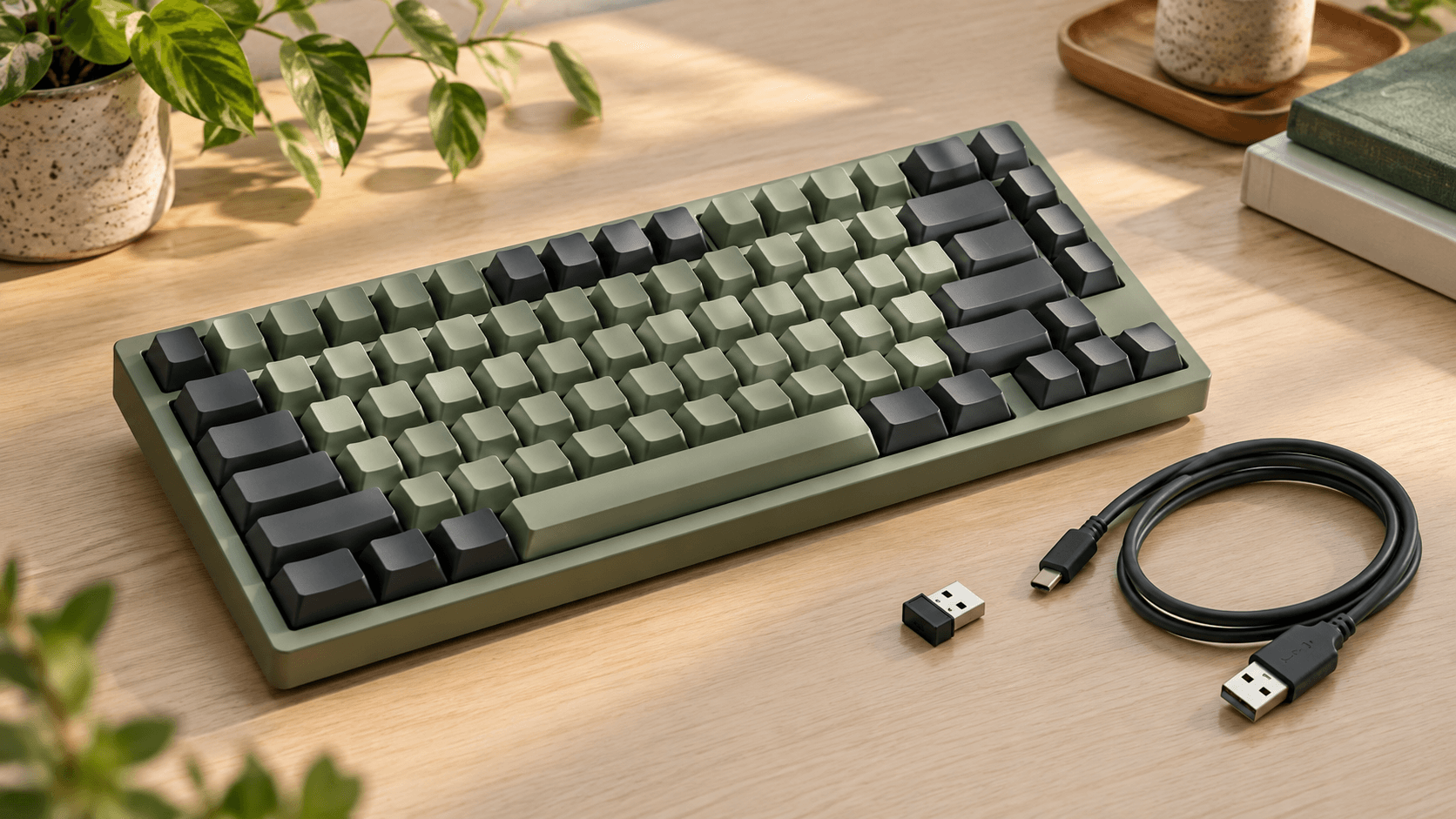
Choose Bluetooth when device switching suits your routine, a dedicated receiver when its port and pairing requirements fit your computer, or USB when the model explicitly supports wired typing. Check the exact keyboard manual: wireless connectivity, charging, and configuration support are separate features, and no connection label guarantees measured performance.
Choose the connection for the job
For a laptop that moves between desks, start by checking Bluetooth support and the device-switching controls. For a computer that stays in one place, consider whether a dedicated receiver or a data cable fits your ports and setup. A keyboard offering all three modes gives you options, but each mode still needs to work with your exact devices.
These are buying criteria, not a speed ranking. This guide does not contain measured latency, battery, or reliability results. A connection label alone cannot establish those results.
| Your situation | Start by checking | Verify before buying |
|---|---|---|
| Move between a laptop and tablet | Bluetooth | Supported operating systems, stored devices, switching steps |
| Use one main computer wirelessly | Dedicated 2.4 GHz receiver | Included receiver, connector type, replacement and pairing instructions |
| Keep a keyboard connected at one desk | USB data connection | True wired typing support and the cable's connector types |
| Want a fallback when the battery needs charging | A model with documented wired mode | Whether input travels through USB, rather than wireless while charging |
Bluetooth: check the switching workflow
Look at the manual's device-pairing instructions before choosing a Bluetooth keyboard. How many devices can it remember? How do you select one? Are the controls a physical switch or a key combination? Those details matter more to a multi-device workflow than the word “wireless” on the box.
For a concrete example, Keychron's V1 Max documentation specifies Bluetooth 5.1 connectivity to three devices. That is a feature of this model, not a promise about every Bluetooth keyboard.
Write down the devices you actually plan to use. Check the manufacturer's operating-system support and the keyboard's available device slots against that list. If this is for a managed work computer, ask your IT team which connections it permits before purchasing.
A 2.4 GHz receiver is a separate requirement
Do not assume a Bluetooth keyboard also includes a proprietary wireless receiver. The V1 Max lists both Bluetooth and 2.4 GHz. By contrast, the manufacturer's K10 Pro ISO collection page lists Bluetooth and Type-C cable connections. The ISO example illustrates the distinction; check your own region and variant separately.
For a receiver-based setup, inspect the box contents and connector details. Check whether your computer has the required port or needs an adapter. Find out how the receiver pairs with the keyboard and whether the manufacturer documents a replacement process.
If you are buying for competitive play, look for independent measurements of the exact model and connection mode. This guide does not treat a 2.4 GHz label, an advertised polling rate, or a gaming label as proof of a measured response time.
USB charging and wired typing are different questions
A USB-C port tells you the connector shape. It does not, by itself, answer how keyboard input reaches the computer. Look for an explicit “wired mode” or “wired connection” statement in the product documentation.
The K10 Pro ISO page explicitly describes a USB Type-C wired connection. The V1 Max documentation also distinguishes wireless and wired modes. These are stronger evidence for wired typing than a photograph showing a cable plugged into a keyboard.
Before buying, answer two separate questions: can this keyboard charge through the cable, and can it send keystrokes through the cable? Do not infer the second answer from the first. If a wired fallback matters to you, confirm the mode-switch instructions too.
Configuration may need a different connection
A keyboard can support wireless typing while its configuration software requires a cable. Keychron's V1 Max page instructs users to connect in wired mode when using its Launcher and lists supported browsers.
Check that requirement against the computer you will use for setup. This matters if you expect to remap keys from a tablet, a restricted work computer, or a browser the manufacturer does not list. Wireless operation and configuration compatibility belong on separate lines of your checklist.
Compare battery claims only after reading the conditions
When a listing advertises battery life, look for the conditions beside the number: connection mode, lighting settings, brightness, and the manufacturer's stated usage pattern. If those conditions are missing, leave the figure out of your comparison rather than treating it as directly comparable with another model.
This guide does not recommend a connection based on a claimed runtime. Record whether the product documentation explains charging, using the keyboard during charging, and any low-battery indicator. These are practical details you can check before paying.
A five-minute pre-purchase check
- Name the computers and mobile devices you need to connect.
- Confirm the exact model's connection modes in its current manual or manufacturer page.
- Check the included receiver, available ports, and cable requirements.
- Read the pairing, device-switching, and configuration instructions.
- Verify your region, keyboard layout, and selected product variant before following a buying link.
Use the SwitchBrief keyboard catalog to shortlist models, then confirm their connection details with the manufacturer. If layout is your next decision, read 75% vs TKL: Which Keyboard Layout Fits Your Work?.
A useful choice fits your devices and your working routine. You do not need to pay for a connection mode you cannot use, and you should not assume an undocumented mode is present.
Disclosure and editorial basis
As an Amazon Associate, SwitchBrief earns from qualifying purchases. This guide uses published manufacturer documentation and does not claim hands-on testing. Product capabilities vary by exact model, region, and variant. The cover is an AI-generated illustration of a generic keyboard setup, not a photograph of a tested product.