Hhkb Studio 308 mm, 60% Silent
Hhkb Studio, 60% Silent
The HHKB Studio is a compact 60% mechanical keyboard featuring silent linear switches and versatile hybrid connectivity via USB-C and Bluetooth.


This page contains affiliate links. We may earn commission on qualifying purchases. Learn more
About this item
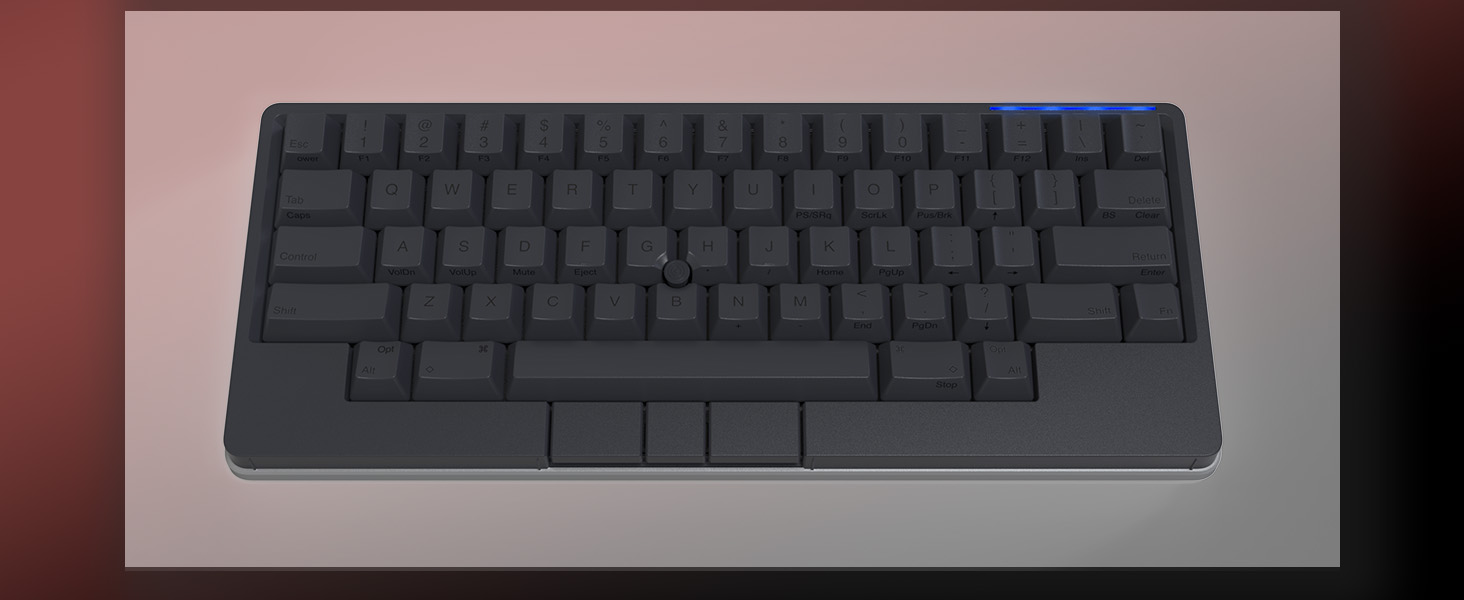
- Four touch-operated, customizable Gesture Pads unlock a wide variety of functions from switching windows and adjusting analog inputs to complex user-defined commands
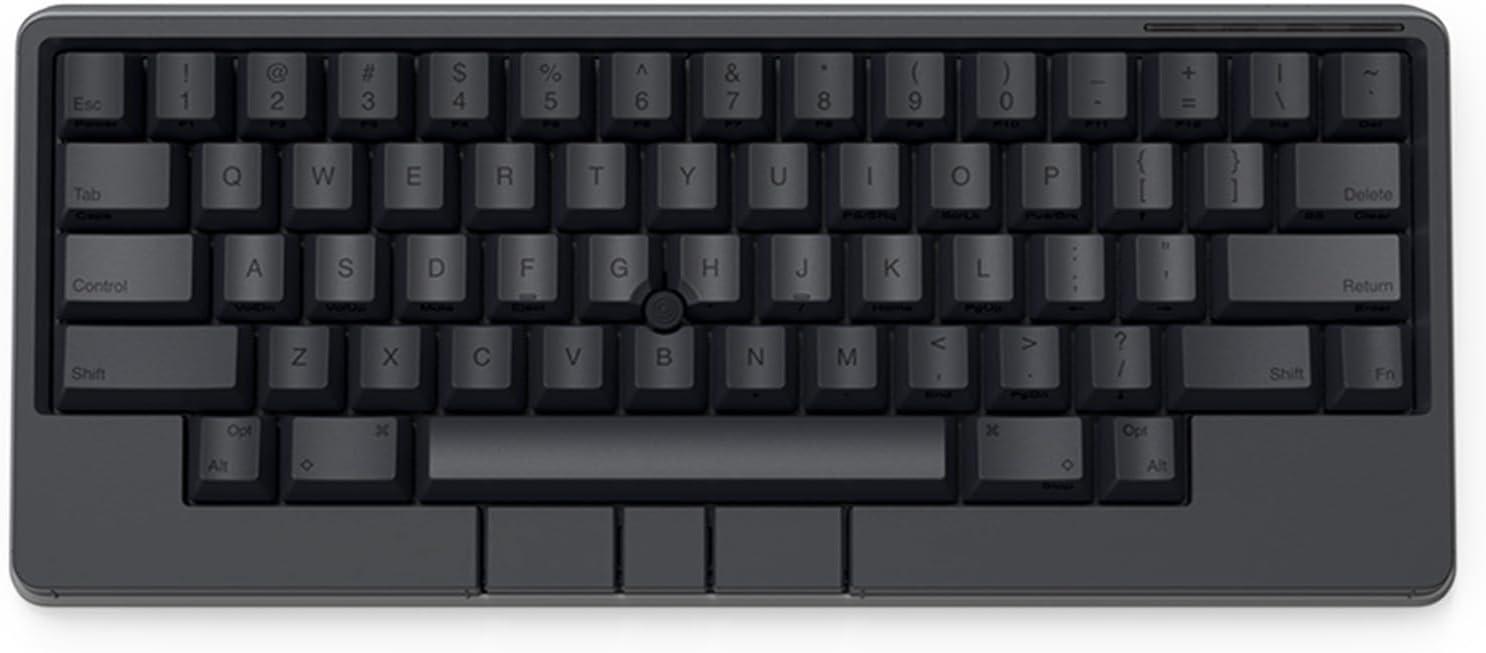
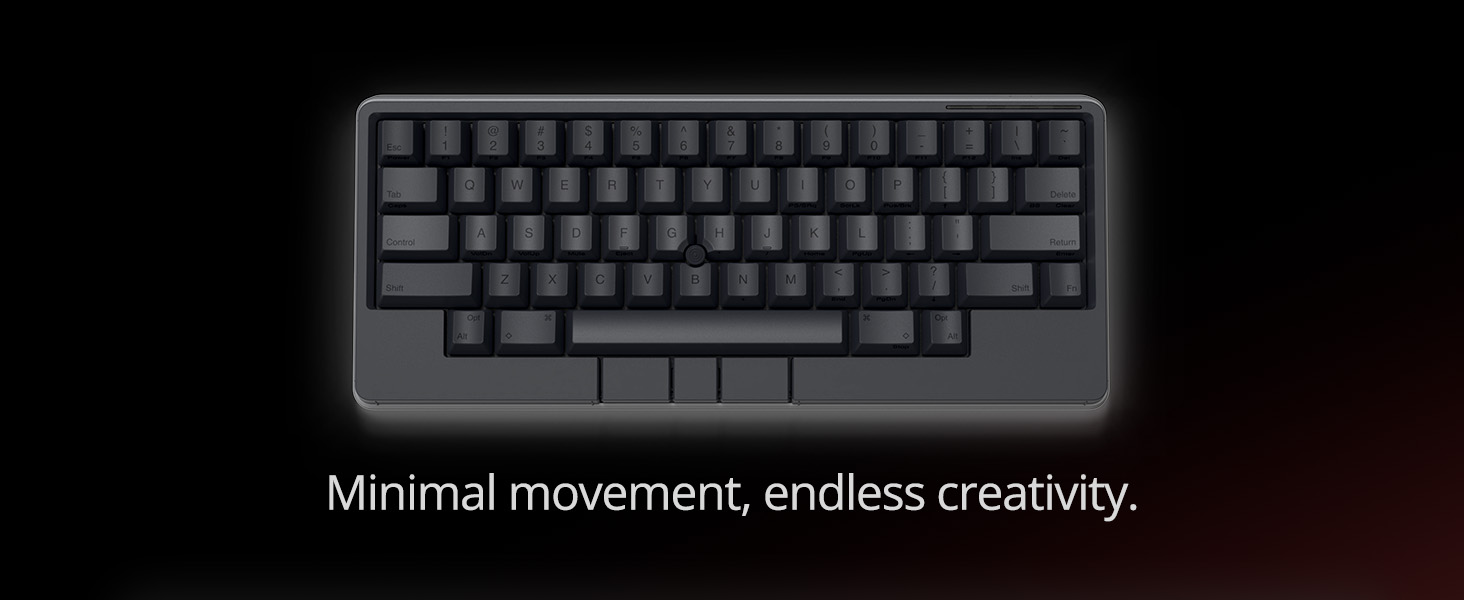
- Integrated mouse functionality with a pointing stick in the center of the keyboard and three mouse buttons below the space key eliminates the need for a touchpad or mouse and promotes a fully immersive, comfortable typing experience from anywhere
- Create Keymap settings for both key layout and Gesture Pads which are saved in the HHKB so you can use it with different devices. Up to four different keymap profiles can be created. DIP switches enable custom key and OS settings
- Connect to your PC via USB (Type-C), or connect to your PC, Tablet, Smartphone (iPad, iPhone, Android) via Bluetooth multi-pairing, instantly switching between up to 4 devices
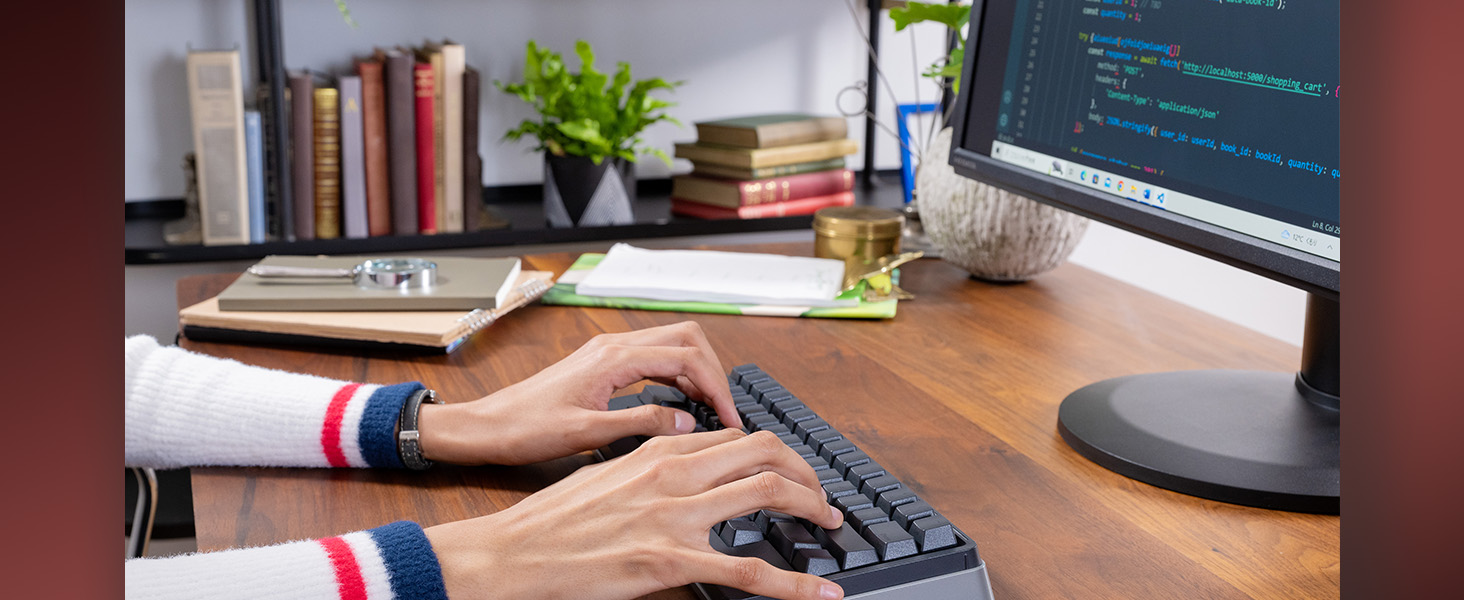
- Compact 60 key layout minimizes finger movement and maximizes efficiency. Silent linear mechanical switches reduce key noise and allows for complete concentration. Keyboard is hot-swappable to fit user’s switch preference
Identity
- Brand
- HHKB
- Model
- Studio
- Release Year
- 2023
Build
- Layout
- 60% (Compact)
- Switch Type
- Silent
- Hot-swap
- True
- Keycap Material
- PBT
- Case Material
- ABS Plastic
- Case Color
- Charcoal
- Profile
- Standard
Connectivity
- Connectivity
- Hybrid (BT + 2.4 GHz + USB)
- Key Count
- 60
- Width
- 308 mm
- Backlight
- RGB Backlight
Description
The HHKB Studio is designed for professionals and enthusiasts seeking a highly efficient and portable typing experience. This compact 60% layout keyboard, a modern iteration of the classic HHKB design, prioritizes functionality and a clean desktop aesthetic, making it ideal for focused work environments. Its thoughtful design aims to enhance productivity by minimizing hand movement and providing a streamlined interface.
Equipped with silent linear mechanical switches, the HHKB Studio ensures a quiet yet satisfying typing feel, perfect for shared spaces or late-night sessions. The keyboard is hot-swappable, allowing users to easily change switches to match their personal preference without soldering. While specific case and keycap materials are not detailed, the focus is on a durable and comfortable typing platform.
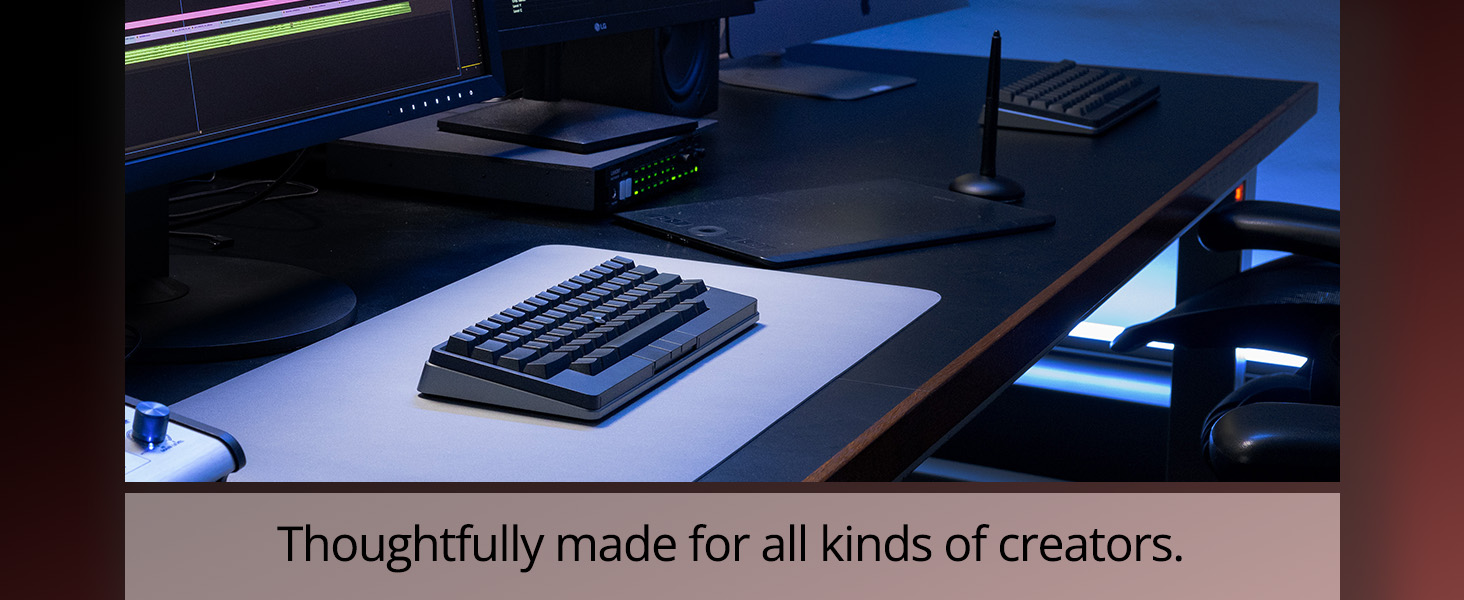
Offering hybrid connectivity through USB-C and Bluetooth multi-pairing, the HHKB Studio seamlessly connects to up to four devices, including PCs, tablets, and smartphones. Its integrated pointing stick and mouse buttons provide mouse functionality directly from the keyboard, further boosting efficiency for programmers and writers. The customizable gesture pads and keymap settings cater to users who demand a highly personalized and efficient workflow.
Frequently Asked Questions
Is the HHKB Studio suitable for both gaming and typing?
The HHKB Studio, with its compact 60% layout and silent linear switches, is primarily optimized for typing and programming efficiency. While it can be used for gaming, its design prioritizes a focused workflow over typical gaming features. The integrated pointing stick and gesture pads are more geared towards productivity tasks.
What is the feel and sound profile of the switches in the HHKB Studio?
The HHKB Studio comes equipped with silent linear mechanical switches. These switches provide a smooth, consistent keystroke without a tactile bump or an audible click, making them very quiet. This silent operation is ideal for shared office spaces or late-night use where minimizing noise is important for concentration.
Does the HHKB Studio support hot-swappable switches?
Yes, the HHKB Studio features hot-swappable sockets. This allows users to easily change out the mechanical switches without any soldering. You can customize the typing feel by installing different compatible 3-pin or 5-pin switches to match your preference.
What are the connectivity options and battery life for the HHKB Studio?
The HHKB Studio offers versatile hybrid connectivity, supporting both wired USB-C and Bluetooth multi-pairing. It can connect to up to four devices wirelessly, including PCs, tablets, and smartphones. The product information does not specify the exact battery life, but its multi-device Bluetooth capability ensures flexibility for various setups.
Is the HHKB Studio a good keyboard for beginners in mechanical keyboards?
The HHKB Studio is a premium keyboard with a unique 60% layout and specialized features like gesture pads and an integrated pointing stick. While its quality is high, the compact layout and advanced customization options might have a slight learning curve for absolute beginners. However, its hot-swap capability makes it great for exploring different switch types.
Editor's take
The HHKB Studio marks a significant evolution for the revered Happy Hacking Keyboard line, bringing modern features to its iconic 60% layout. Designed for serious typists and programmers, this keyboard emphasizes a minimalist aesthetic combined with maximum functionality. While the specific case material isn't detailed, the build quality is expected to uphold HHKB's reputation for durability and a premium feel, making it a robust tool for any desk setup. Its focus remains on a highly efficient and comfortable typing experience, catering to those who value precision and a clean workspace.
At its core, the HHKB Studio features silent linear mechanical switches, providing a smooth, quiet keystroke that's ideal for environments where noise is a concern. A standout feature is its hot-swappable sockets, allowing users to easily experiment with different switch types without soldering, truly customizing their typing feel. The inclusion of integrated mouse functionality via a pointing stick and dedicated mouse buttons is a unique addition, aiming to reduce hand travel and keep users focused on the keyboard. Furthermore, the customizable gesture pads offer an innovative layer of control, enhancing workflow efficiency.
One potential consideration for some users might be the keyboard's weight, listed at 1.9 pounds, which is on the heavier side for a 60% layout and might impact its perceived portability despite its compact size. Additionally, while the integrated mouse functionality is innovative, it might require an adjustment period for users accustomed to traditional mice or trackpads, potentially slowing down initial adoption for some. The absence of dedicated RGB backlighting might also be a drawback for those who prefer visual customization or typing in low-light conditions.
Overall, the HHKB Studio is an excellent choice for users deeply invested in productivity and a highly customizable typing experience. Its hybrid connectivity (USB-C and Bluetooth) ensures versatility across multiple devices, from desktops to mobile. For those seeking a similar compact, high-performance keyboard, alternatives like the Keychron K6 Pro or the NuPhy Air60 offer different switch options and aesthetics, but the HHKB Studio's unique gesture pads and integrated pointing stick set it apart for a truly immersive and efficient workflow.
In categories
From the maker
An All In One Input Device
The Studio integrates a pointing stick and mouse buttons directly into the classic HHKB layout. This design minimizes hand movement, keeping your focus on the screen. Control your entire workflow from the home row without reaching for a separate mouse.
New Hot Swappable Mechanical Switches
Moving to a linear mechanical switch, the Studio provides a smooth and consistent keystroke. The board is hot-swappable, allowing for easy switch replacement without any soldering. This enables complete customization of the typing feel to suit your preference.
Iconic
The Original HHKB 60-key layout with optimal comfort for long sessions
Intuitive Gesture Pad Control
Four gesture pads are located on the sides and front bezel of the keyboard. These touch-sensitive surfaces can be configured for functions like vertical or horizontal scrolling. This adds another layer of input control directly at your fingertips.
Warranty and Support
Guides and Documents
User reviews
No reviews for this product yet.