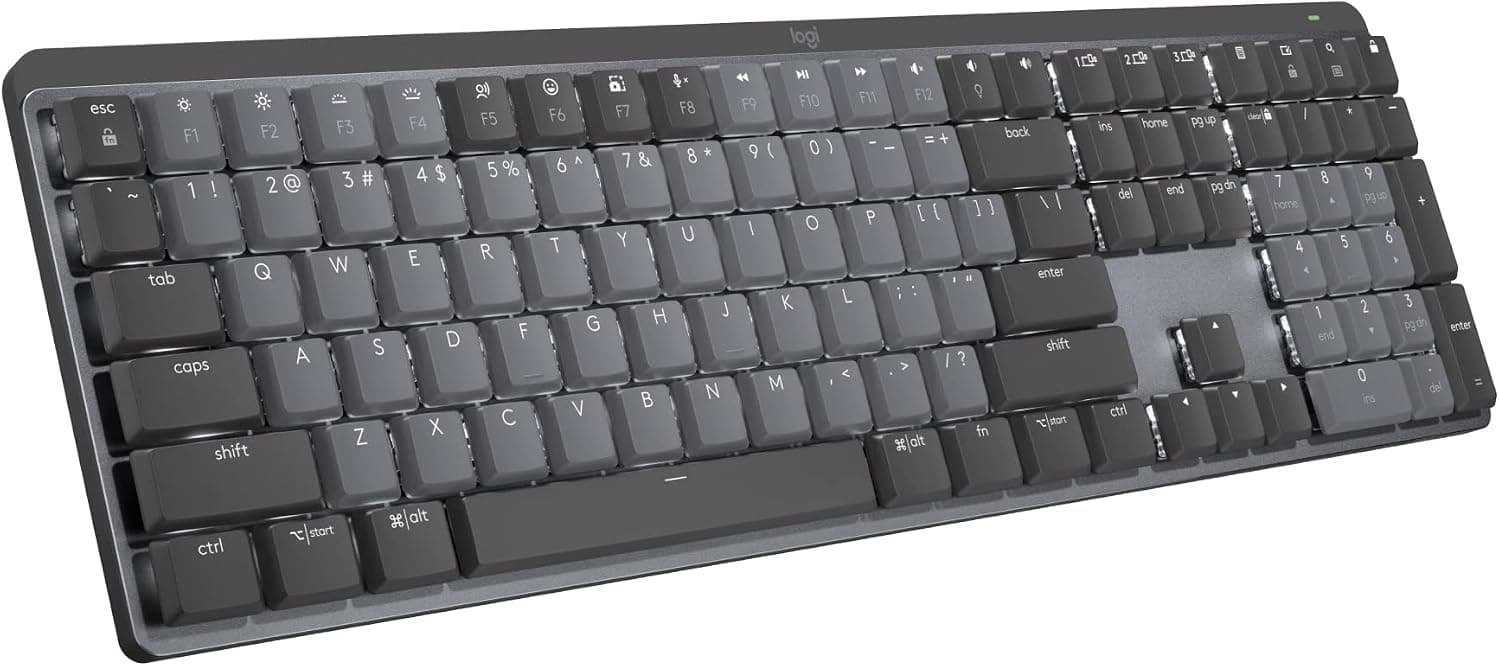
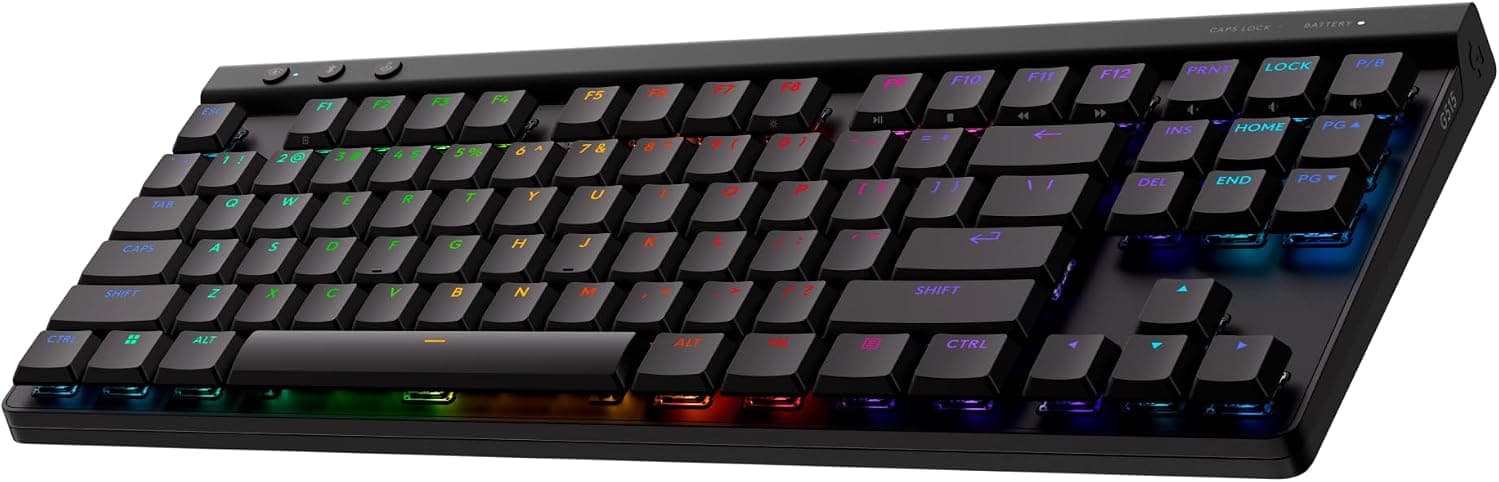
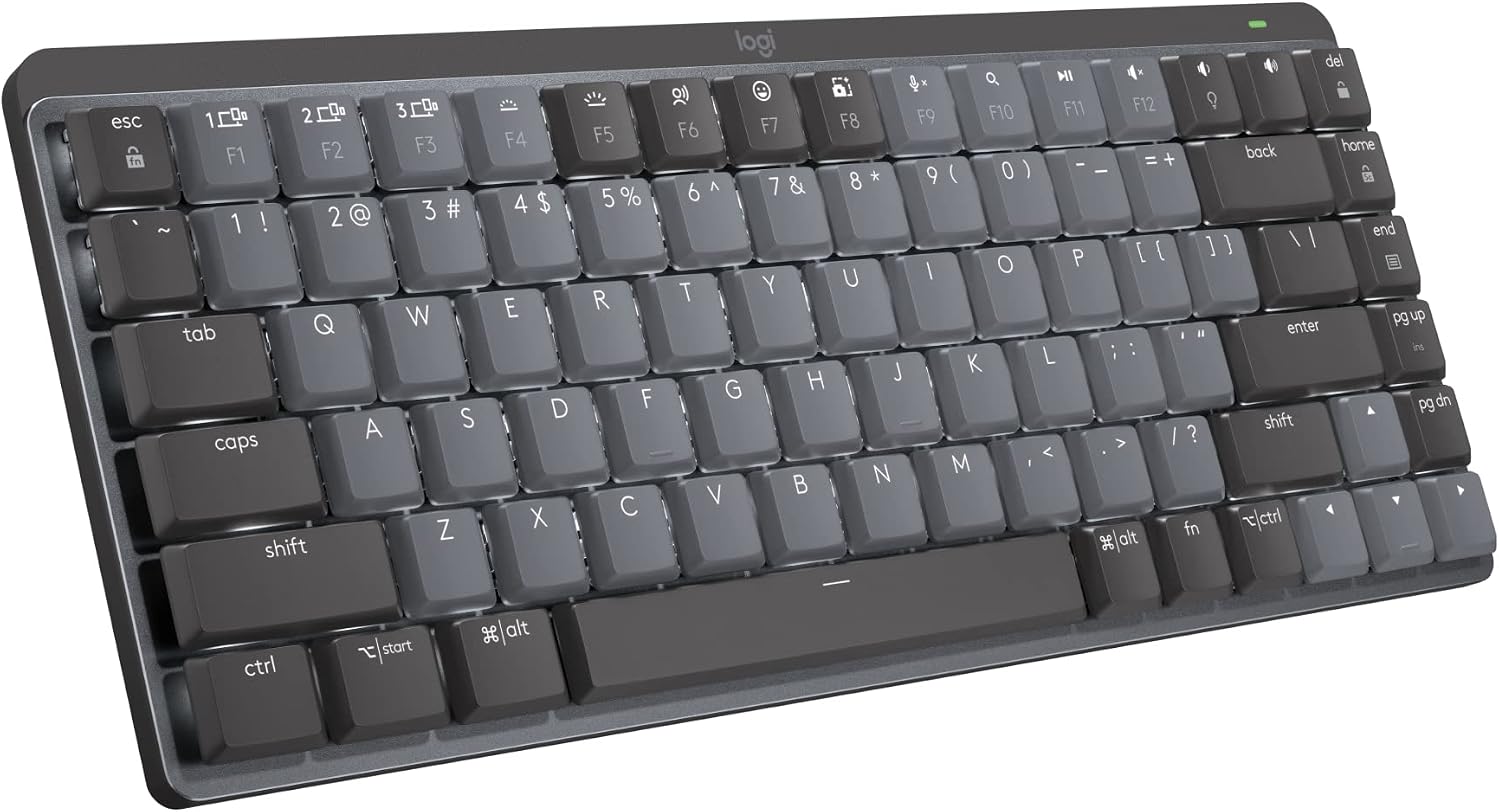
Logitech MX Mechanical Mini, Tactile Quiet
Logitech MX Mini Master, 75% Tactile
A compact low-profile mechanical keyboard with Tactile Quiet switches, smart white backlighting, Bluetooth and Logi Bolt. USB-C is for charging.


This page contains affiliate links. We may earn commission on qualifying purchases. Learn more
About this item
- Tactile Quiet mechanical key switches with a satisfying tactile bump for precise feedback and less noise.
- Low-profile keys and a compact form factor designed for effortless precision and better ergonomics.
- Smart illumination: Backlit keys light up on approach and automatically adjust to lighting conditions.
- Customize Fn keys, assign backlighting effects, and enable Flow cross-computer control with Logi Options+.
- Multi-device, multi-OS: Pair with up to 3 devices via Bluetooth Low Energy or included Logi Bolt receiver.
- USB-C quick charging: Stays powered up to 15 days with backlighting or 10 months without.
Identity
- Brand
- Logitech
- Model
- MX Mechanical Mini
- Release Year
- 2022
Build
- Layout
- 75%
- Switch Type
- Tactile
- Hot-swap
- Soldered
- Keycap Material
- ABS
- Case Material
- Recycled Plastic
- Case Color
- Graphite
- Profile
- Low-Profile
Connectivity
- Connectivity
- Bluetooth
- Key Count
- 84
- Width
- 312.6 mm
- Backlight
- No Backlight
Description
The Logitech MX Mechanical Mini is a compact 75% wireless mechanical keyboard designed for professionals and users seeking a premium typing experience in a smaller footprint. Its "Mini" designation highlights its space-saving design, making it ideal for decluttered workspaces or on-the-go productivity. This keyboard combines Logitech's renowned reliability with mechanical precision, offering a sophisticated tool for daily tasks.
At its core, the MX Mechanical Mini features tactile mechanical key switches, engineered for quiet operation while providing satisfying feedback. The low-profile key design contributes to enhanced ergonomics and a comfortable typing posture. The case is constructed from recycled plastic, reflecting a commitment to sustainability. Smart illumination ensures keys are backlit only when needed, conserving battery life and adapting to ambient light conditions.
Connectivity is versatile, supporting up to three devices via Bluetooth Low Energy or the included Logi Bolt receiver, making it compatible with various operating systems. This hybrid wireless capability ensures a stable and responsive connection for both work and casual use. With USB-C quick charging, the keyboard offers extended battery life, making it a reliable companion for long work sessions without frequent recharges. It's particularly suited for those who prioritize a quiet, precise, and compact mechanical typing experience across multiple devices.
Frequently Asked Questions
Is the Logitech MX Mechanical Mini Master suitable for both gaming and typing?
The Logitech MX Mechanical Mini Master is primarily designed for typing and productivity tasks. Its tactile switches offer precise feedback and a quiet operation, which is excellent for office environments. While it can be used for casual gaming, dedicated gaming keyboards often feature lower latency and more aggressive designs.
What kind of switch feel can I expect from this keyboard?
This keyboard features tactile mechanical key switches. These switches provide a noticeable bump during actuation, giving you clear feedback without being overly loud. This makes for a satisfying and precise typing experience that is also quiet enough for shared workspaces.
Is the MX Mechanical Mini Master hot-swappable, allowing me to change switches?
The Logitech MX Mechanical Mini Master is not designed to be hot-swappable. The mechanical switches are soldered onto the PCB, meaning they cannot be easily removed or replaced without desoldering. Users should choose the switch type that best suits their preferences at the time of purchase.
How does the wireless connectivity work, and is it compatible with Mac and Windows?
The MX Mechanical Mini Master offers hybrid wireless connectivity. You can connect it to up to three devices via Bluetooth Low Energy or using the included Logi Bolt USB receiver. It is fully compatible with both Mac and Windows operating systems, providing seamless switching between devices.
What is the battery life like on the Logitech MX Mechanical Mini Master?
The battery life of the MX Mechanical Mini Master is impressive. It can last up to 15 days on a full charge with backlighting enabled. If you turn off the backlighting, the keyboard can operate for up to 10 months, making it highly convenient for extended use.
Editor's take
The Logitech MX Mechanical Mini positions itself as a premium, compact mechanical keyboard for the discerning professional. Launched as part of Logitech's MX series, it brings the satisfying feel of mechanical switches to a more streamlined form factor. Its low-profile design and "Mini" moniker make it a strong contender for those who value desk space and portability without compromising on typing quality. The keyboard's construction, featuring recycled plastic parts, also speaks to a modern, environmentally conscious design philosophy.
Typing on the MX Mechanical Mini is a distinct experience, primarily defined by its tactile mechanical key switches. These switches are specifically engineered for a quiet operation, providing a noticeable bump for feedback without the loud click, making it suitable for shared environments. The low-profile keys contribute to a more natural hand position, reducing strain during extended typing sessions. While not explicitly stated, Logitech's reputation suggests a solid build, and the smart illumination feature, which lights up keys as hands approach, adds a touch of modern convenience and battery efficiency.
A key consideration for the MX Mechanical Mini is its 75% compact layout, which, while excellent for space-saving, means the absence of a dedicated numpad. Users who frequently input numerical data might find themselves reaching for the full-size MX Mechanical variant. Additionally, while the hybrid wireless connectivity (Bluetooth and Logi Bolt) is robust, some enthusiasts might prefer a wired option for zero latency, though this is less critical for productivity tasks. The backlighting, while smart, is not RGB, limiting customization for those who enjoy personalized lighting effects.
For users seeking a compact, quiet, and precise mechanical keyboard with excellent multi-device wireless capabilities, the MX Mechanical Mini is a compelling choice. Its tactile switches and low-profile ergonomics make it a joy for typing, whether for coding, writing, or general office work. Alternatives in this space might include Keychron's K3 or NuPhy's Air75, which also offer low-profile mechanical options, but Logitech's integration with the Logi Options+ software and its established ecosystem provide a unique advantage for existing Logitech users.
In categories
From the maker

PERFORMANCE YOU CAN FEEL
Tactile Quiet mechanical typing. Clicky and Linear switches also available.
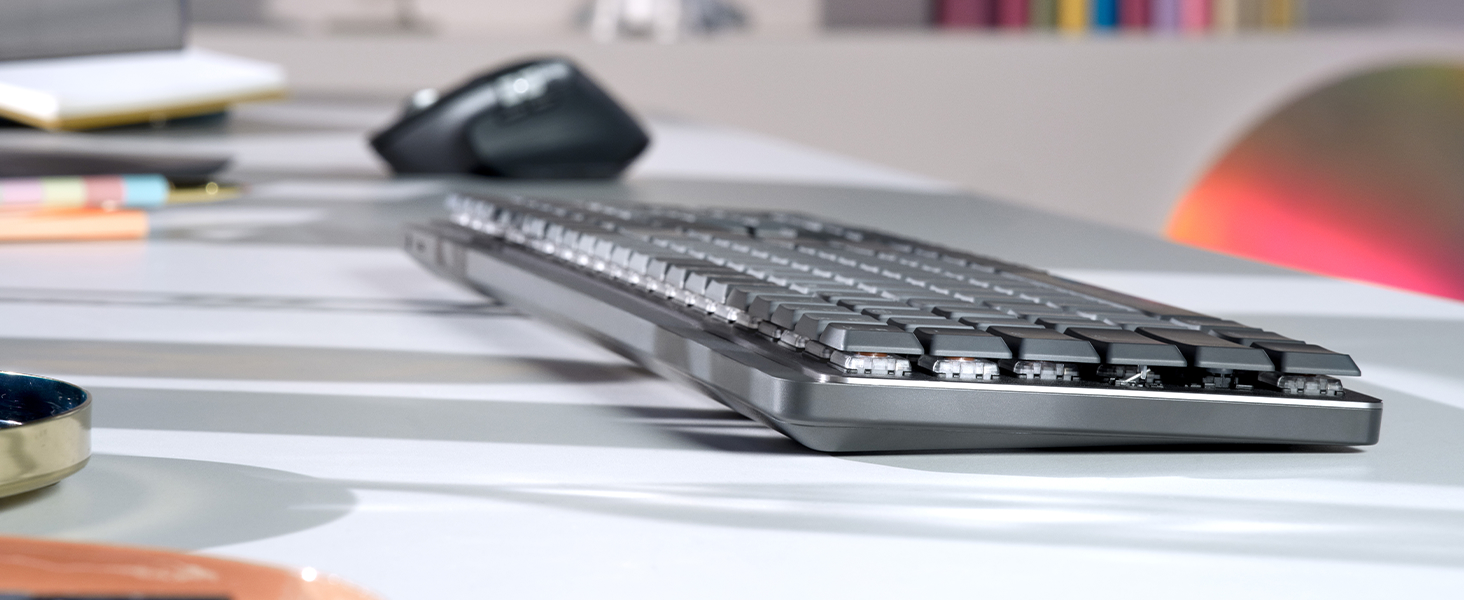
LOW- PROFILE KEYS, MORE COMFORT
Low-profile mechanical keys are designed for a more natural wrist position, providing effortless precision and longer hours of typing comfort.
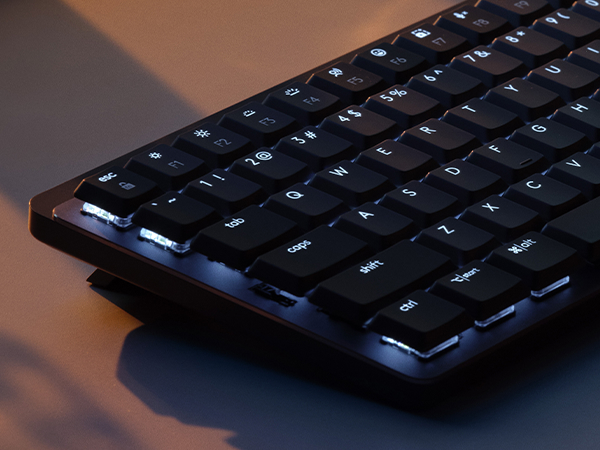
SMART ILLUMINATION
Backlit keys light up the moment your hands approach and automatically adjust.
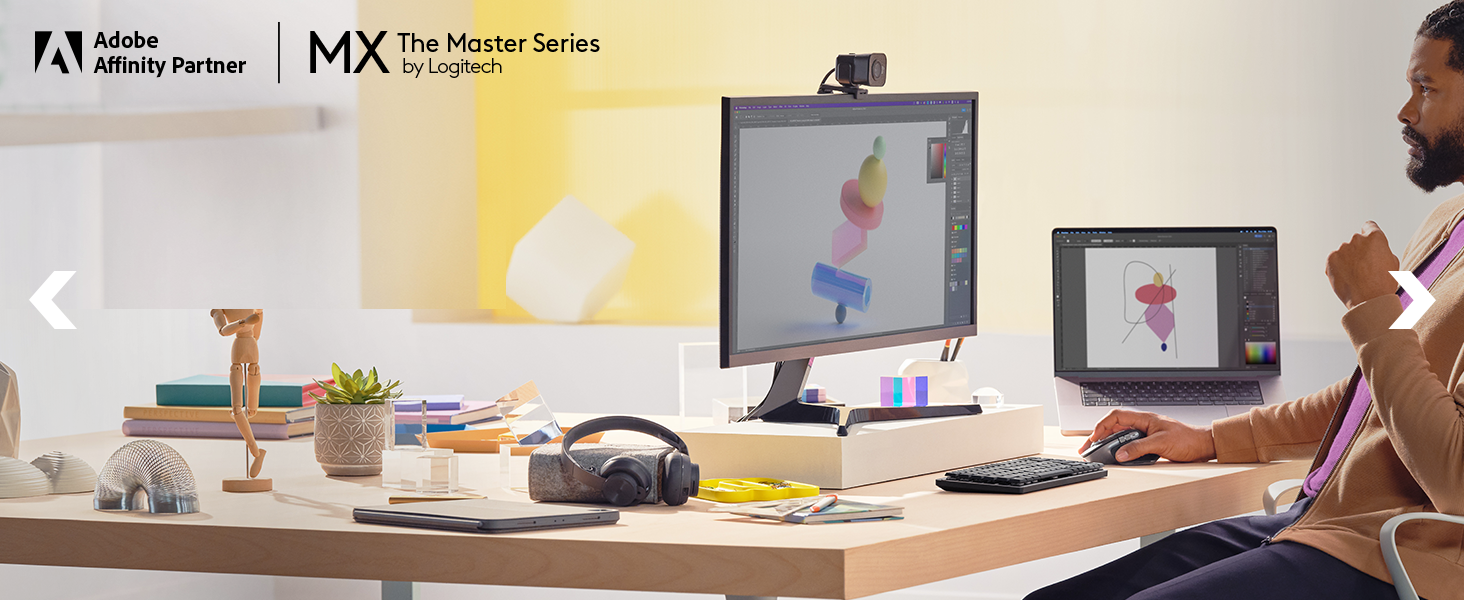
MX + CREATIVE CLOUD
Get a complimentary 1-month Adobe Creative Cloud subscription with your purchase of MX Mechanical Mini.
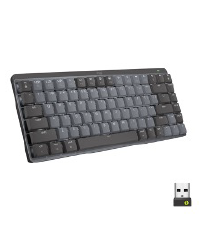
COMPARE SIMILAR PRODUCTS
MX Mechanical Mini
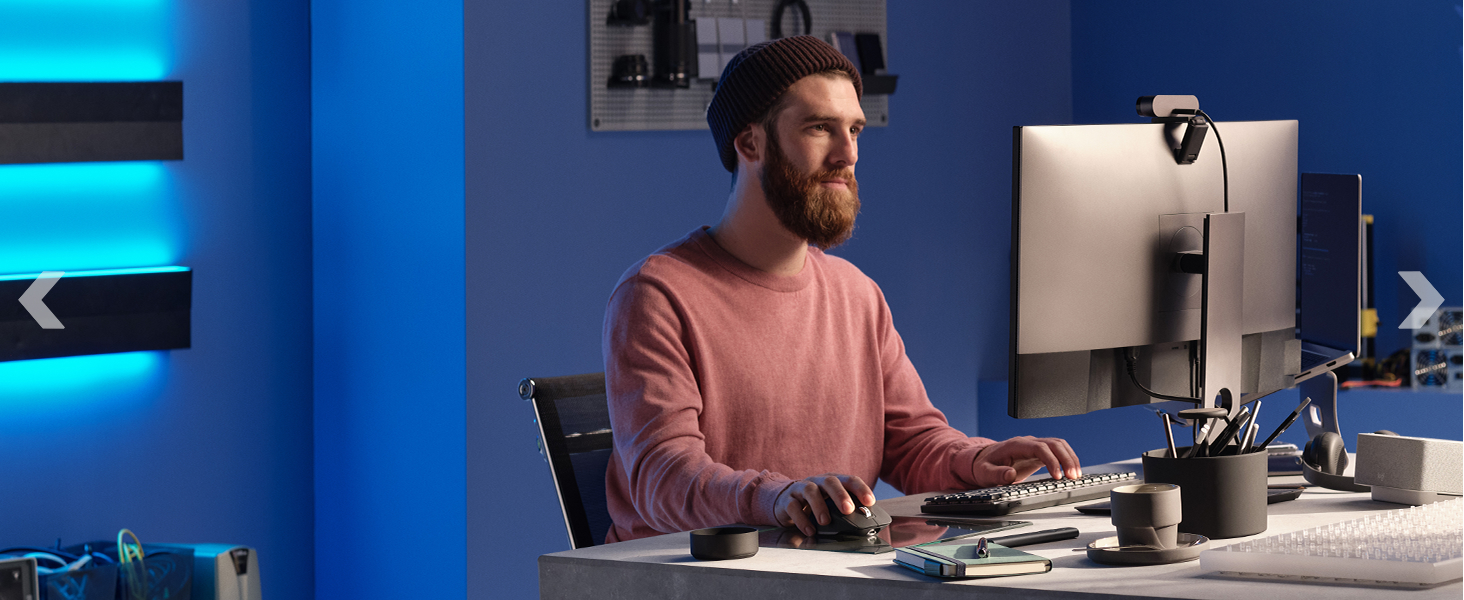
COMPLETE YOUR MX SETUP
Create, make, and do with an icon , remastered. Magspeed scrolling, 8K DPI tracking, and Quiet Click make it the greatest MX Master mouse ever.
Warranty and Support
Guides and Documents
User reviews
No reviews for this product yet.