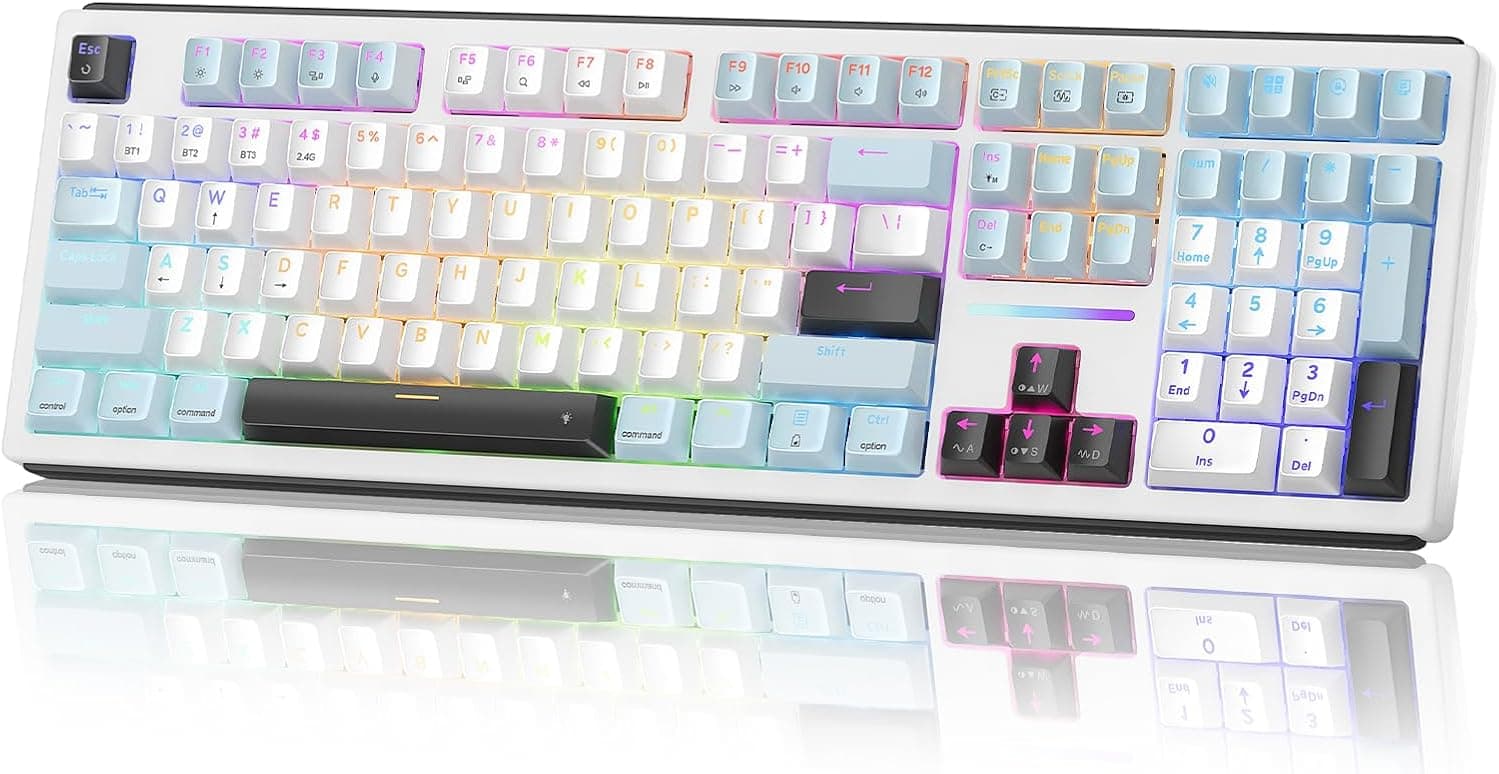
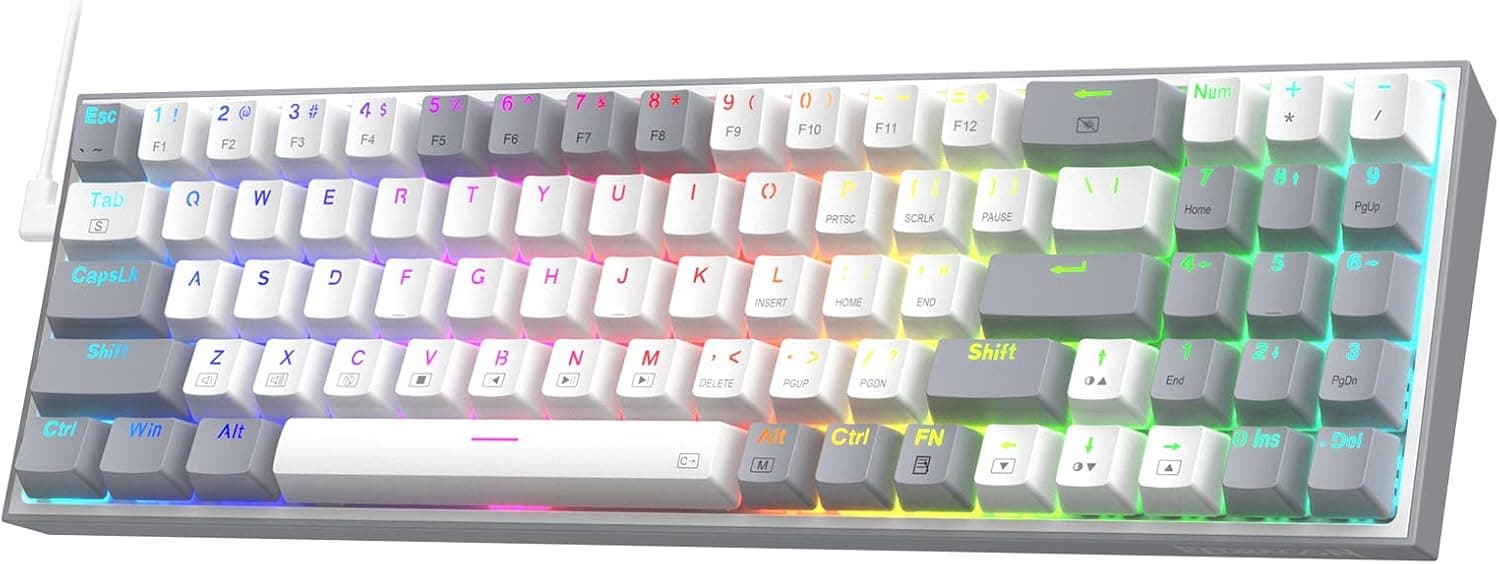
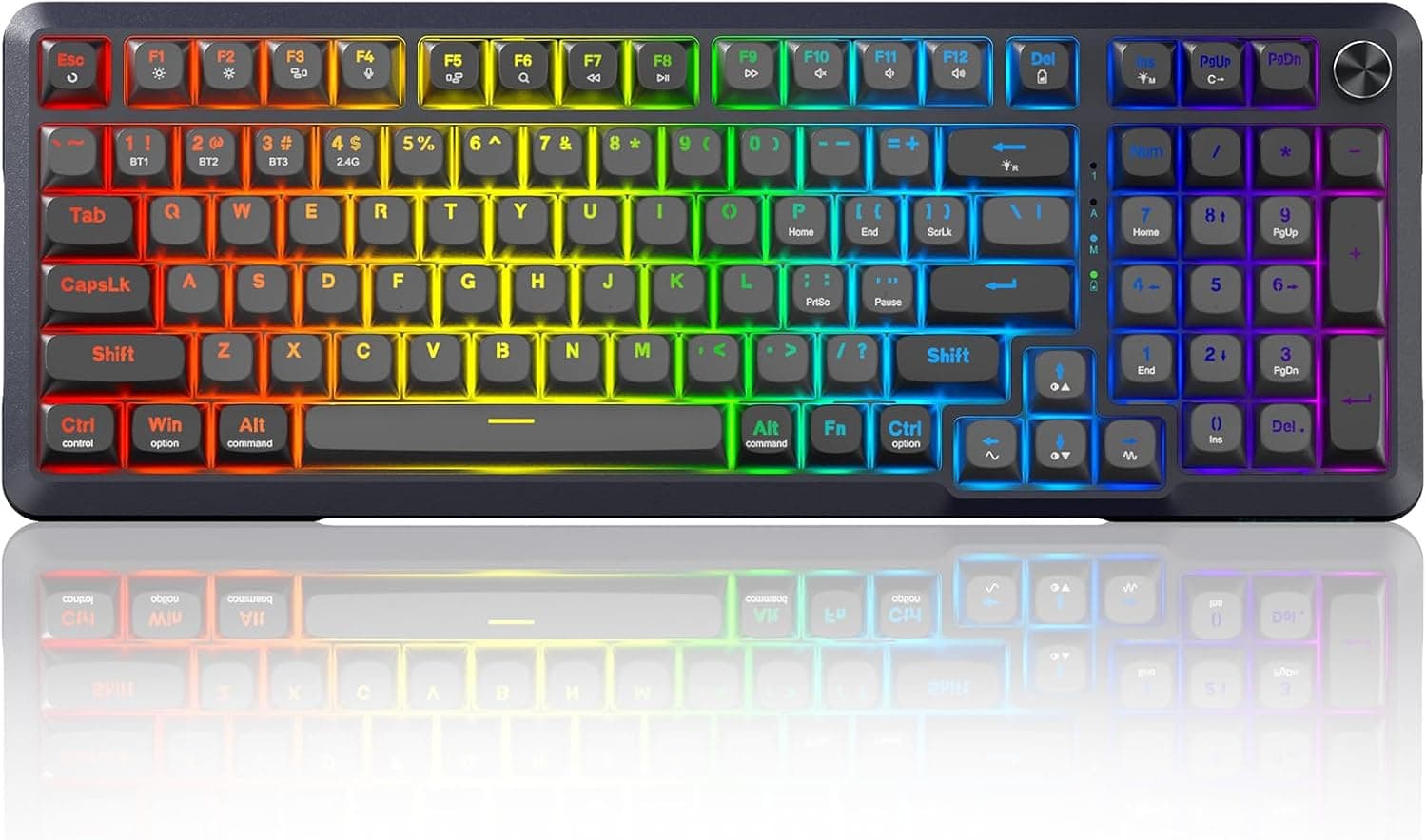
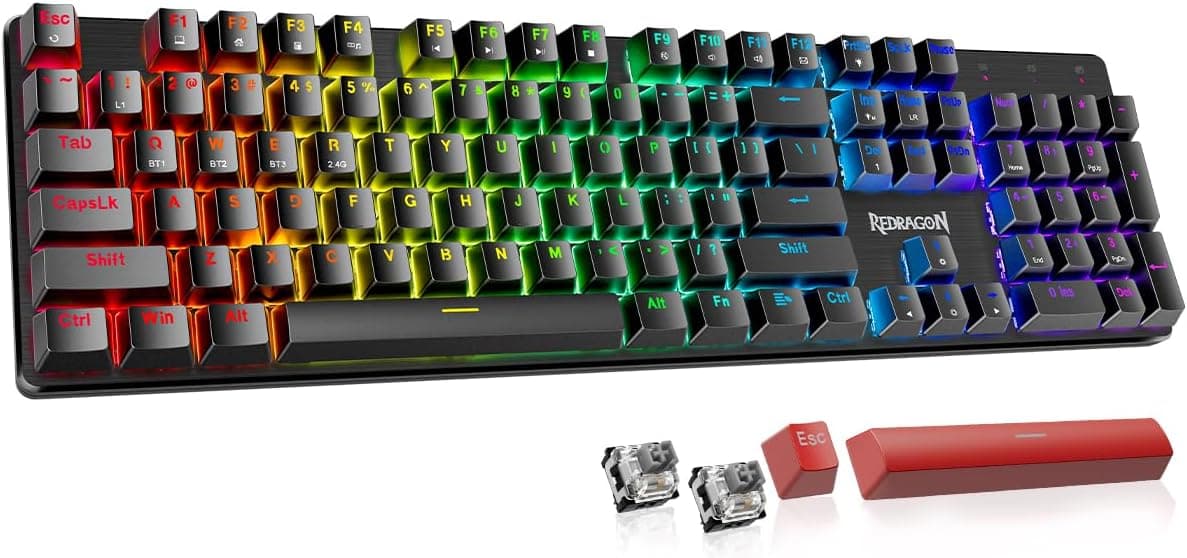
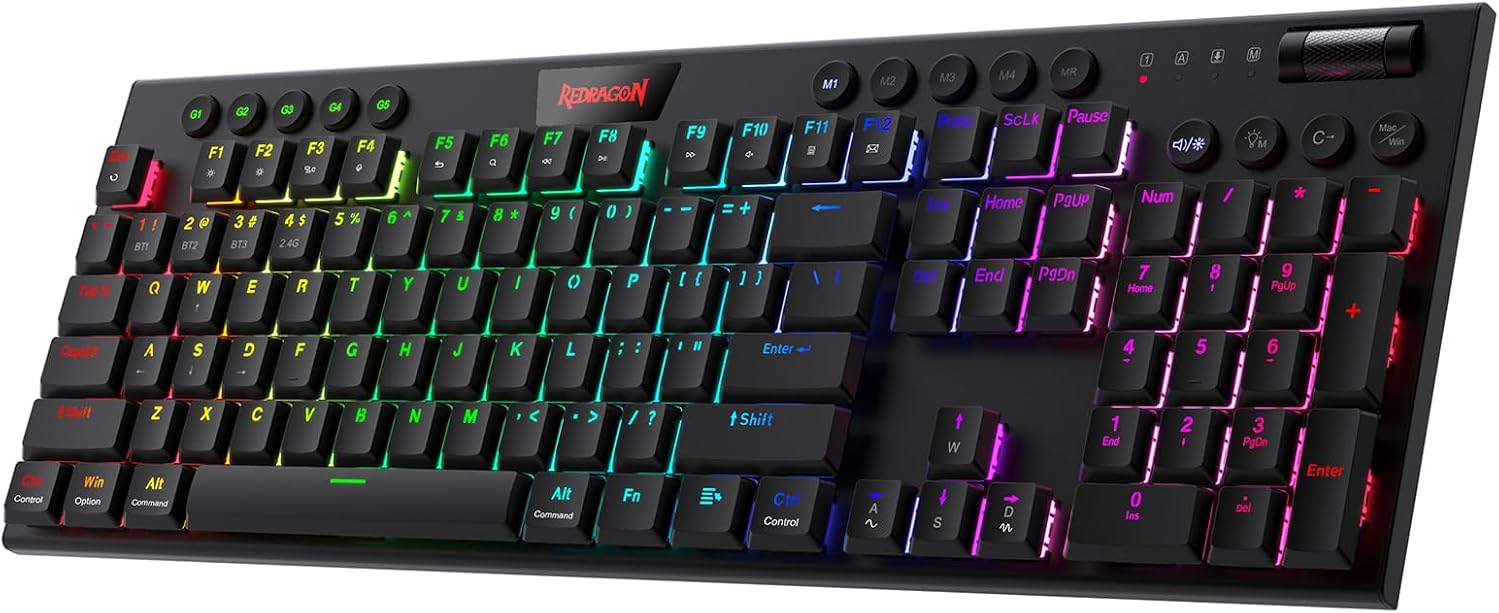
Redragon K618 PRO, low-profile Red
Redragon Horus, 75% Linear
The Redragon K618 PRO Horus is a low-profile mechanical keyboard featuring linear switches and versatile tri-mode connectivity (USB-C, Bluetooth, 2.4GHz wireless) for seamless device switching.


This page contains affiliate links. We may earn commission on qualifying purchases. Learn more
About this item
- 20 On-the-Fly Macro Keys, No Software Required - A dedicated 4x5 macro zone plus media controls let you record combos or adjust volume and tracks instantly.
- Switch Devices Without Re-Pairing, Zero Lag - Tri-mode connectivity jumps between USB-C, Bluetooth, and 2.4GHz wireless for seamless transitions.
- 30% Slimmer for Faster Actuation - A low-profile design throughout the switches and keycaps shortens travel distance for quicker keystrokes.
- One-Touch Win/Mac Switch Meets Smooth Linear Feedback - Toggle instantly between operating systems, with stock Red switches for responsive gaming or typing.
- Pro Software for Even Deeper Customization - Remap any key, set infinite keybinding combinations, and design 16.8 million-color lighting effects.
Identity
- Brand
- Redragon
- Model
- K618 PRO Horus
- Release Year
- 2022
Build
- Layout
- Full-size
- Switch Type
- Linear
- Hot-swap
- Hot-swappable
- Keycap Material
- ABS
- Case Material
- ABS Plastic
- Profile
- Low-Profile
Connectivity
- Connectivity
- Hybrid (BT + 2.4 GHz + USB)
- Key Count
- 104
- Width
- 439.928 mm
- Backlight
- True
Description
The Redragon K618 PRO Horus positions itself as a compelling option for gamers and productivity users who prioritize a sleek, ultra-thin mechanical keyboard. Its modern aesthetic and focus on portability make it suitable for multi-device setups and dynamic workspaces, offering a high-performance experience without the bulk often associated with traditional mechanical boards.
Equipped with smooth linear Red switches, the K618 PRO Horus provides quick actuation and a light feel, ideal for rapid keystrokes during intense gaming sessions or comfortable extended typing. The low-profile switches and keycaps contribute to a shorter travel distance, enhancing speed and reducing wrist strain. Additionally, the keyboard boasts vibrant 16.8 million-color RGB lighting, allowing for extensive personalization of visual effects through its dedicated software.
Connectivity is a highlight, featuring advanced tri-mode technology that supports USB-C, Bluetooth, and 2.4GHz wireless connections. This allows for effortless switching between multiple devices like PCs, laptops, and tablets with zero lag, ensuring a consistent and reliable connection. With 20 on-the-fly macro keys and dedicated media controls, it caters to both productivity and entertainment, making it a versatile tool for any setup.
Frequently Asked Questions
Is the Redragon K618 PRO Horus suitable for both gaming and typing?
Yes, the Redragon K618 PRO Horus is designed to excel in both gaming and typing. Its linear Red switches provide smooth and responsive feedback, allowing for quick actuations crucial in gaming, while also offering a comfortable and light typing experience for extended periods. The low-profile design further enhances speed and reduces finger fatigue.
What kind of switches does the K618 PRO Horus use, and how do they feel?
The K618 PRO Horus comes with stock Red switches, which are linear. This means they have a consistent, smooth travel from top to bottom without any tactile bump or audible click. They are known for their fast actuation and light press force, making them popular among gamers and those who prefer a quiet, fluid typing feel.
Does the Redragon K618 PRO Horus support hot-swappable switches?
The Redragon K618 PRO Horus does not explicitly state support for hot-swappable switches in its features. This means the switches are likely soldered to the PCB, and changing them would require desoldering and soldering new switches, which is typically not recommended for average users.
How does the tri-mode connectivity work on this keyboard?
The K618 PRO Horus features advanced tri-mode connectivity, allowing you to connect via USB-C cable, Bluetooth, or a 2.4GHz wireless dongle. This enables seamless switching between up to three different devices, such as your PC, laptop, or tablet, without any re-pairing or noticeable lag, ensuring a versatile and efficient workflow.
Is this keyboard suitable for users new to mechanical keyboards?
Yes, the Redragon K618 PRO Horus can be a good option for newcomers, especially those looking for a low-profile and versatile keyboard. The linear Red switches are generally considered a good starting point due to their smooth feel, and the tri-mode connectivity offers flexibility for various setups. Its compact design is also user-friendly.
Editor's take
The Redragon K618 PRO Horus positions itself as a compelling option for gamers and productivity users who prioritize a sleek, low-profile design and versatile connectivity. This ultra-thin mechanical keyboard, part of Redragon's Horus series, aims to deliver a high-performance experience without the bulk often associated with traditional mechanical boards. Its modern aesthetic and focus on portability make it suitable for multi-device setups and dynamic workspaces.
At its core, the K618 PRO Horus features linear Red switches, known for their smooth, consistent keystrokes and rapid actuation, which are particularly beneficial for fast-paced gaming. The entire design, including the switches and keycaps, is low-profile, significantly reducing travel distance and providing a lighter, quicker typing feel. Users can also enjoy extensive personalization with its vibrant 16.8 million-color RGB lighting, fully customizable through the accompanying software, adding a dynamic visual flair to any desk setup.
While the K618 PRO Horus excels in its low-profile design and connectivity, a potential consideration for some users might be the absence of hot-swappable sockets. This means that while the stock linear Red switches are excellent, users cannot easily experiment with different switch types without desoldering, which limits customization for enthusiasts who frequently swap switches. Additionally, the ultra-thin nature, while a benefit for many, might not appeal to those who prefer the more substantial feel and deeper key travel of full-height mechanical keyboards.
Overall, the Redragon K618 PRO Horus is a strong contender for anyone seeking a tri-mode wireless mechanical keyboard with a low-profile form factor. Its seamless multi-device switching, dedicated macro keys, and responsive linear switches make it a versatile tool for both work and play. For users who value portability and a streamlined setup, this keyboard offers a compelling package, though those prioritizing extensive switch customization might look towards hot-swappable alternatives in a similar price bracket.
In categories
From the maker
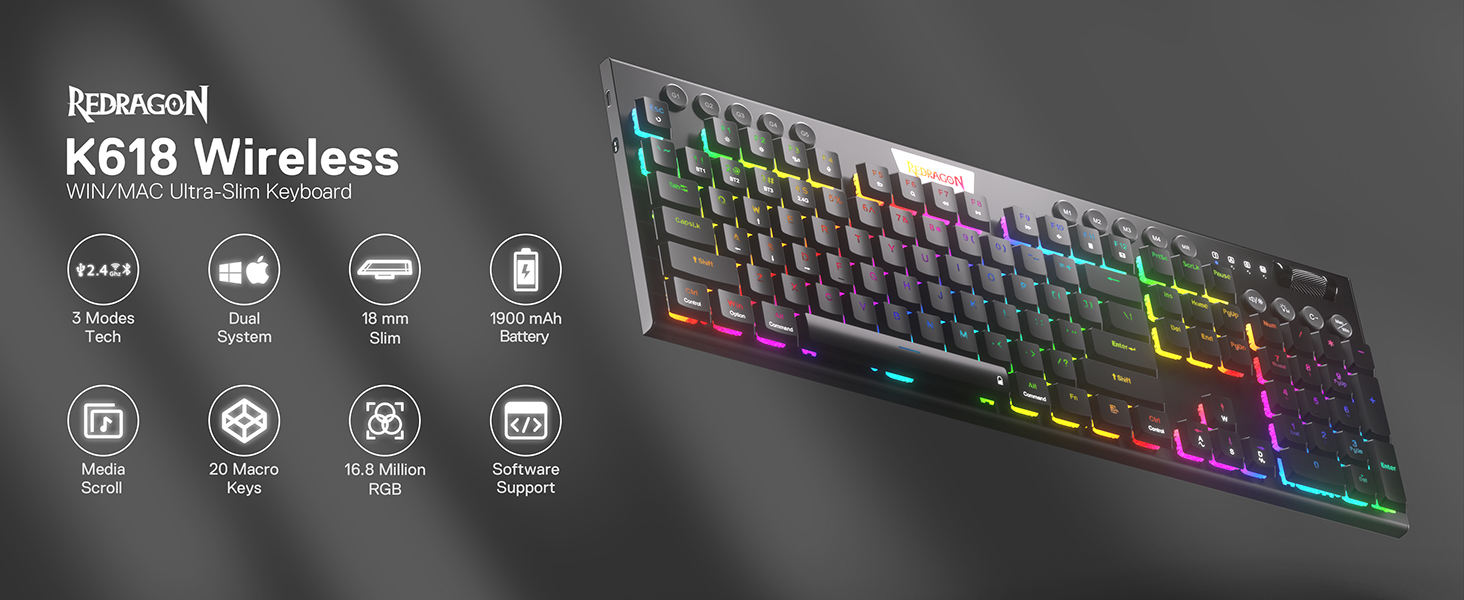
Superb RGB For Gamer
Up to 20 preset vibrant backlight modes can be adjusted easily by onboard keys and software, the brightness is also adjustable by scroll section. Redragon logo filled with sync RGB colors offers extra active buff for the gamer.
Ultra-Thin Full-Size Profile
The Horus K618 integrates a full-size layout into an exceptionally slim frame for a clean, modern desktop. Its low-profile design reduces wrist angle and fatigue during long sessions. The board is built into a durable ABS plastic case, providing a rigid and stable typing foundation without excess bulk.
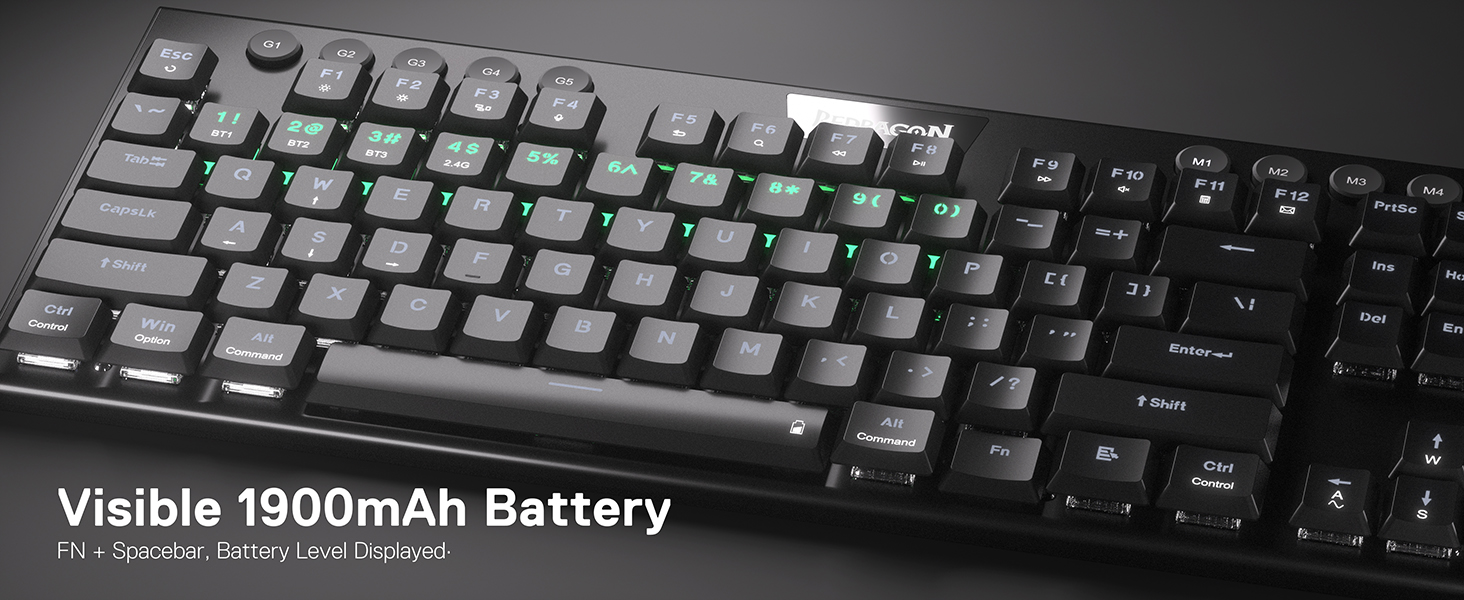
Versatile Tri-Mode Connectivity
Switch between your systems with three distinct connection options. Use the low-latency 2.4GHz wireless for competitive gaming, Bluetooth for convenient pairing with mobile devices, or a detachable USB-C cable for a direct, reliable link. This flexibility supports a dynamic workflow across multiple platforms.
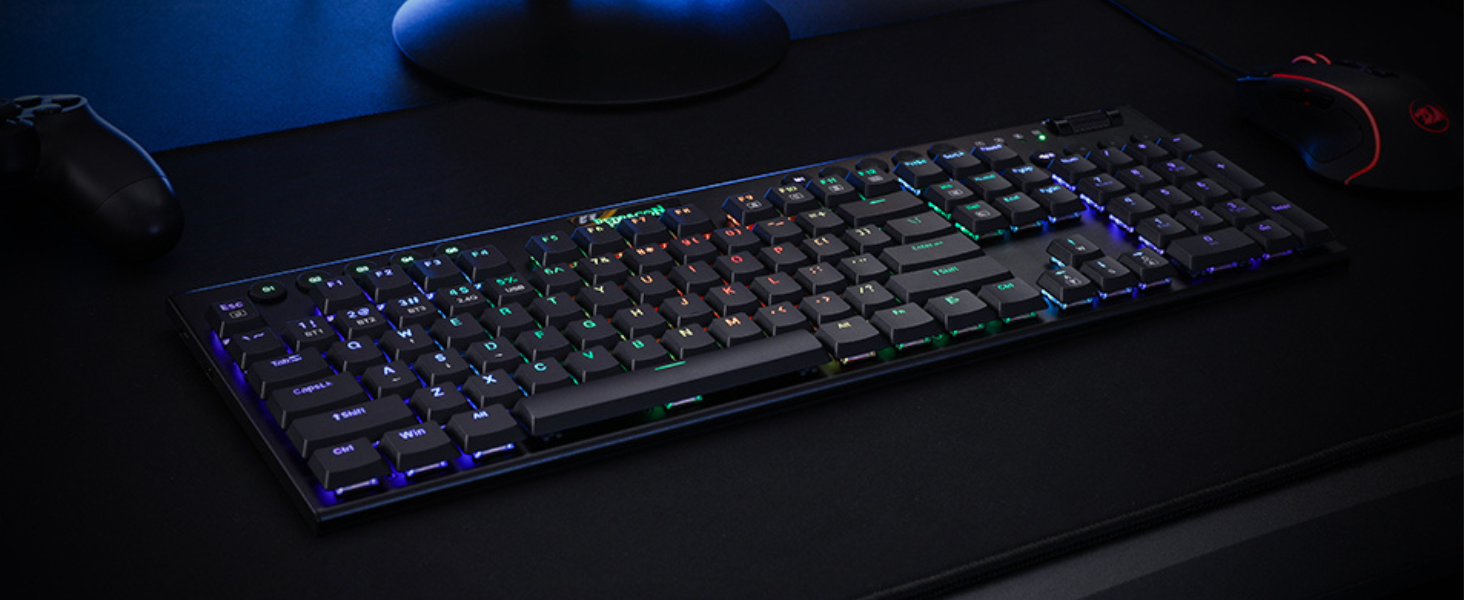
Dedicated Media and Macro Keys
Maintain control without interrupting your workflow or gameplay. The board includes dedicated media keys and a tactile volume roller for immediate audio adjustments. Five programmable G-keys are also available for assigning complex macros, streamlining repetitive tasks in any application.
Warranty and Support
Guides and Documents
User reviews
No reviews for this product yet.