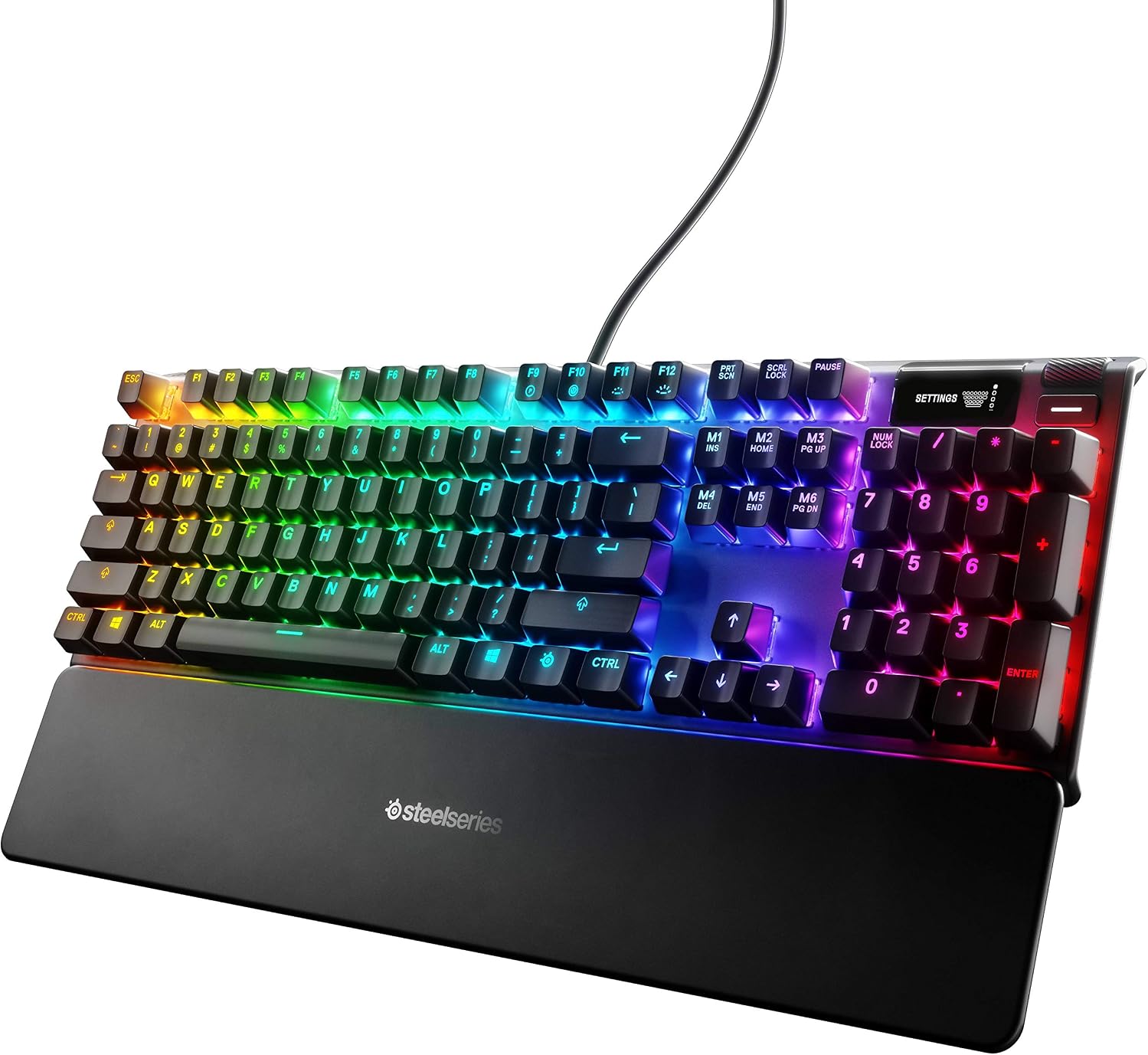
SteelSeries Apex 7 355mm
SteelSeries Apex 7 Red Switch, 64636
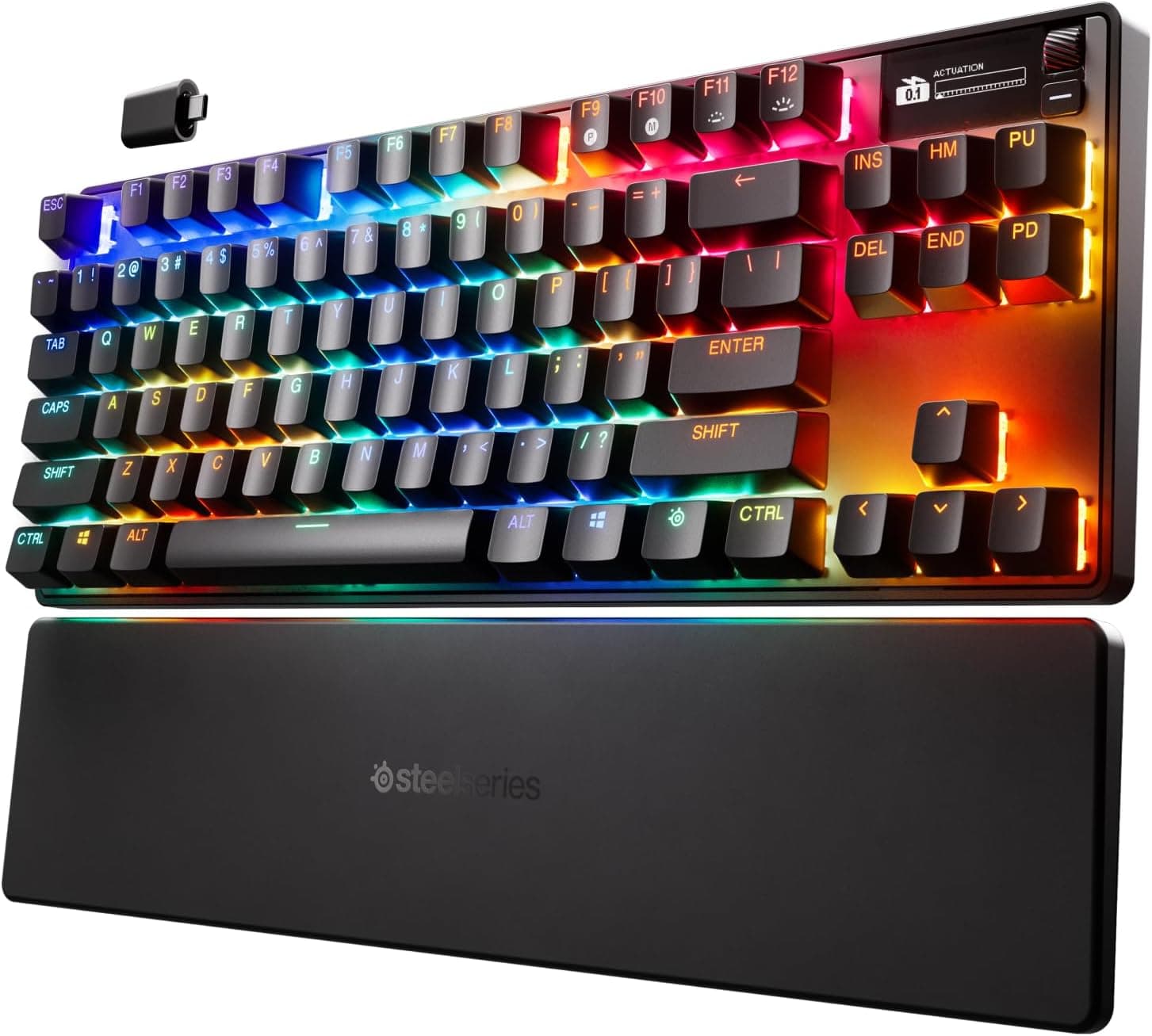
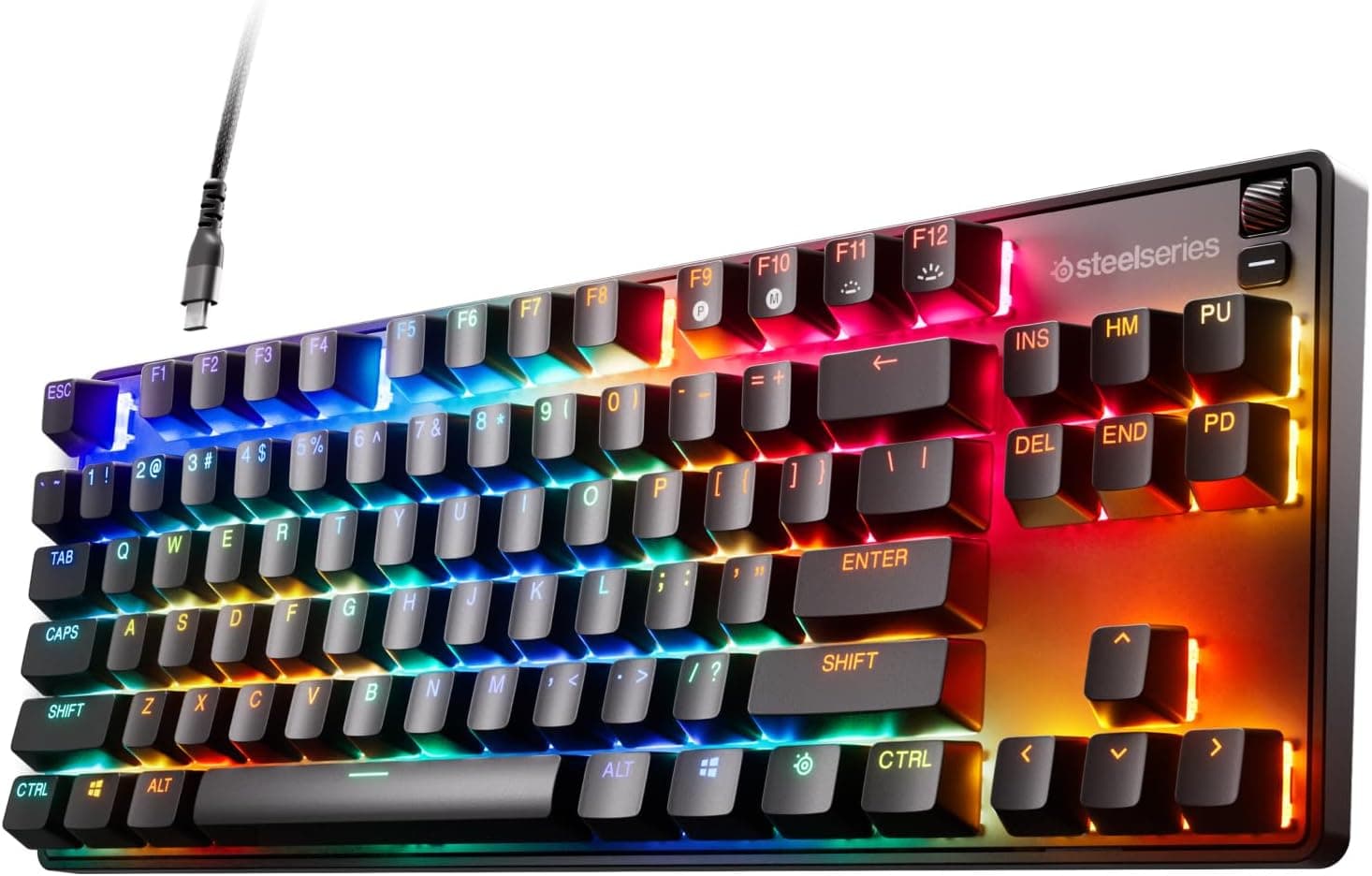
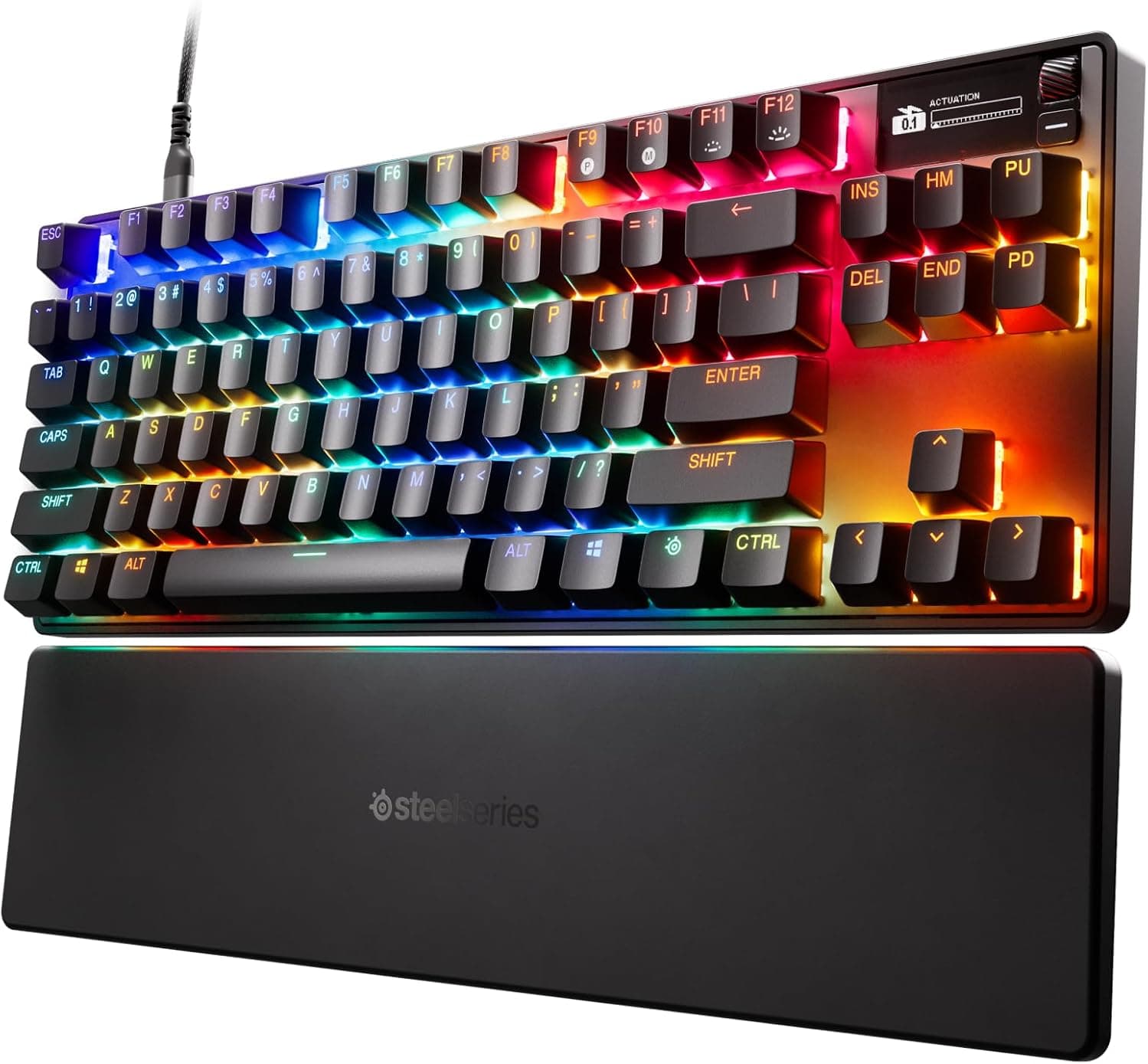
The SteelSeries Apex 7 is a tenkeyless mechanical gaming keyboard with Red linear switches, aircraft-grade aluminum construction, per-key RGB, and an integrated OLED smart display.


This page contains affiliate links. We may earn commission on qualifying purchases. Learn more
About this item
- OLED smart display for adjusting settings and tracking game, Spotify, and Discord info on the fly
- Aircraft-grade aluminum alloy construction built for long-term durability and stability
- Per-key RGB illumination with 16.8 million colors and 84-key N-key rollover
- Premium magnetic wrist rest for full palm support and ergonomic comfort
- Durable mechanical gaming switches in a Red linear and quiet configuration
Identity
- Brand
- SteelSeries
- Model
- Apex 7 , Red Switch
- Release Year
- 2019
Build
- Layout
- TKL (Tenkeyless)
- Switch Type
- Linear
- Hot-swap
- No
- Keycap Material
- ABS
- Case Material
- Aluminum
- Profile
- Standard
Connectivity
- Connectivity
- Wired (USB)
- Key Count
- 84
- Width
- 355 mm
- Backlight
- True
Description
The SteelSeries Apex 7 targets competitive gamers and enthusiasts who want a compact tenkeyless layout without sacrificing build quality or feature depth. Sitting in SteelSeries' mid-to-upper Apex line, it pairs an 84-key footprint with a premium aluminum chassis and a suite of on-board controls, making it a strong choice for desk setups where space and performance both matter.
The keyboard is built around Red linear switches, delivering smooth, quiet keystrokes with minimal resistance, well suited to fast-paced gaming sessions. The aircraft-grade aluminum alloy frame provides a rigid, stable typing platform that resists flex under heavy use. Per-key RGB illumination covers 16.8 million colors, and 84-key N-key rollover ensures every simultaneous input is registered accurately. A magnetic wrist rest attaches cleanly to the front edge, offering full palm support during long sessions. An integrated OLED smart display sits at the top of the board, letting users monitor game stats, Spotify playback, Discord notifications, and settings without leaving the keyboard.
Connecting via USB, the Apex 7 is immediately compatible with Windows and Mac systems and requires no wireless setup. The linear switch feel and low-noise profile make it equally comfortable for late-night typing as for competitive play. Gamers who prioritize a clean desk, fast inputs, and real-time on-board information will find the Apex 7 a well-rounded package, while the included wrist rest reduces the need for additional accessories.
Frequently Asked Questions
Is the SteelSeries Apex 7 better for gaming or typing?
The Apex 7 handles both well, though its Red linear switches are particularly suited to gaming due to their smooth, low-resistance travel and quiet sound profile. Most users find the linear feel comfortable for extended typing sessions too, especially with the magnetic wrist rest providing palm support.
How loud are the Red linear switches on the Apex 7?
SteelSeries describes the Red switch variant as linear and quiet, making it one of the less disruptive options in the Apex 7 lineup. The aluminum chassis does reflect some sound, so the board is not silent, but it is generally considered office- and shared-space-friendly compared to clicky alternatives.
Does the Apex 7 support hot-swap switch replacement?
The Apex 7 does not feature hot-swappable sockets. The switches are soldered to the PCB, so changing switch types requires desoldering. Buyers who want to experiment with different switch feels should factor this in before purchasing.
How does the Apex 7 connect to a PC or Mac?
The Apex 7 connects via a wired USB connection and is compatible with both Windows and Mac systems out of the box. There is no wireless or Bluetooth mode on this model, so a cable run to the host machine is always required.
What does the OLED smart display show?
The integrated OLED display on the Apex 7 functions as an on-board command center, showing real-time information from games, Spotify playback, Discord notifications, and keyboard settings. It reduces the need to alt-tab or check a secondary screen during active sessions.
Is the Apex 7 a good choice for a first mechanical keyboard?
The Apex 7 is a capable first mechanical keyboard for users who already know they prefer a linear switch feel. The aluminum build, included wrist rest, and OLED display offer strong value, though the lack of hot-swap means beginners cannot easily experiment with switch types without committing to the Red linear choice.
Editor's take
The SteelSeries Apex 7 occupies a confident spot in the Apex lineup, targeting gamers who want a tenkeyless layout with genuine build substance rather than a plastic shell. The aircraft-grade aluminum alloy frame immediately sets it apart from budget competitors at this size, delivering a rigidity that stays consistent whether the board is on a desk or a lap pad. The integrated OLED smart display is a genuinely useful differentiator, surfacing Discord activity, Spotify track info, and system stats without requiring a second screen or alt-tab interruption.
The Red linear switches are the defining feel choice here: smooth travel with minimal tactile feedback and a quiet acoustic profile that keeps noise low during extended sessions. Per-key RGB with 16.8 million colors gives full lighting customization, and the 84-key N-key rollover means no dropped inputs even during the most input-dense gaming moments. The magnetic wrist rest snaps on cleanly and provides real palm support, which is a meaningful ergonomic addition that most keyboards at this tier sell separately.
The honest tradeoff is weight. An aluminum chassis of this size carries noticeable heft, which is a consideration for anyone who travels with their keyboard or frequently repositions it. The switches are also soldered rather than hot-swappable, so users who want to experiment with different switch feels will need to commit to the Red linear choice at purchase or pursue a desoldering project. The OLED display and volume roller add value but also introduce software dependency for deeper customization.
For buyers settled on a wired tenkeyless board with a premium frame and a quiet linear feel, the Apex 7 is a well-executed option. Those who want switch flexibility should look at hot-swap alternatives in the same layout class, such as the Keychron Q3 or the GMMK Pro, which trade the OLED feature for modular switch support.
In categories
From the maker
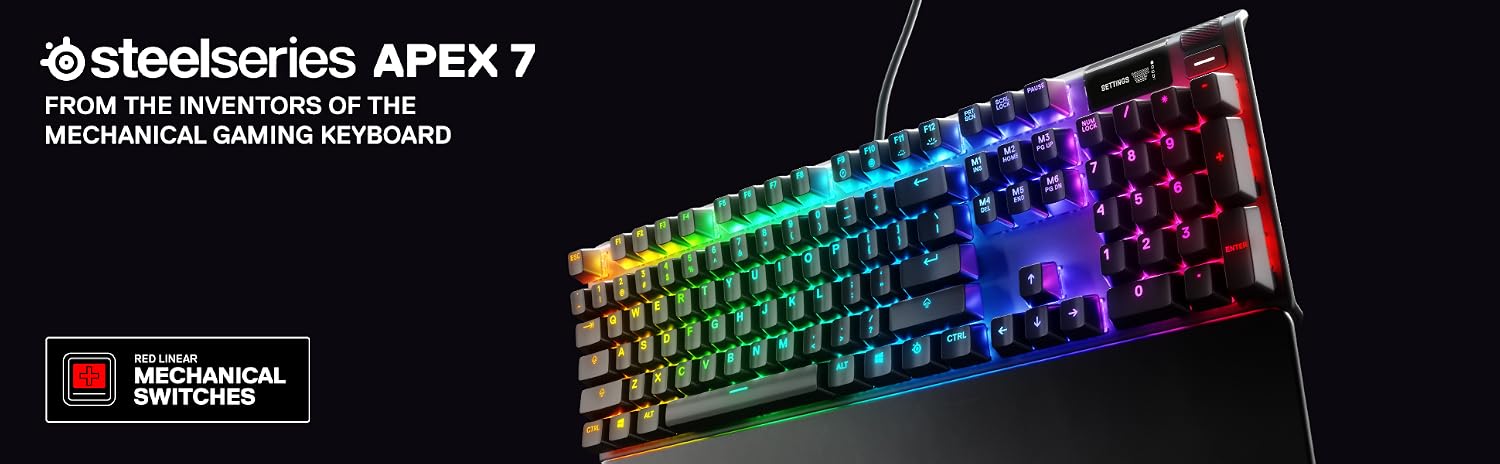
Easy and Secure Attachment
The Apex 7 sits firmly on your desk thanks to a solid aluminum top case that resists flex and keeps the board planted during extended sessions. Rubber feet on the underside maintain grip across most desk surfaces without requiring additional accessories.
Linear Red Switch Performance
The Apex 7 ships with linear Red switches that register keystrokes without a tactile bump or audible click, keeping actuation smooth and consistent. This makes the board well suited to fast, repetitive inputs where a clean travel path matters more than tactile feedback.
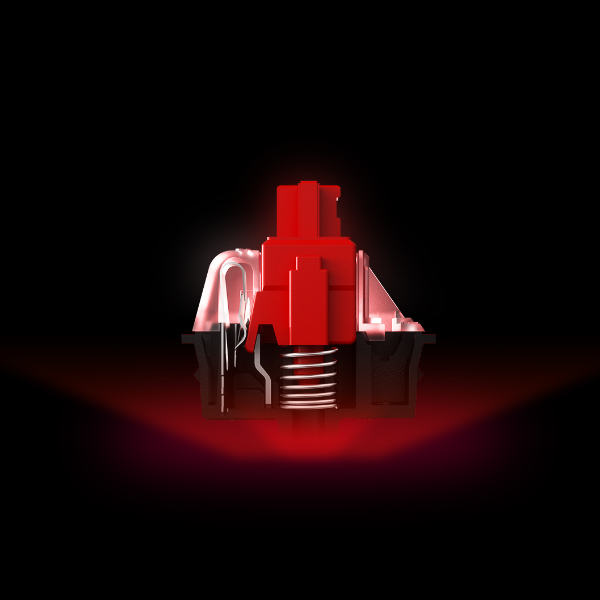
Easy and Secure Attachment
The aluminum case construction gives the Apex 7 a rigid foundation that does not shift or rattle under pressure. The board's low-profile feet lock it into position so your hand placement stays consistent across long gaming or typing sessions.
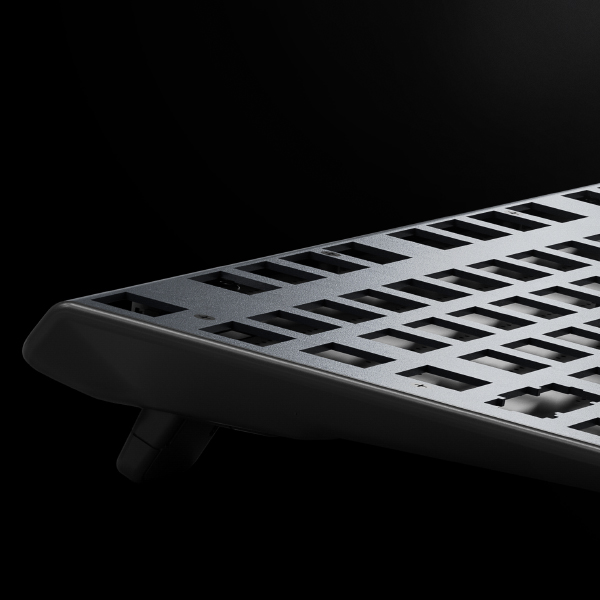
Unbreakable Durability
The aluminum top case on the Apex 7 handles daily wear without showing the stress marks or warping common to plastic-bodied boards. SteelSeries rates the Red switches for a high cycle count, so the feel at the keys stays consistent well into the board's lifespan.
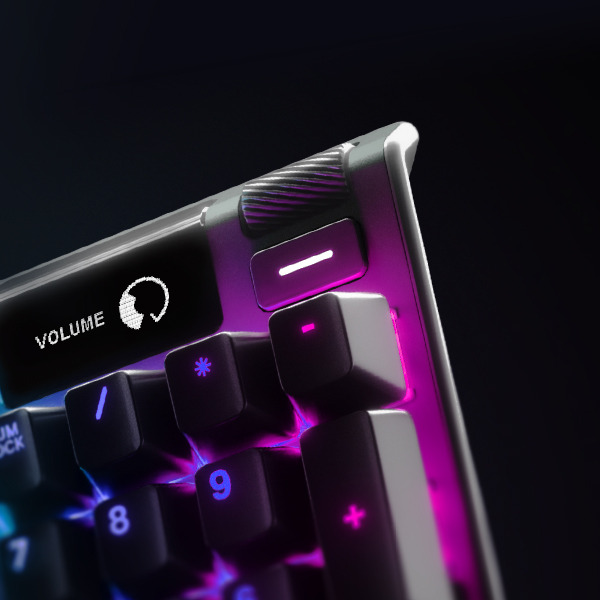
Adjust Volume and Settings on the Fly
The Apex 7 includes a dedicated media and volume control setup that lets you make adjustments without leaving your application or pulling up software. Controls are positioned to be reachable without repositioning your hand from the main key cluster.
Warranty and Support
From the manufacturer. Easy and Secure Attachment. Red Mechanical Gaming Switches guaranteed for 50 million keypresses with consistently smooth movement from top to bottom without any bump, allowing f
Guides and Documents
User reviews
No reviews for this product yet.