Hall Effect vs Optical vs Mechanical Keyboard Switches
A documentation-based guide to Hall effect, optical and mechanical keyboard switches: how each senses a keypress, what the makers claim, the trade-offs they admit and a checklist to run before you buy.
Contents
The short answer
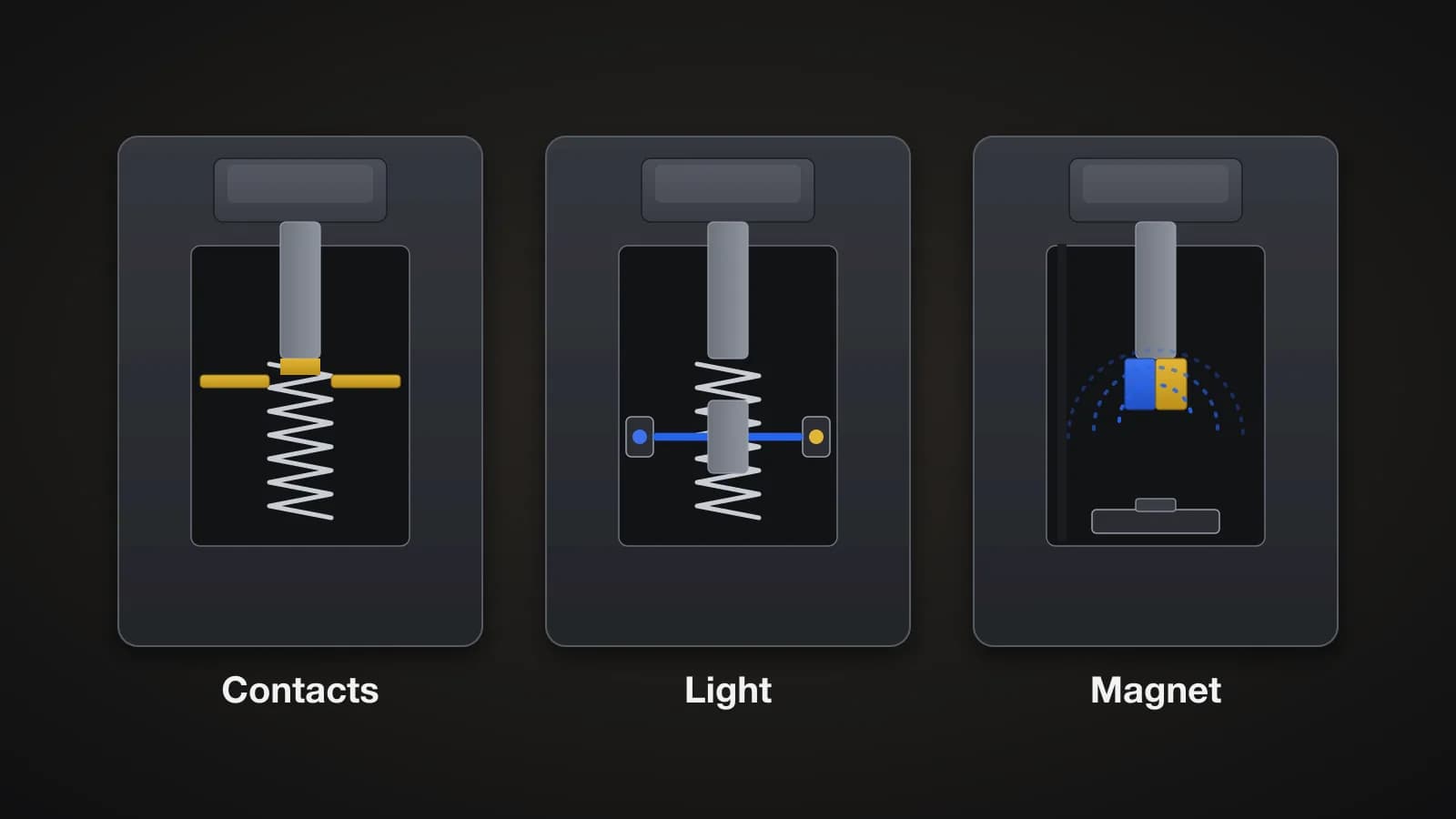
The three names describe how a switch detects a keypress. A mechanical switch closes metal contacts. An optical switch interrupts or passes a beam of light. A Hall effect switch, also sold as a magnetic switch, uses a magnet that a sensor reads. None of the three tells you whether a key is linear, tactile or clicky, and none tells you whether the keyboard will suit you.
If you want the most familiar design and the widest range of switch feel, a mechanical keyboard is the safe starting point. If you want settings such as adjustable actuation, look at Hall effect boards and read how the software works. Optical sits between them: light-based actuation with fixed actuation points on the pages we read. The rest of this guide shows where the claims come from and where they stop.
How this guide works
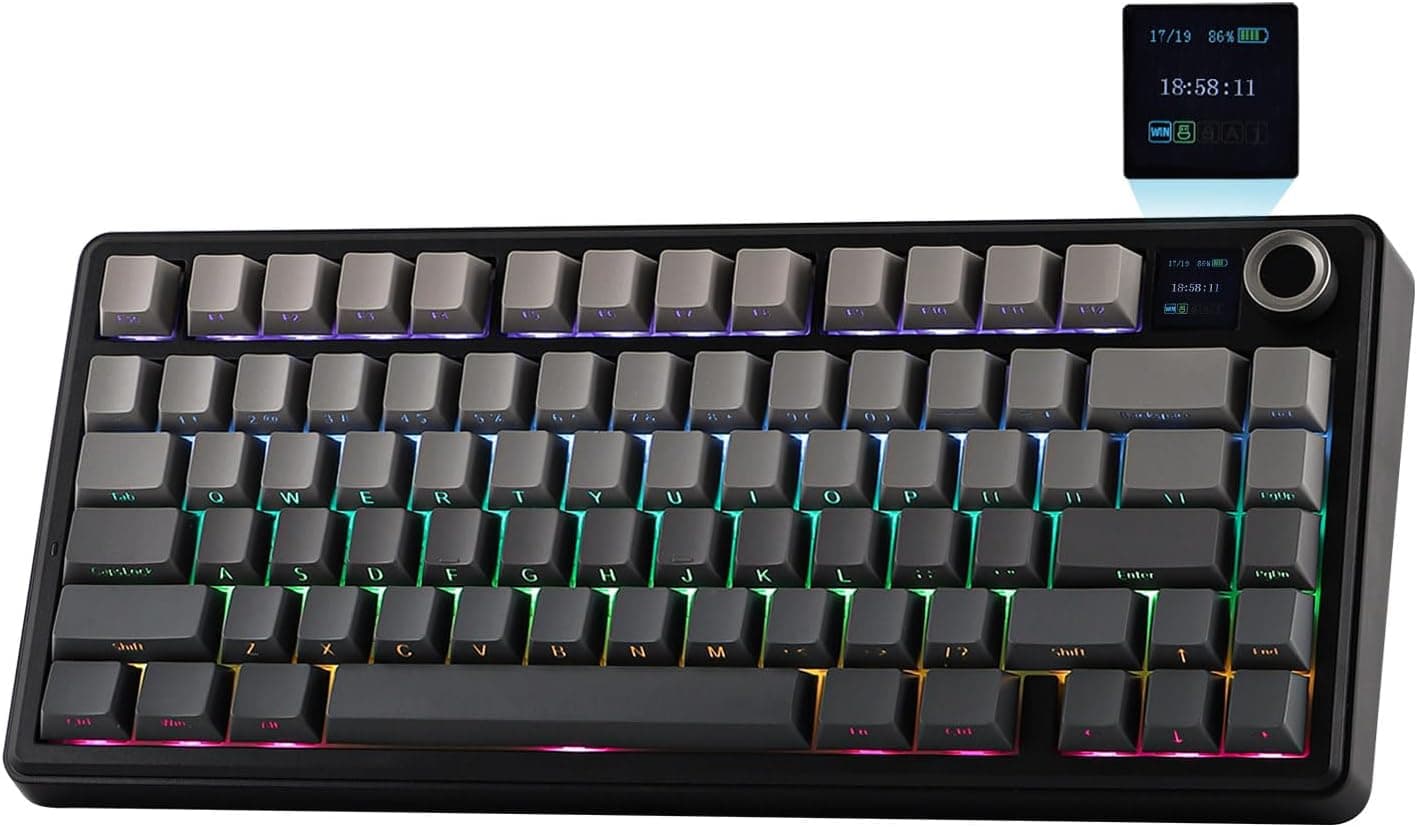
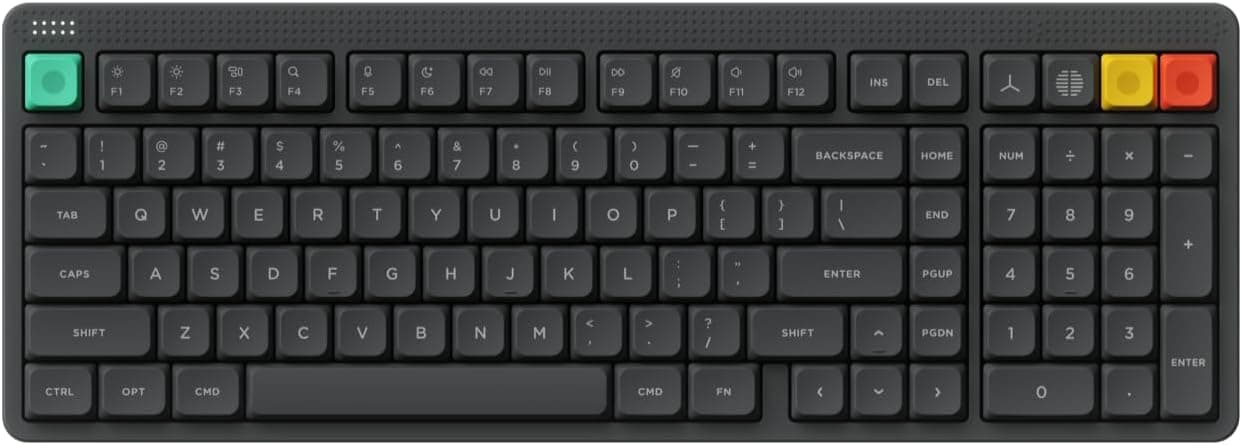
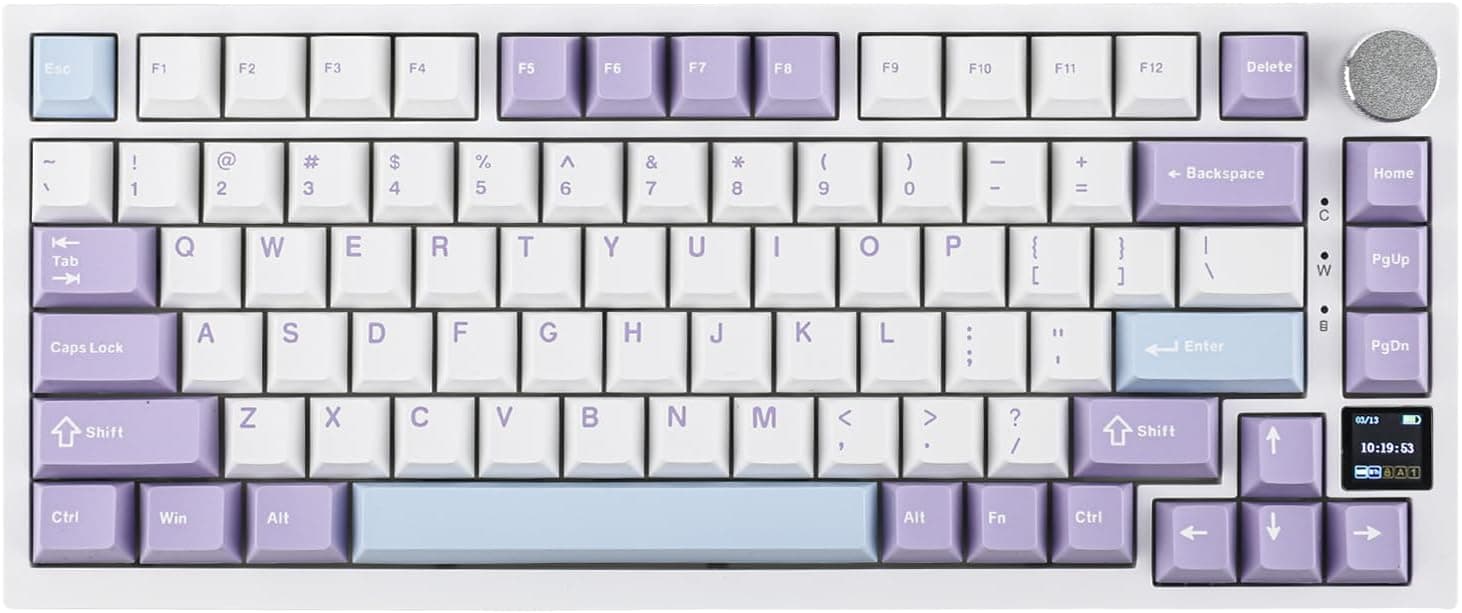
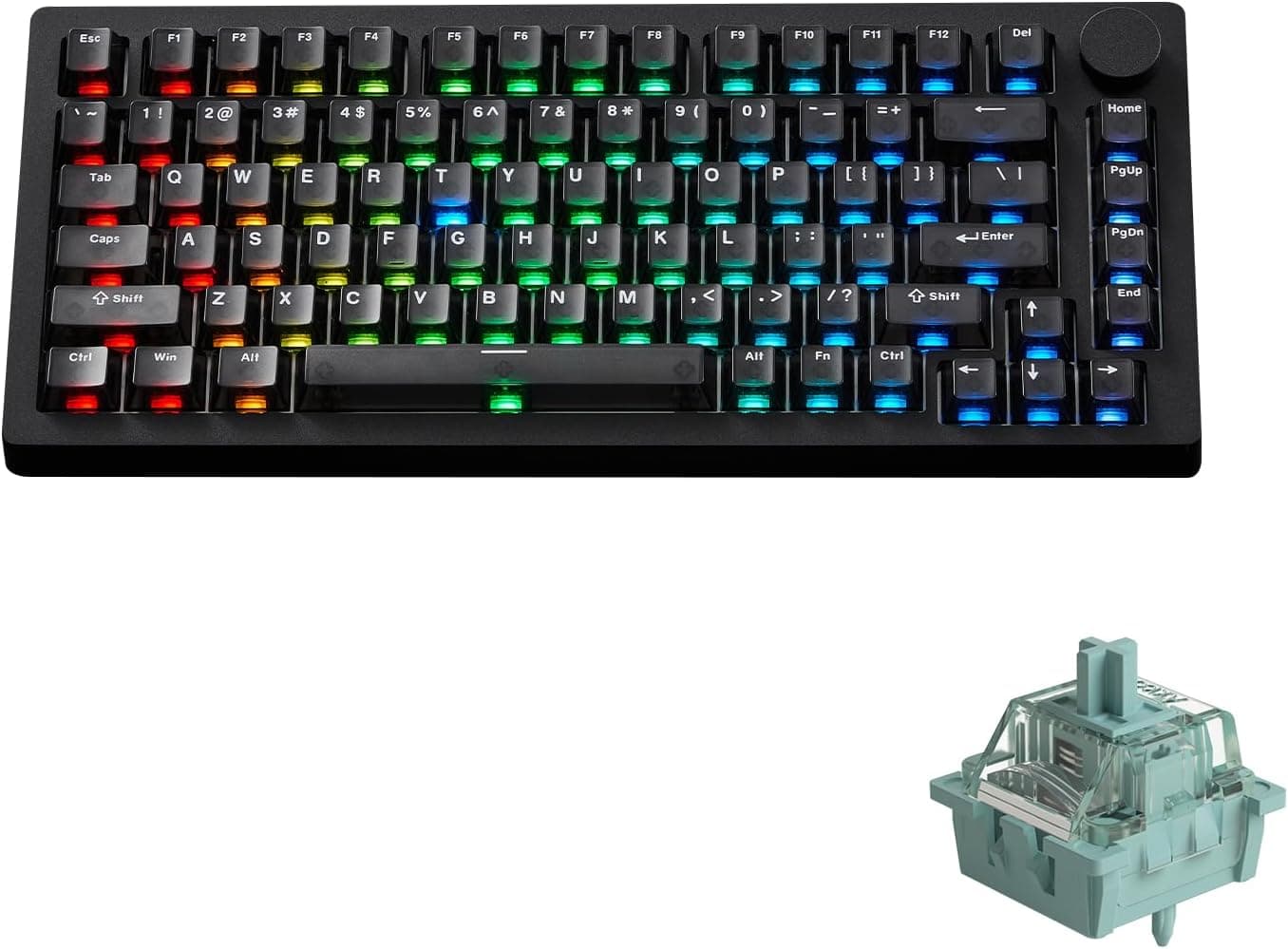
This guide uses three keyboards from our catalog, one per technology: the Wooting 80HE (Hall effect), the Razer Huntsman Mini (linear optical) and the Razer BlackWidow V4 X (mechanical). Every technical statement comes from Wooting, Razer or Cherry. The advice is editorial. We have not handled any of these keyboards, and we compare documentation, not performance.
Hall effect keyboard meaning: a magnet and a sensor
Wooting's explainer says a Hall effect keyboard switch has a magnet on the stem and a sensor on the circuit board below it. The sensor detects the position of the magnet, and Wooting states that "there's no physical connection needed between the sensor and the magnet". That is the main difference from a conventional switch, which depends on parts touching.
Wooting draws several claims from that design. It says the lack of contact prevents bouncing, that the switch is not affected by water, dust, light or dirt, and that the switch can be hot-swappable because nothing connects sensor and switch. It also says the sensor can read the stem at many points along its travel, so the keyboard sees position and not just on or off.
Wooting is also direct about the costs. It says analog sensing is harder than digital sensing, that the calibration between magnet and sensor strongly influences the result, that magnet keyboards were expensive to mass-produce, and that durability "will entirely depend on the magnet and switch quality". These are the maker's own caveats, and they are worth keeping in mind when a listing only shows the benefits.
Optical switches: a beam of light
Razer's optical switch page says its optical switch "enables actuation via light" and that actuation happens when "a light beam instantly passes through the switch stem". Razer says that because the switch actuates by light, it does not suffer from the bouncing found in traditional mechanical switches, and it markets this as zero debounce delay.
For fixed actuation, Razer lists 1.2 mm for its linear optical switch and 1.5 mm for its clicky one. Razer also describes an analog optical version in which each key reports a position value by sensing how much light gets through. We do not use any analog optical keyboard in this guide. The Razer Huntsman Mini in our catalog is the linear optical version, a 60% board that Razer says takes any standard keycap set and a detachable USB-C cable.
Mechanical switches: contacts and a spring
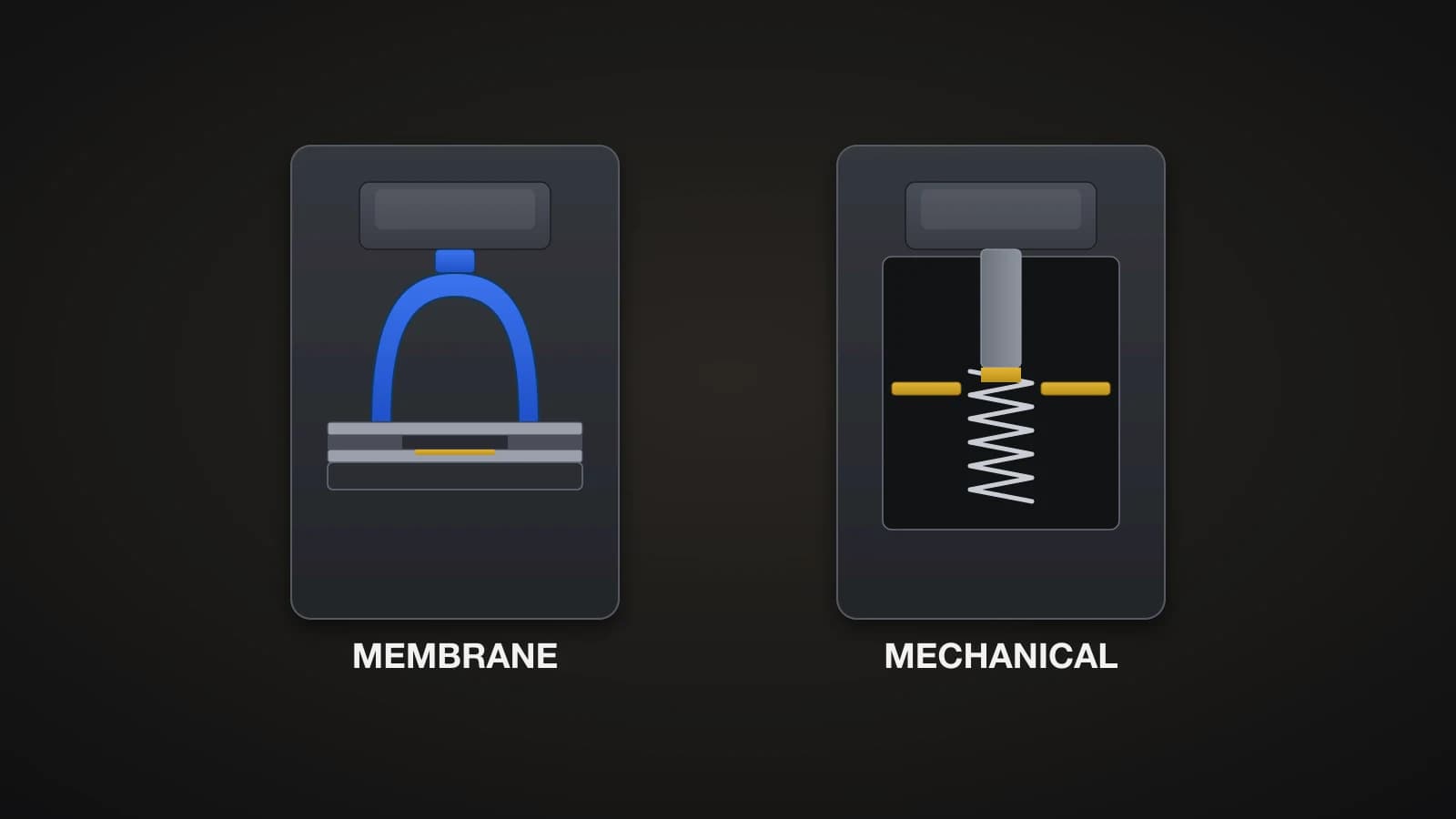
Cherry's description of its MX switch is the standard reference for the contact design. The stem and a precision metal coil spring "define the characteristics of the key", and "the heart of every MX switch is the gold crosspoint contact". When you press the key, the stem brings two contacts together and closes the circuit. Razer describes the same idea in one line: "mechanical switches use a physical contact to register a press".
The Razer BlackWidow V4 X is a mechanical example. Razer offers it with two switches. The Green switch gives, in Razer's words, "precise actuation with clicky, tactile feedback", and the Yellow switch gives "quick actuation that's smooth and silent". Our catalog entry covers the Yellow linear version, so check that a listing names that switch before you rely on this description.
Contact is also why bounce comes up. Razer ties the bouncing and the debounce delay to traditional mechanical switches, and Wooting makes the same point about its Hall effect design. Neither page says how long the delay is or whether you would notice it, so we draw no conclusion about speed.
Technology is not the same as feel
Linear, tactile and clicky describe what a keypress feels and sounds like. Cherry defines tactile as "a noticeable and/or audible click point" and linear as lacking it. These words cross technology lines. Razer sells its optical switch in clicky and linear versions, and its Huntsman Mini page offers the choice. Wooting's explainer lists its Lekker Linear65 switch as linear, with no tactile or audible feedback.
That is why "optical" or "magnetic" on a listing is only half the picture. For feel, read the switch name and the maker's description. For sound, our quiet keyboard guide covers what the documentation does and does not say.
Hall effect vs mechanical: what you can adjust
The clearest practical difference on the pages is adjustability. Wooting's 80HE page says you can set the actuation point of each key from 0.1 to 4.0 mm in 0.1 mm steps, and that Rapid Trigger makes keys "reset and activate the instant you move". It also offers Continuous Rapid Trigger and polling from 1 kHz up to 8 kHz in its Wootility software.
The mechanical BlackWidow V4 X page, by comparison, describes switch type and feel and gives no adjustable actuation. In the Razer pages we read, fixed actuation points belong to the optical switches and adjustable ones to the analog optical switches. This is an editorial reading of the documentation, not proof that no other board offers a feature.
One inference, labeled as such: adjustable actuation and Rapid Trigger need the keyboard to know the key's position, which is what Wooting says analog sensing provides.
Hall effect vs mechanical: what the lifespan numbers say
Makers publish lifespan ratings, and they look comparable until you read them closely. Cherry says every MX switch is guaranteed to last over 50 million strokes. Razer says its optical switches are rated up to 100 million keystrokes against an industry standard of 50 million, and it rates its mechanical switches at up to 100 million as well. Wooting lists 100,000,000 clicks for its Lekker switch.
None of the pages we read describes a shared test. A rating tells you what a maker states, not how long a keyboard will last, so we would not choose between technologies on this number and we make no durability claim of our own.
A short comparison from the documentation
| Point | Mechanical | Optical | Hall effect |
|---|---|---|---|
| What detects the press | Metal contacts close (Cherry, Razer) | Light beam passes through the stem (Razer) | Sensor reads a magnet (Wooting) |
| Physical contact to detect | Yes | No, per Razer | No, per Wooting |
| Bounce | Razer says traditional mechanical switches bounce | Razer: no debounce delay | Wooting: no physical connection prevents bouncing |
| Adjustable actuation (pages we read) | Not stated on the BlackWidow V4 X page | Fixed on Razer's optical page; adjustable on analog optical | 0.1 to 4.0 mm per key on the Wooting 80HE page |
| Feel options | Linear, tactile, clicky (Cherry) | Clicky or linear (Razer) | Linear, per Wooting's explainer |
| Maker's own caveat | Not stated on the pages we read | Comparison figures lack a method | Calibration, cost and part quality matter (Wooting) |
Which one fits which buyer
Mechanical fits a buyer who wants a conventional design and a broad choice of feel, including the quiet options in our quiet keyboard guide, and who may want to change switches later. If swapping matters, check the hot-swap point first with our hot-swap compatibility guide. The Razer pages we read do not state hot-swap support for the two Razer boards here, so confirm it before assuming.
Optical fits a buyer who likes the light-based design on a wired gaming board and does not need to tune the actuation point. The Huntsman Mini is a 60% board with no function row or number pad, a point our 60% versus 65% guide covers in more depth.
Hall effect fits a buyer who wants per-key actuation settings or Rapid Trigger and is comfortable using software to set them. Wooting's page ties several of these settings to its Wootility software, so expect to spend some time there. If you mostly type, ask whether those features matter to you at all.
Check the exact edition before you buy
The Wooting page shows why the exact edition matters. It lists a standard 80HE with Lekker L60 V2 switches and a TenZ Takeover edition with TenZ TikkenZ switches, available in ANSI layout only, while the standard edition comes in ANSI, ISO and JIS. Cases come in PCR ABS or zinc alloy at different weights. A listing may name one of these and not the others.
The same habit applies to the Razer boards. The Huntsman Mini comes in clicky and linear versions, and the BlackWidow V4 X in Green and Yellow. Our 75% versus TKL guide covers layout, another identity check.
A checklist before you buy
- Which sensing method does the maker name: contacts, light or magnet?
- Which exact edition and switch does the listing name, and does it match the maker's page?
- Does the maker page state adjustable actuation, Rapid Trigger or polling features, or do you only see them in the listing?
- Which software do those features need, and does it run on your computer?
- Is the switch linear, tactile or clicky, and is that the feel you want?
- Does the page say anything about hot-swap support? If it is silent, treat it as unconfirmed.
- Is a lifespan rating a maker claim with no stated method? If so, do not rank boards by it.
If you cannot mark an answer confirmed, treat it as unresolved and ask before you buy.
What the documentation cannot tell you
The maker pages do not say how any of these keyboards feel, sound or hold up, and none of them compares the three technologies under one test. Razer and Wooting describe their own switches, and Cherry's page is a 2017 overview of its own design. For anything about speed or latency in practice, look for an independent test, and note whether it measures a full keyboard or only a switch.
Sources and shopping links
This documentation-led guide uses Wooting's 80HE page (opens in a new tab) and its explainer on Hall effect keyboard switches (opens in a new tab), Razer's optical switch page (opens in a new tab), its guide to Razer switches (opens in a new tab), and the product pages for the Huntsman Mini (opens in a new tab) and the BlackWidow V4 X (opens in a new tab), plus Cherry's MX switches at a glance (opens in a new tab). It does not claim hands-on testing. Confirm every feature against the exact version you will receive. We quote no prices or stock levels, because the product pages carry the current values.
As an Amazon Associate we earn from qualifying purchases.
If the exact versions meet your checklist, view the catalog-matched Amazon listings for the Wooting 80HE (opens in a new tab), the Razer Huntsman Mini (opens in a new tab) or the Razer BlackWidow V4 X (opens in a new tab). All three are affiliate links. Read the version named on the Amazon listing before you order, since this guide cannot vouch for every seller's configuration.