Mechanical vs Membrane Keyboards: How to Choose
A documentation-based guide to mechanical and membrane keyboards: how each design works, what Corsair, HP and Lenovo say about feel, noise, lifespan, upkeep and price, how three catalog keyboards describe their switches, and a checklist before you buy.
Contents
The short answer
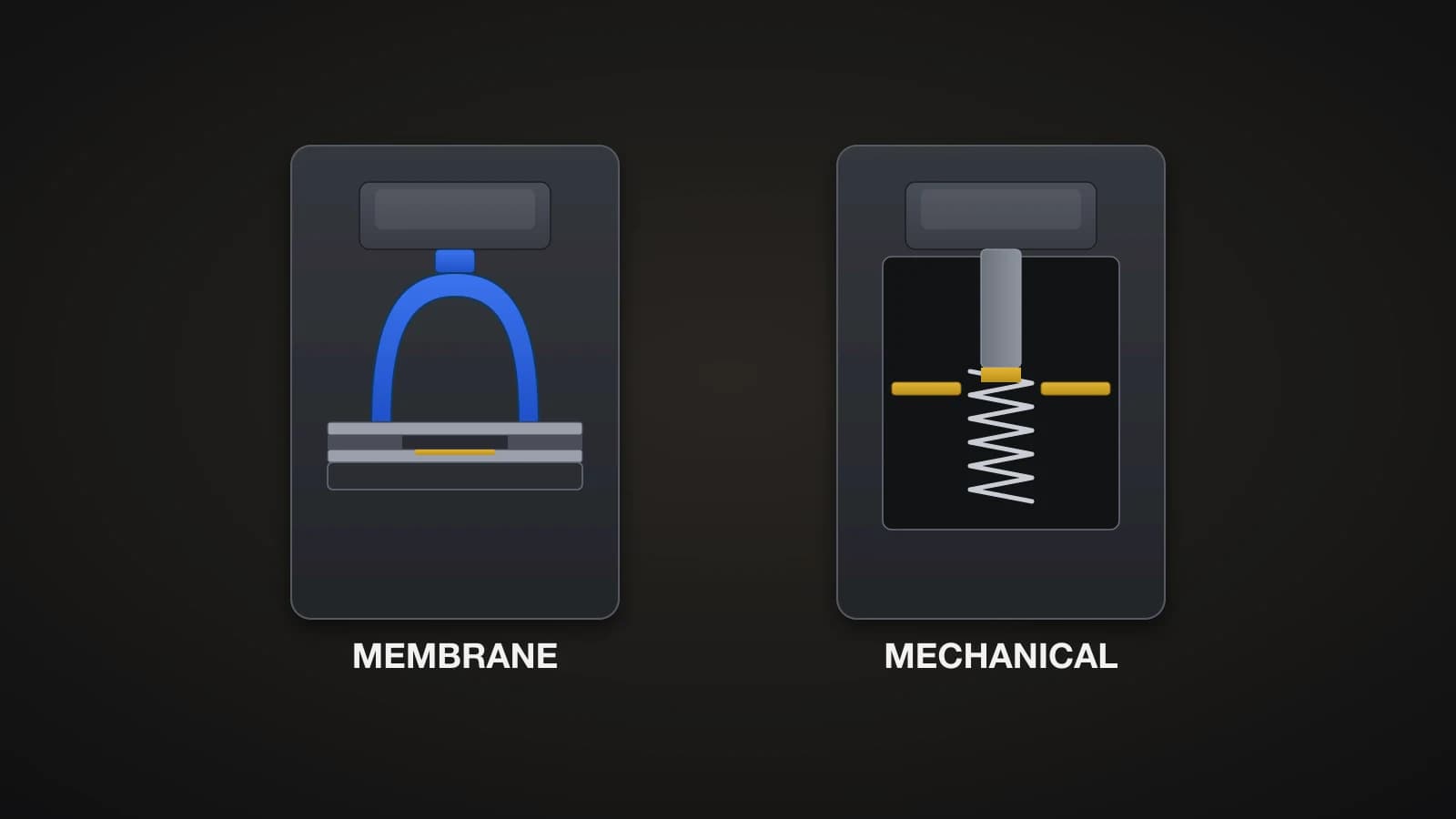
Both kinds of keyboard do the same job: when a key goes down, a circuit closes and the keystroke is registered. A mechanical keyboard does it with a separate switch under every key. A membrane keyboard does it with a rubber dome that collapses onto layered sheets. Corsair, HP and Lenovo all describe mechanical keys as more tactile and membrane keys as softer, quieter and cheaper.
If you want distinct key feedback and the option to change keycaps or switches later, a mechanical keyboard fits better. If you type in a shared room, carry your keyboard often or want to spend as little as possible, a membrane keyboard fits better. That is editorial advice, because the pages we read describe the designs and do not tell you which one suits you.
How this guide works
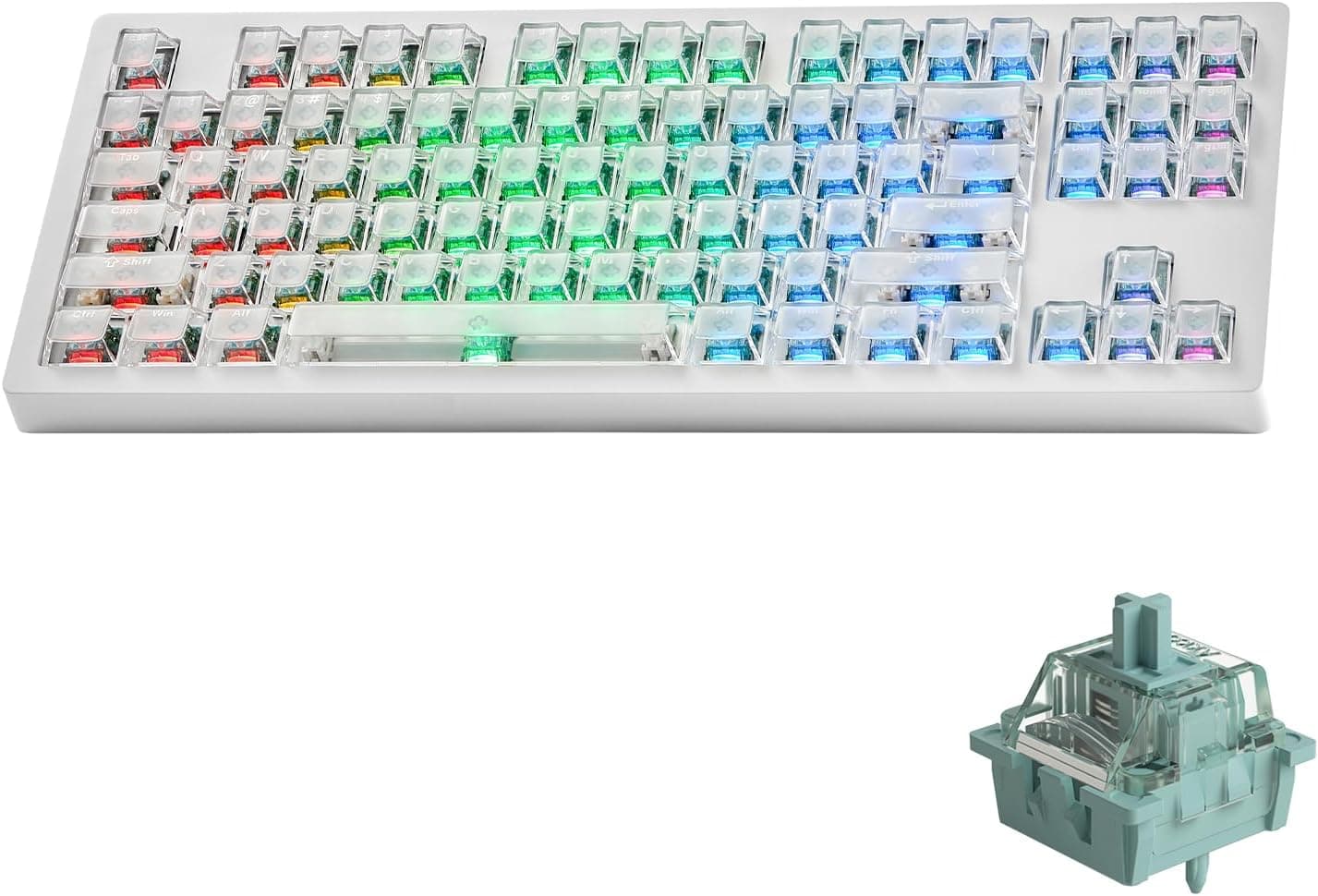
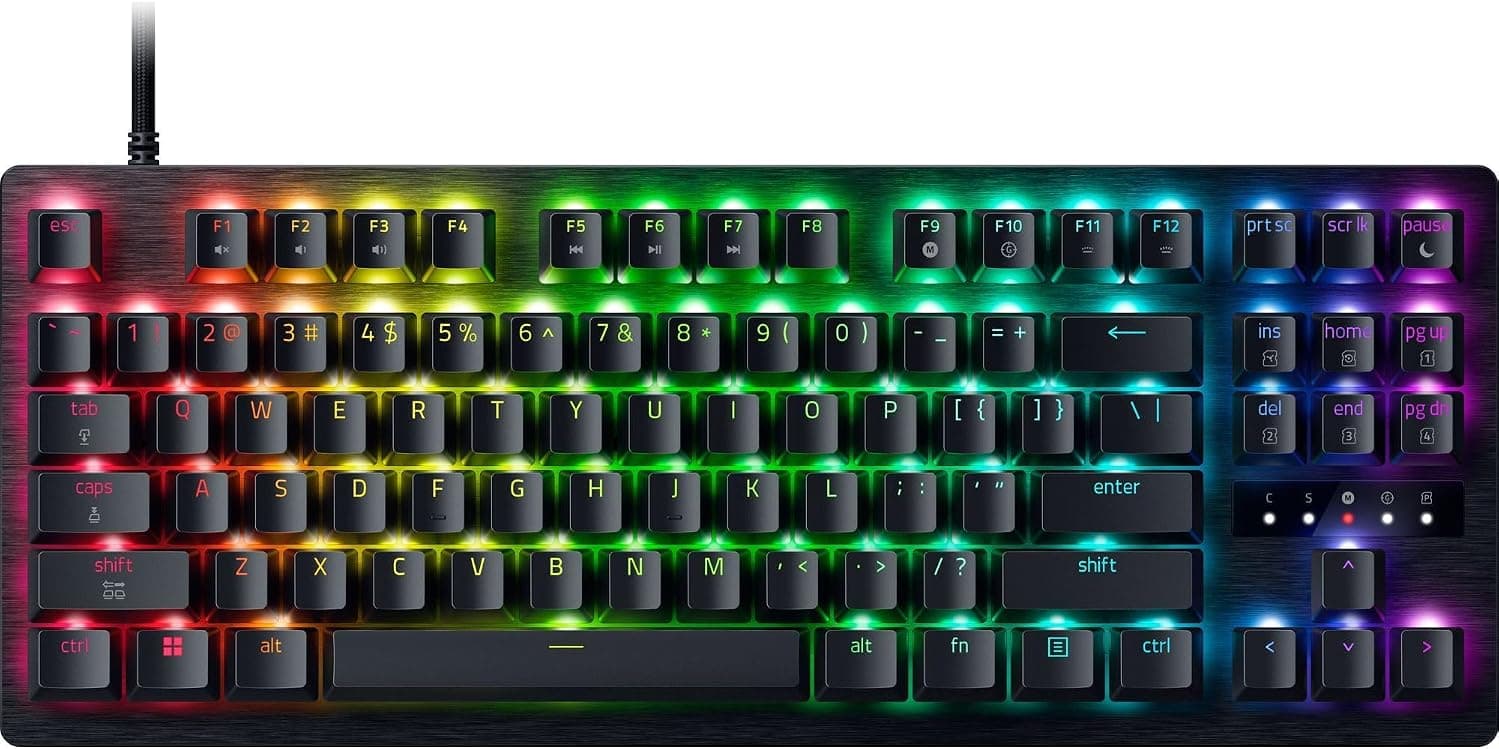
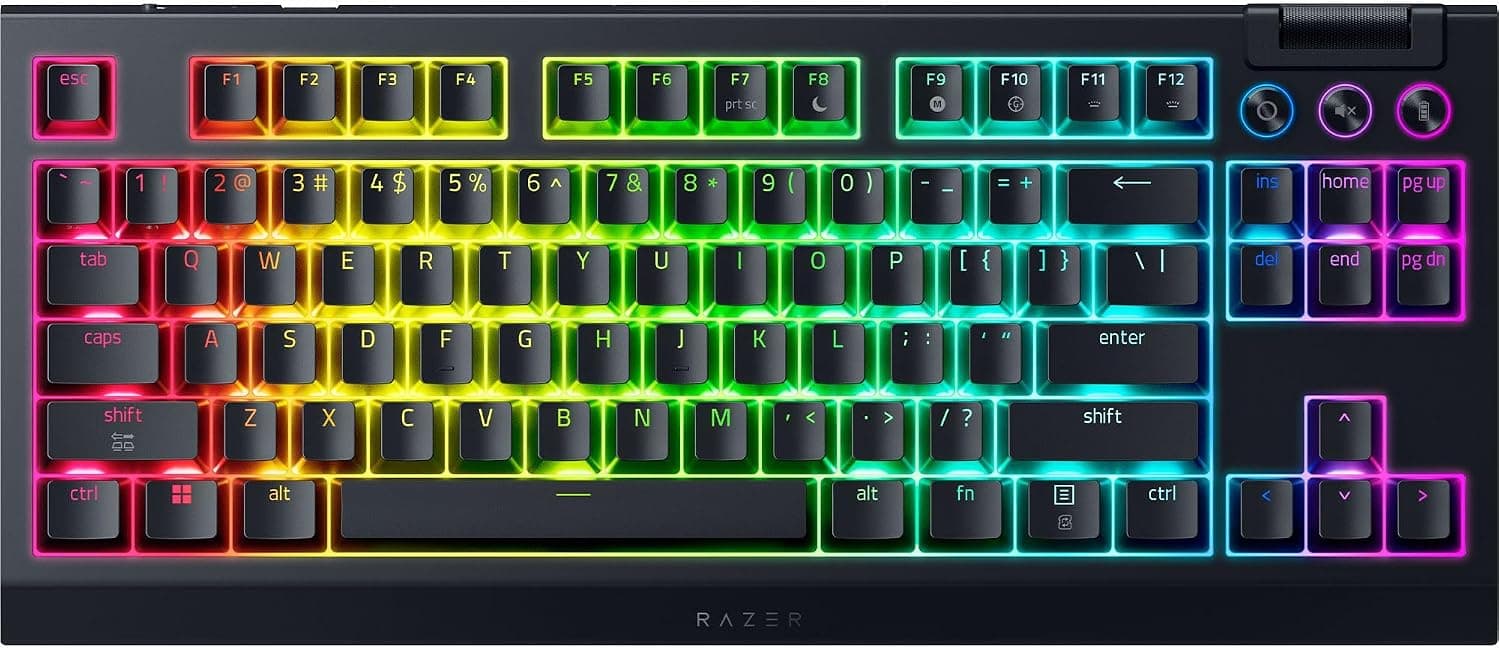
Three keyboards from our catalog anchor the examples: the Corsair K70 CORE TKL, the Keychron V1 Max and the Razer BlackWidow V4 X. All three are mechanical, because our catalog lists mechanical keyboards, so we describe membrane boards only through the general guides. Those come from Corsair, HP and Lenovo, with a switch lifespan rating from Cherry. We have not handled any of these keyboards, so we compare documentation and not typing.
One caution applies to every source: Corsair, Razer and Keychron sell keyboards, and HP and Lenovo sell computers. Their pages are useful for definitions and for the points they share, and weaker for anything that would need a test, such as how a key feels after a year.
How a membrane keyboard works
Corsair describes a membrane keyboard as two sheets of rubbery material laid on top of each other, with small cavities like bubble wrap. Each half of a cavity carries one side of the circuit, and the circuit stays open until a press pushes the halves together. HP describes the same idea with three layers: the rubber dome collapses, pushes the top layer through a spacer hole and touches the conductive traces below. When you let go, the dome springs back and lifts the key.
HP adds that most laptops use variations of the membrane or dome design, so a laptop keyboard is a familiar example.
How a mechanical keyboard works
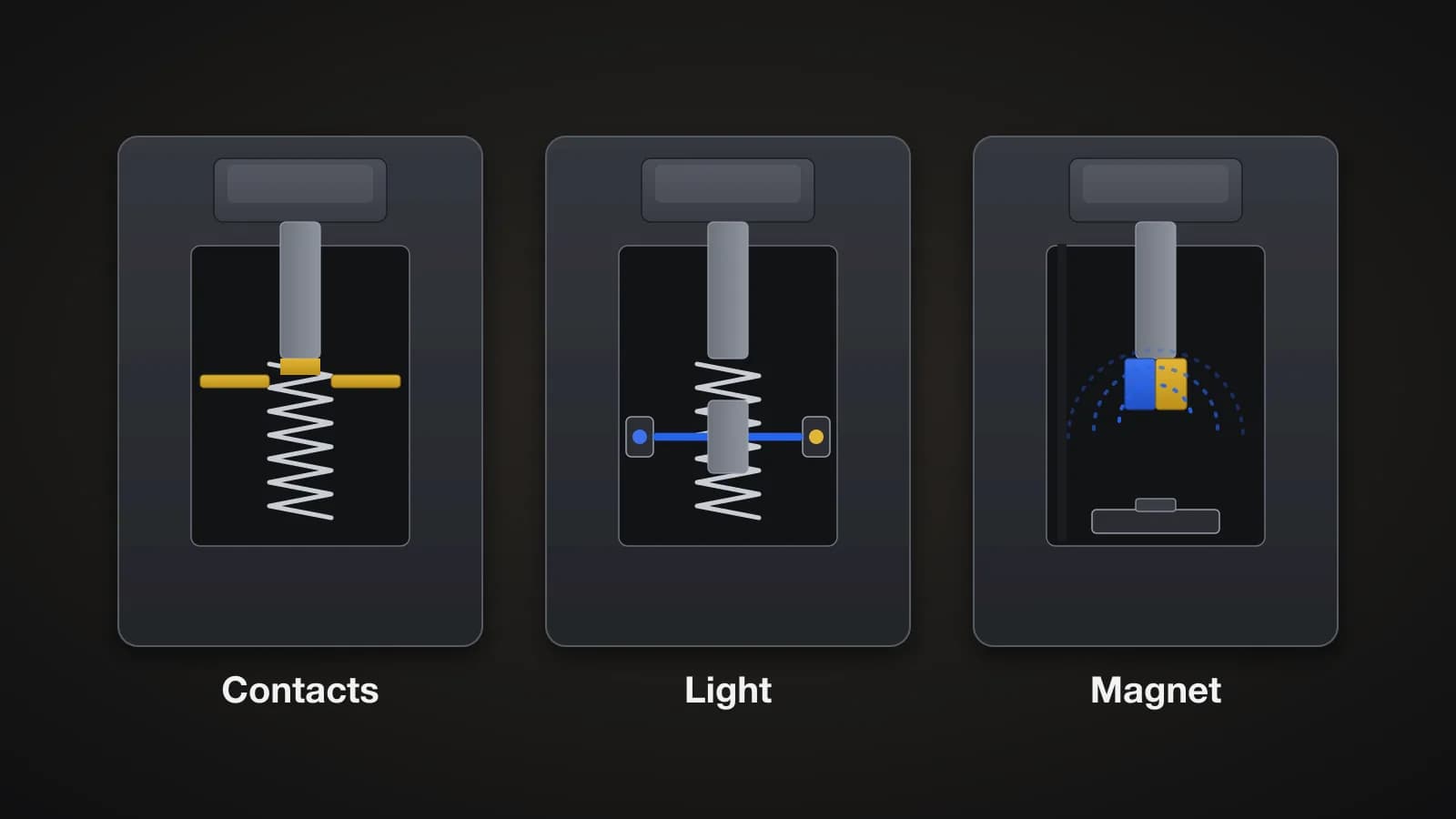
Corsair describes a mechanical switch that has two copper contacts sitting next to each other. Pressing the key pushes a plastic stem down, the stem's legs move one contact until it touches the other, and the circuit closes. A spring returns the stem when you let go. HP describes the same parts and notes that the key registers at an actuation point before it reaches the bottom of its travel, so you do not have to press all the way down.
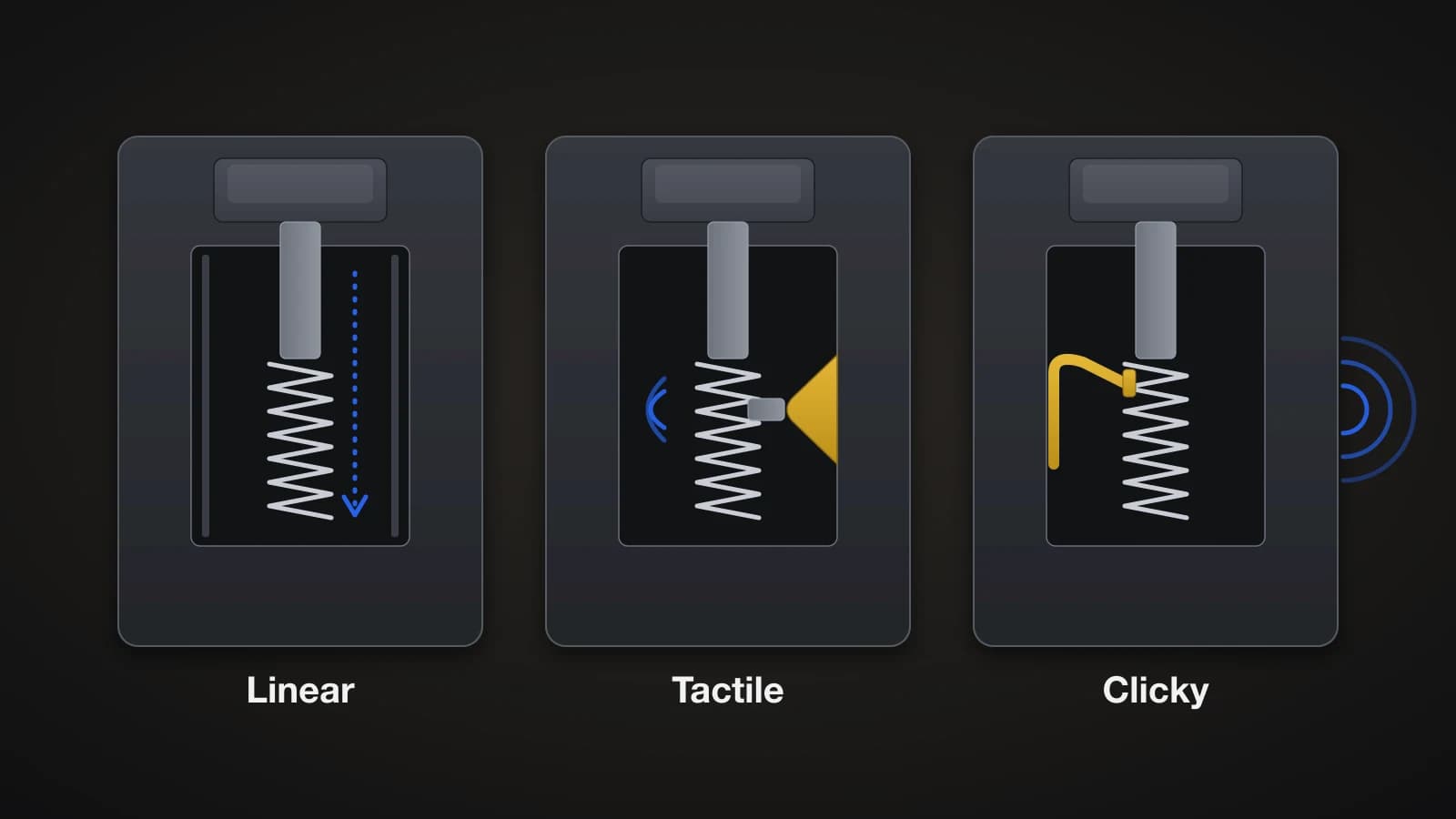
Makers offer different switches built on these parts. Our guide to linear, tactile and clicky switches explains the three feel types makers describe.
Is a mechanical keyboard better than membrane?
The sources lean toward mechanical on feel, and they say so with different degrees of enthusiasm. Corsair says it is generally accepted that membrane keyboards do not feel very good and that many people call them mushy or squishy. HP says membrane typing feels softer and less defined and that the key must be pushed all the way down, which it calls bottoming out. Lenovo says membrane keyboards are quieter but often less tactile.
Our reading is that these are descriptions of feel, and none of the pages measured typing speed, errors or comfort. HP says it takes a week or two to adjust when you move from membrane to mechanical, and Lenovo says some people prefer the softer feel of membrane for long sessions. Treat feel as a preference, not a ranking.
Which one is quieter?
HP and Lenovo both say membrane keyboards are quieter. HP says mechanical keyboards "may be noticeable during video calls or shared workspaces", and that how loud one is depends on the switch type. That second point matters, because it means "mechanical" does not settle noise by itself.
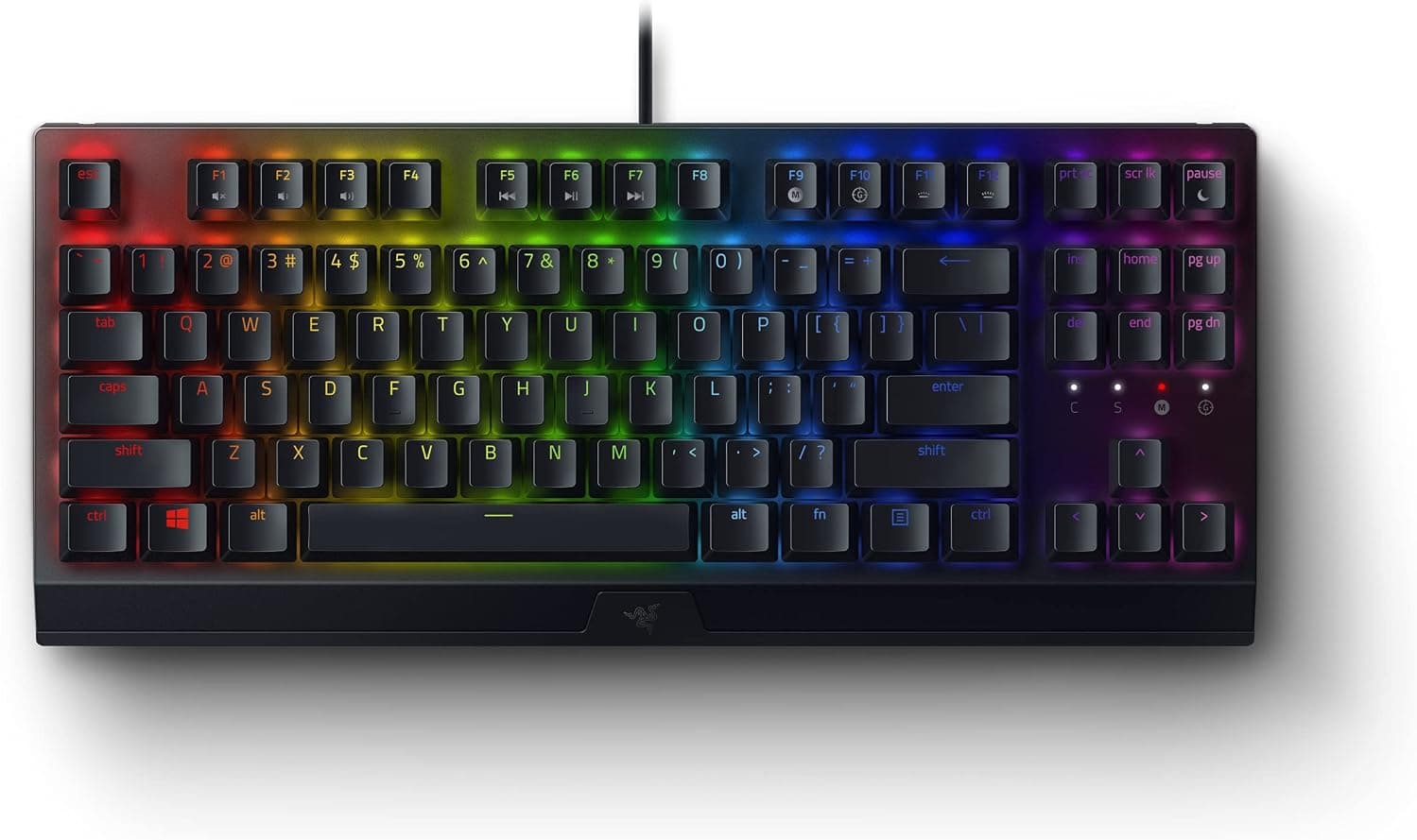
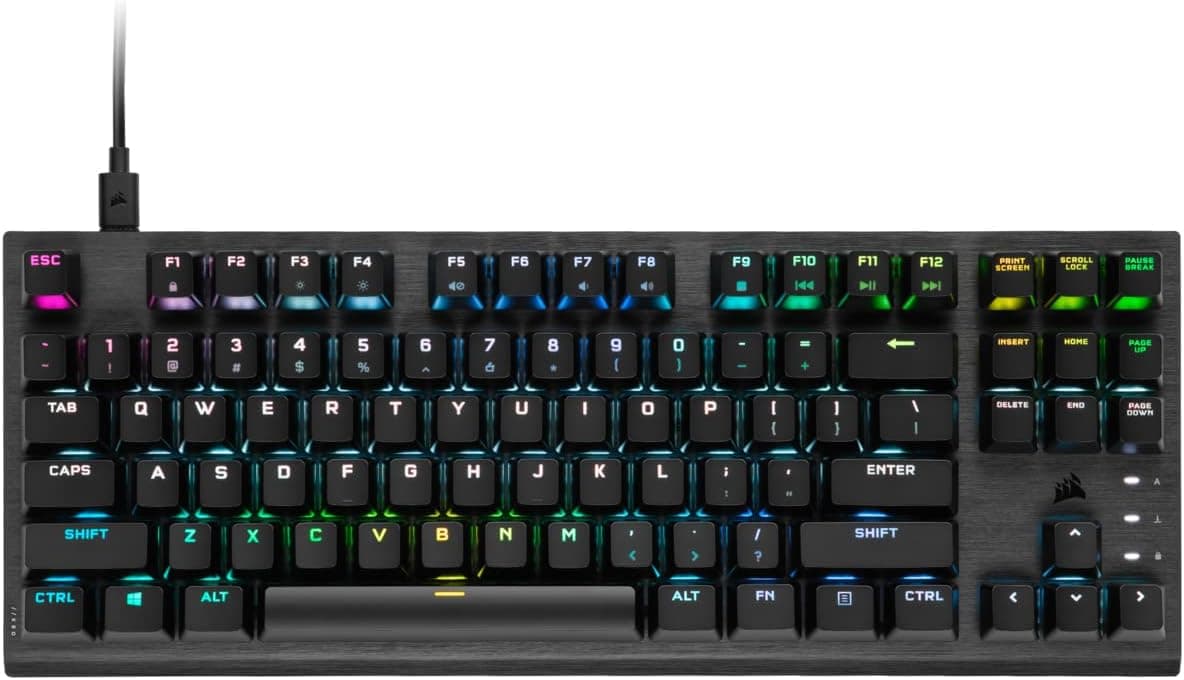
Two of our catalog keyboards show how makers approach it. Corsair lists two layers of sound dampening and pre-lubricated switches on the K70 CORE TKL. Razer offers the BlackWidow V4 X with a green switch described as clicky and a yellow switch described as smooth and silent. Those are maker statements, and we measured no sound level. If a quiet desk is the priority, our quiet mechanical keyboard guide explains which claims to look for.
Lifespan ratings
Lifespan is where the numbers are most tempting and least comparable. HP's comparison table gives approximately 50 to 80 million keypresses per key for mechanical and around 5 million for membrane, without saying how those figures were found. Cherry says its MX Red, Black, Brown and Speed Silver switches allow more than 100 million keystrokes without loss of quality. Corsair lists 80M presses for the MLX Red v2 switch in the K70 CORE TKL, and Razer says its switches are rated up to 100 million.
Lenovo adds that membrane keyboards may wear out over time as the rubber degrades. Our reading: every figure above is a maker rating or an explainer's estimate, measured by different methods, so do not rank two keyboards by comparing their numbers. What the sources agree on is the direction: they say mechanical switches are rated for more presses than membrane domes.
Spills, dust and upkeep
Membrane has an edge on spills. Corsair lists "water resistant" among the membrane pros, and Lenovo says the membrane layer protects the circuitry, while adding that neither type is completely waterproof and that you should clean up spills right away. Lenovo also says mechanical keyboards are more susceptible to dust and debris because the switches have more crevices.
Repair and cleaning point the other way. HP says a mechanical keyboard allows deep cleaning with a keycap puller and compressed air, while a membrane board is sealed and is mostly wiped on the outside. HP also says a damaged keycap on a membrane keyboard often means replacing the whole keyboard, and Corsair lists "more difficult to replace" among the membrane drawbacks. Our hot-swap compatibility guide shows what to check if you want to change switches on a mechanical board.
Price, weight and portability
HP and Lenovo both say membrane keyboards are the more affordable option, and Corsair lists "cheap" for membrane and "expensive" for mechanical. HP says membrane boards are lighter and easier to carry, while mechanical boards are heavier because of the metal plates and individual switches. Corsair adds that mechanical switches are generally not suitable for thin, laptop-style keyboards.
If you want a thin mechanical board for travel, our low-profile versus standard guide covers the options makers describe.
What three catalog keyboards say
| Corsair K70 CORE TKL | Keychron V1 Max | Razer BlackWidow V4 X | |
|---|---|---|---|
| Design | Mechanical, linear MLX Red v2 | Mechanical, Gateron Jupiter, hot-swappable | Mechanical, Razer green or yellow switches |
| What the maker says | Pre-lubricated switches; two layers of sound dampening; "80M presses" | Gasket mount; double-shot PBT keycaps; QMK firmware and Launcher remapping | Switches rated up to 100 million; yellow is "smooth and silent"; six macro keys |
| Connection | Wired, detachable USB Type-C cable | 2.4 GHz and Bluetooth, 1000 Hz polling | Not stated on the page we read |
| What the page does not give | A sound level or a wear test | A sound level or a wear test | A sound level or a wear test |
None of the pages publishes a test, so the table compares what the makers wrote and does not rank the keyboards. Only the Keychron page says the switches are hot-swappable. If wireless use matters, our Bluetooth, 2.4 GHz and wired guide explains what to look for.
Which type fits which buyer
A membrane keyboard fits a buyer who types in an open office or a shared home, who carries a keyboard in a bag, or who wants the lowest cost and does not plan to change parts. Makers say it is quieter, lighter and cheaper, and HP says it is preferred for everyday tasks in quiet offices.
A mechanical keyboard fits a buyer who wants distinct feedback, plans to change keycaps or switches, or wants a longer rated lifespan. Makers say it feels more tactile and is customizable, and the buyer accepts a higher price, more weight and, depending on the switch, more noise.
Lenovo says a membrane keyboard can be used for gaming but may not match the responsiveness of a mechanical one. We found no measurement in these pages, so we draw no speed conclusion.
Check the exact version before you buy
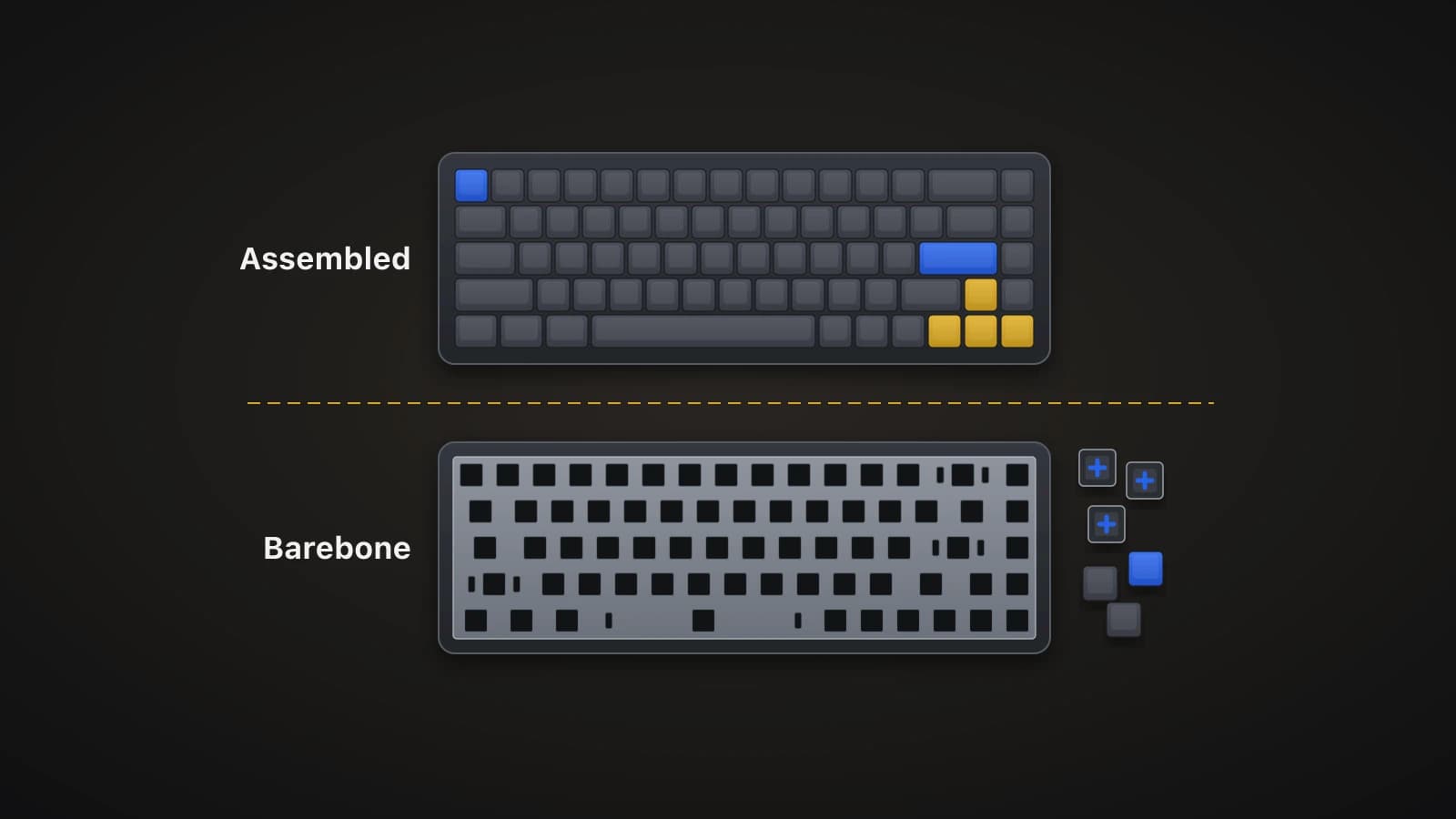
Each keyboard here is sold in more than one configuration. Our catalog entry for the K70 CORE TKL covers the linear version, the V1 Max entry covers the Gateron Jupiter Brown fully assembled version, and the BlackWidow V4 X entry covers the linear version. Keychron says its barebone version does not include the keycaps and switches, and different colours or switch options may change the claims above.
The listing should name the switch type and say what comes in the box. If a listing says only "gaming keyboard" or "mechanical feel", treat the switch type as unconfirmed. A keyboard that says "mechanical feel" without naming switches may be a membrane or a hybrid.
A checklist before you buy
- Does the listing say "mechanical" and name the switch (for example linear, tactile or clicky), or only use words like "mechanical feel"?
- Where will you use it: shared room, video calls, travel? If so, what does the maker say about noise and sound dampening?
- Do you want to change keycaps or switches later? If so, does the maker list hot-swap sockets or standard keycaps?
- Is a lifespan number a maker rating for this exact switch, and does the page say how it was measured?
- Is it wired, Bluetooth or 2.4 GHz, and does that fit how you work?
- Does the version you are buying match the maker page you read?
- Is a spill or dust claim stated by the maker, and does it say what it covers?
If you cannot mark an answer confirmed, treat it as unresolved and ask before you buy.
What the documentation cannot tell you
The pages we read do not say how any keyboard sounds in your room, how its keys feel after a year, or whether it will reach its rated press count. For anything about sound, comfort or durability in practice, look for an independent measurement and note whether it covers a switch, a keycap set or a complete keyboard.
Sources and shopping links
This documentation-led guide uses Corsair's mechanical vs membrane keyboards article (opens in a new tab), HP's mechanical vs membrane keyboard comparison (opens in a new tab), Lenovo's mechanical vs membrane glossary entry (opens in a new tab), Cherry's MX lifespan update (opens in a new tab), and the maker pages for the Corsair K70 CORE TKL (opens in a new tab), the Keychron V1 Max (opens in a new tab) and the Razer BlackWidow V4 X (opens in a new tab). It does not claim hands-on testing. Confirm every feature against the exact version you will receive. We quote no prices or stock levels, because the product pages carry the current values.
As an Amazon Associate we earn from qualifying purchases.
If the exact versions meet your checklist, view the catalog-matched Amazon listings for the Corsair K70 CORE TKL (opens in a new tab), the Keychron V1 Max (opens in a new tab) or the Razer BlackWidow V4 X (opens in a new tab). All three are affiliate links. Read the switch type named on the Amazon listing before you order, since this guide cannot vouch for every seller's configuration.