Fully Assembled vs Barebone Keyboards: Read the Listing
A documentation-based guide to fully assembled and barebone keyboards: what each version includes, where the difference hides in a listing and which checks to run before you buy.
Contents
How this guide works
This guide is about one buying question: does the listing in front of you sell a finished keyboard, or a keyboard that still needs parts? To keep it concrete, it uses two Keychron boards from our catalog, the Keychron Q1 Max and the Keychron V5 Max. Keychron sells each of them in a fully assembled version and in a barebone version. Every fact below comes from Keychron's own pages, and our catalog entries for both boards describe the fully assembled version. The advice is editorial. We have not handled either keyboard.
The short answer
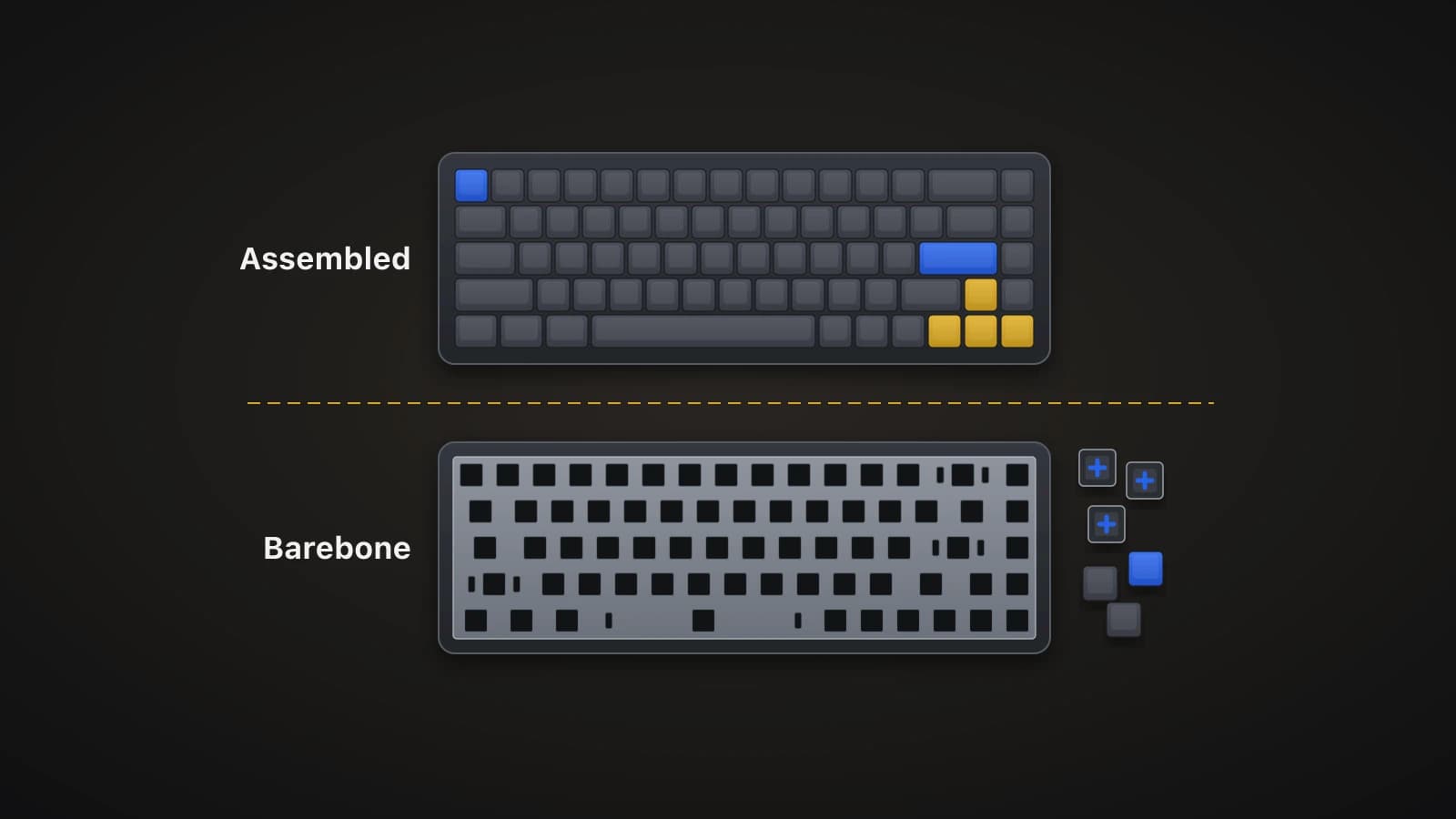
A fully assembled keyboard comes with its switches and keycaps. A barebone keyboard does not: Keychron says the barebone version "does not include the keycaps and switches". Both are hot-swappable boards, so the missing parts can be added without soldering, but you must buy them yourself and make sure they fit.
If you want a keyboard you can use as soon as it is set up, look for the word "assembled" on the exact option you select. If you already own compatible switches and keycaps, or you want to choose them, a barebone version is the one that fits. The rest of this guide shows where the difference hides in a listing.
What each version includes
Keychron's product pages list the contents of the box for each board. The table puts the two side by side, using the details Keychron gives for the fully assembled version.
| Detail | Q1 Max, fully assembled | V5 Max, fully assembled |
|---|---|---|
| Layout | 75%, ANSI, with knob | 96%, ANSI, with knob |
| Case | Aluminum | ABS plastic |
| Weight | 1724 g ± 10 g | 925 g ± 10 g |
| Included | PCB, case, plate, keycaps, switches | Housing, PCB, screw-in stabilizers, plate, keycaps, switches |
| Keycaps | KSA double-shot PBT, not shine-through | Double-shot OSA PBT |
| Switches | Gateron Jupiter Brown, Red or Banana | Gateron Jupiter Red, Brown or Banana |
| Barebone version | Keycaps and switches not included | Keycaps and switches not included |
Two things stand out. First, the weight in the table belongs to the fully assembled version: Keychron labels it that way on both pages. A barebone board has no switches or keycaps, so you should not assume the same figure applies to it. Second, even the keycap profile is part of the assembled package. The Q1 Max lists KSA keycaps and the V5 Max lists OSA keycaps, so a barebone buyer chooses the profile, and the look, from scratch.
Where the words hide in a listing
The Q1 Max page shows how much one product name can cover. Keychron offers it as Fully Assembled Knob, Fully Assembled Knob with side-printed keycaps, or Barebone Knob, in several colors, with three switch options for assembled versions and a "Barebone" option for the kit. That adds up to 17 variants under one model name, and only two of them are barebone. The V5 Max is simpler: three assembled switch options and one barebone option.
For a shopper this means the word you need can sit in different places:
- The title. Our catalog titles name the color and the switch, for example "Carbon Black / Gateron Jupiter Brown". A title may say nothing about the build, so read further.
- The option selector. Keychron's type, color and switch choices appear as separate drop-downs. The switch field reads "Barebone" when no switches are included.
- The description. Our catalog entry for the Q1 Max says plainly that it covers the fully assembled knob version, "not a barebone kit or a different Q1 generation". That kind of sentence is worth looking for.
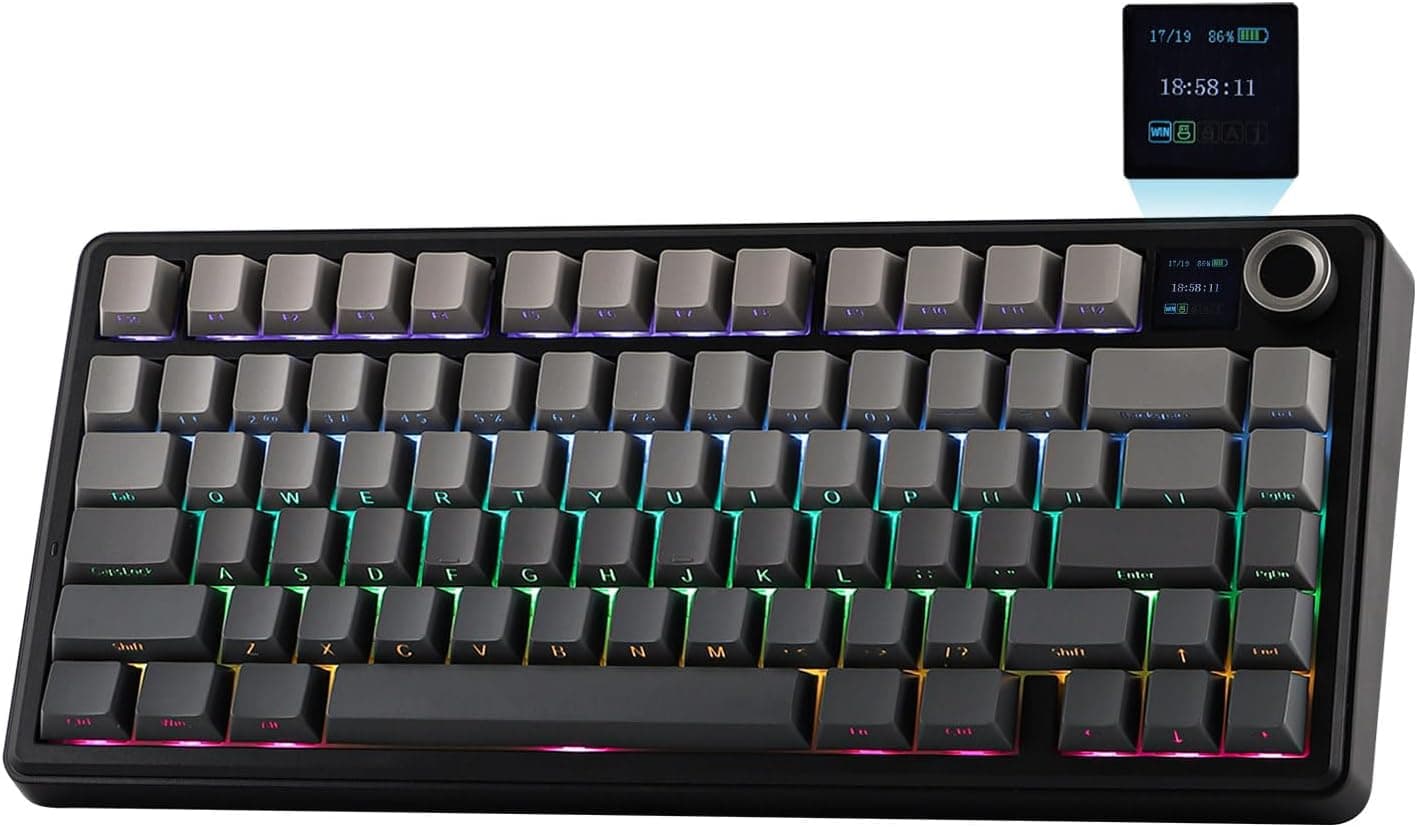
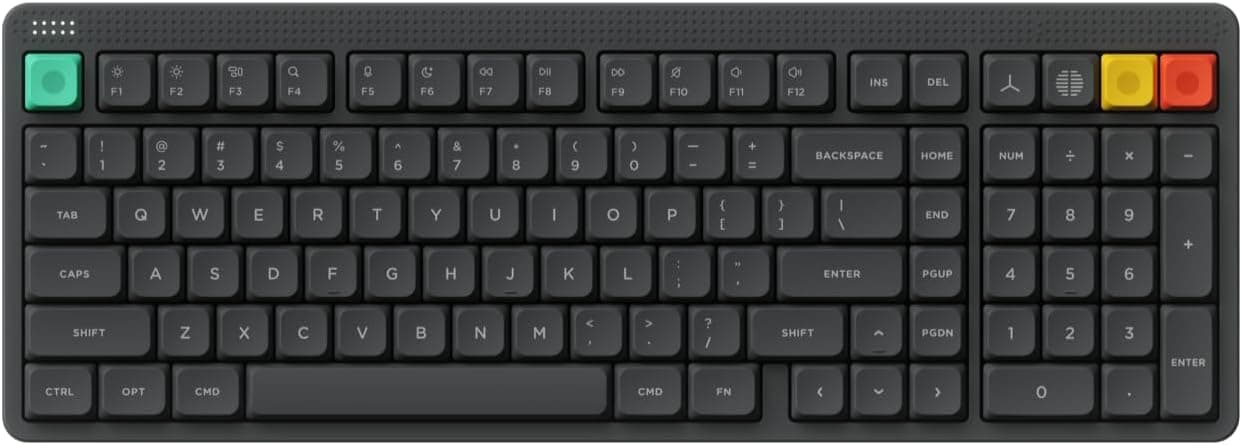
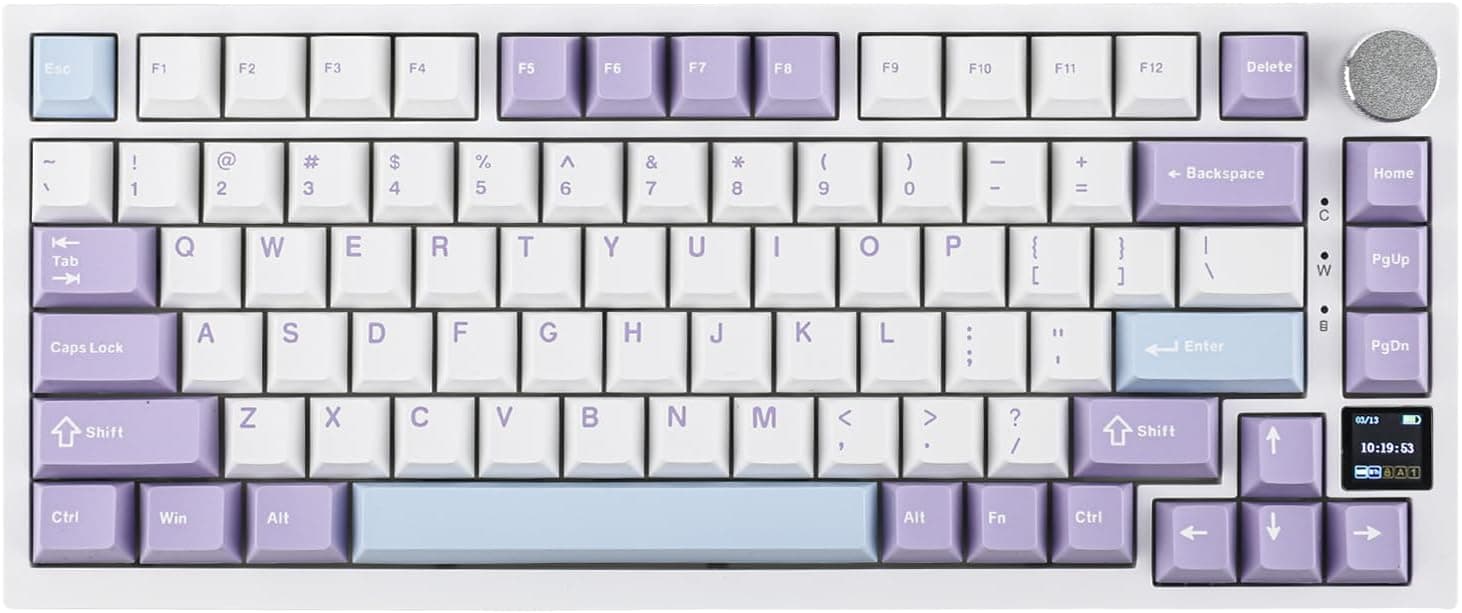
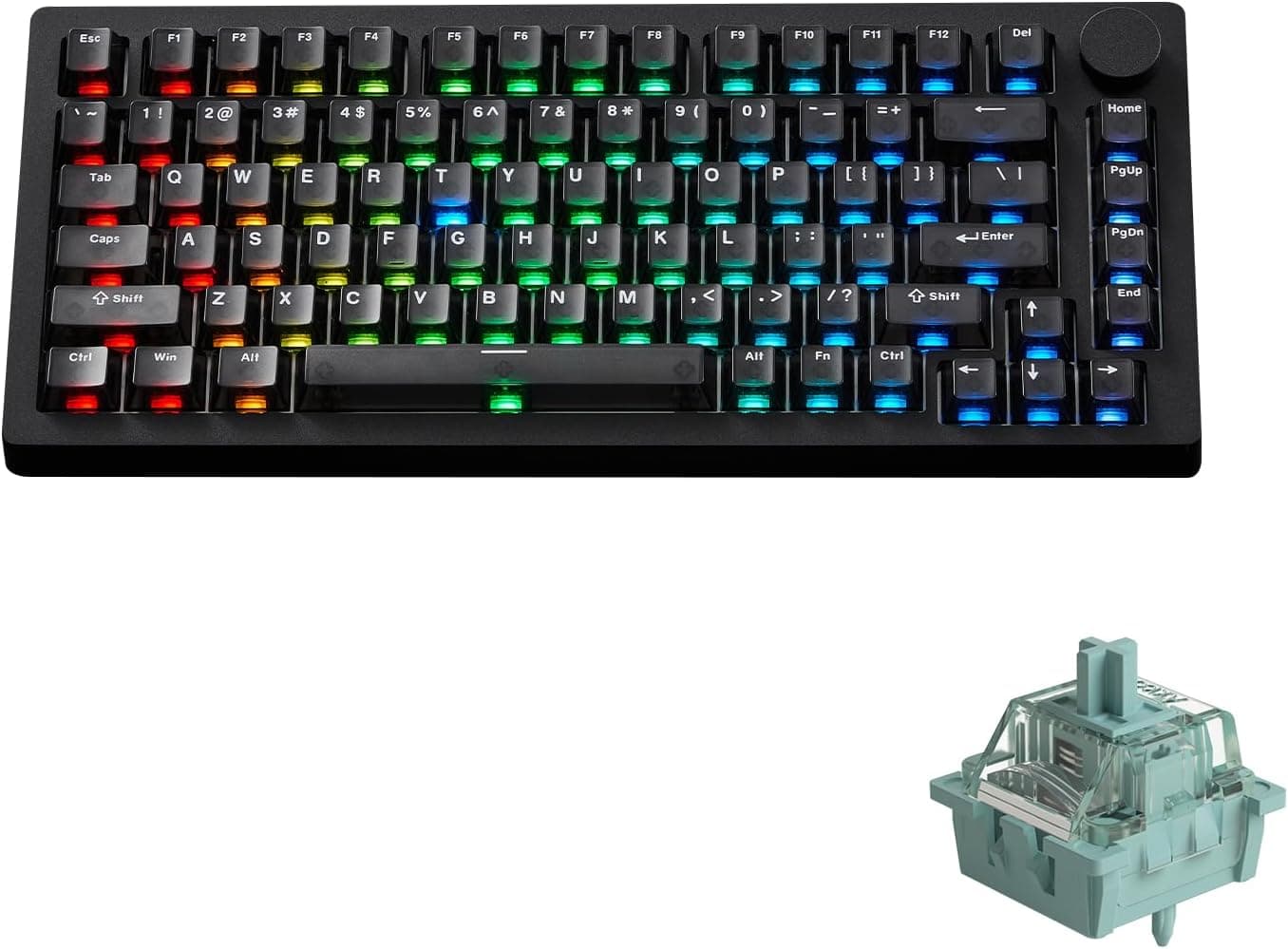
- The photos. A picture of a finished keyboard with caps on proves little, because photos can be reused across versions.
The safest rule is to trust the selected option and the "what's in the box" text over the title or the photos. If the listing does not say that switches and keycaps are included, treat the question as unresolved.
The word "kit" is not a reliable signal
People use "kit" for different things. Keychron's own build guide tells readers to open "your Keychron kit" and confirm that all components are present, "including the keyboard frame, PCB, switches, and keycaps". In that sentence a kit already has switches and keycaps in it. A barebone keyboard, by Keychron's product pages, does not.
So a listing that says "kit" does not tell you which one you are buying. Look for the specific list instead: case, PCB, plate, stabilizers, switches, keycaps. Mark each item as included, not included or not stated. Any "not stated" is a question for the seller or the maker before you order.
What a barebone buyer still has to get right
Choosing a barebone keyboard moves two decisions to you. Neither is hard, but both are easy to get wrong.
Switches. On standard-height boards such as these, Keychron says most 3-pin and 5-pin MX switches fit, because the two extra pins on a 5-pin switch are for plate stability and seat in the same socket. Keychron also warns that low-profile switches only fit boards built for them. Our hot-swap compatibility guide walks through the checks, including why a pin count alone does not settle compatibility. Both boards in this guide use standard-height switches.
Keycaps. Keychron says its standard boards use MX-compatible switches, so most aftermarket sets fit. The set must match your layout, though. Both boards here are ANSI, so buy an ANSI set; Keychron notes that a mismatched ANSI or ISO set leaves gaps. Keychron says keycap set pages carry a per-model compatibility list, so check it for the Q1 Max or V5 Max, and look for the Mac and Windows modifier keys you want. Our Mac and Windows layout guide explains which keys change.
Tools are a smaller point. Keychron's build guide says every Keychron mechanical keyboard includes a keycap puller, and it lists a switch puller as something a hot-swap build needs. We found no statement that the barebone boxes include one, so check before assuming.
Check the generation and the layout too
The assembled-or-barebone question is one of several identity checks. The V5 Max page, for example, tells shoppers to "shop the new version" and points to newer 8K models. That is a reminder that the same family name can span generations. Our catalog entries say which version they cover, and a retail listing should name its version just as clearly.
Layout matters as much as the build. The Q1 Max is a 75% board with a knob, and the V5 Max is a 96% board with a knob. If you are still deciding on size, our 75% versus TKL guide and our 96% versus full-size guide are better places to start than a build option. Settle the layout first, then the build.
When fully assembled fits
Fully assembled fits if you want to open the box, connect the keyboard and type. It fits if you have no spare switches or keycaps, if you do not want to match parts yourself, or if you want the listed weight, keycaps and switches to be what actually arrives. It also gives you one documented parts list from the maker, which is easier to compare across listings than a build you assemble from separate purchases.
When barebone fits
Barebone fits if you already own a set of hot-swap-compatible switches and keycaps that you want to reuse, or if you have a specific switch or keycap set in mind. It suits a buyer who is comfortable pulling and seating switches and who will check the compatibility notes first. We do not quote prices, so we cannot say which version costs less. Compare the two options on the day you buy, and add the parts you would need to buy separately.
A checklist before you buy
- Which option is selected, and does it say assembled or barebone?
- Does the "what's in the box" text list switches and keycaps? Mark each item included, not included or not stated.
- If the listing is barebone, which switches and keycap set will you use, and do they fit this board?
- Does the weight or any spec carry a label such as "fully assembled version"? If so, it may not describe the version you are buying.
- Is it the model generation you expect, or an older one with a newer one on sale elsewhere?
- Do the photos show your exact version, or a reused image of another one?
- Is a keycap puller or switch puller included, and if not, do you have one?
If you cannot mark an answer confirmed, treat it as unresolved and ask before you buy.
What the documentation cannot tell you
Keychron's pages do not say how either board feels, sounds or holds up in daily use, and we make no claim on those points. They also do not say whether every barebone box contains tools, or whether a knob cap is included in the barebone version. For a sound comparison, our quiet keyboard guide is a better place to look than a build option.
Sources and shopping links
This documentation-led guide uses the published Keychron Q1 Max (opens in a new tab) and Keychron V5 Max (opens in a new tab) product pages, plus Keychron's switch and keycap compatibility check (opens in a new tab) and its custom keyboard build guide (opens in a new tab). It does not claim hands-on testing. Confirm every feature against the exact version you will receive. We quote no prices or stock levels, because the product pages carry the current values.
As an Amazon Associate we earn from qualifying purchases.
If these exact versions meet your checklist, view the catalog-matched Amazon listings for the Keychron Q1 Max (opens in a new tab) or the Keychron V5 Max (opens in a new tab). Both are affiliate links. Read the version named on the Amazon listing before you order, since this guide cannot vouch for every seller's configuration.