White Backlight vs RGB Keyboards: How to Choose
A documentation-based guide to white backlight versus RGB keyboards: what each lighting type does, what it costs in battery, how the software works and how to avoid buying the wrong version.
Contents
How this guide works
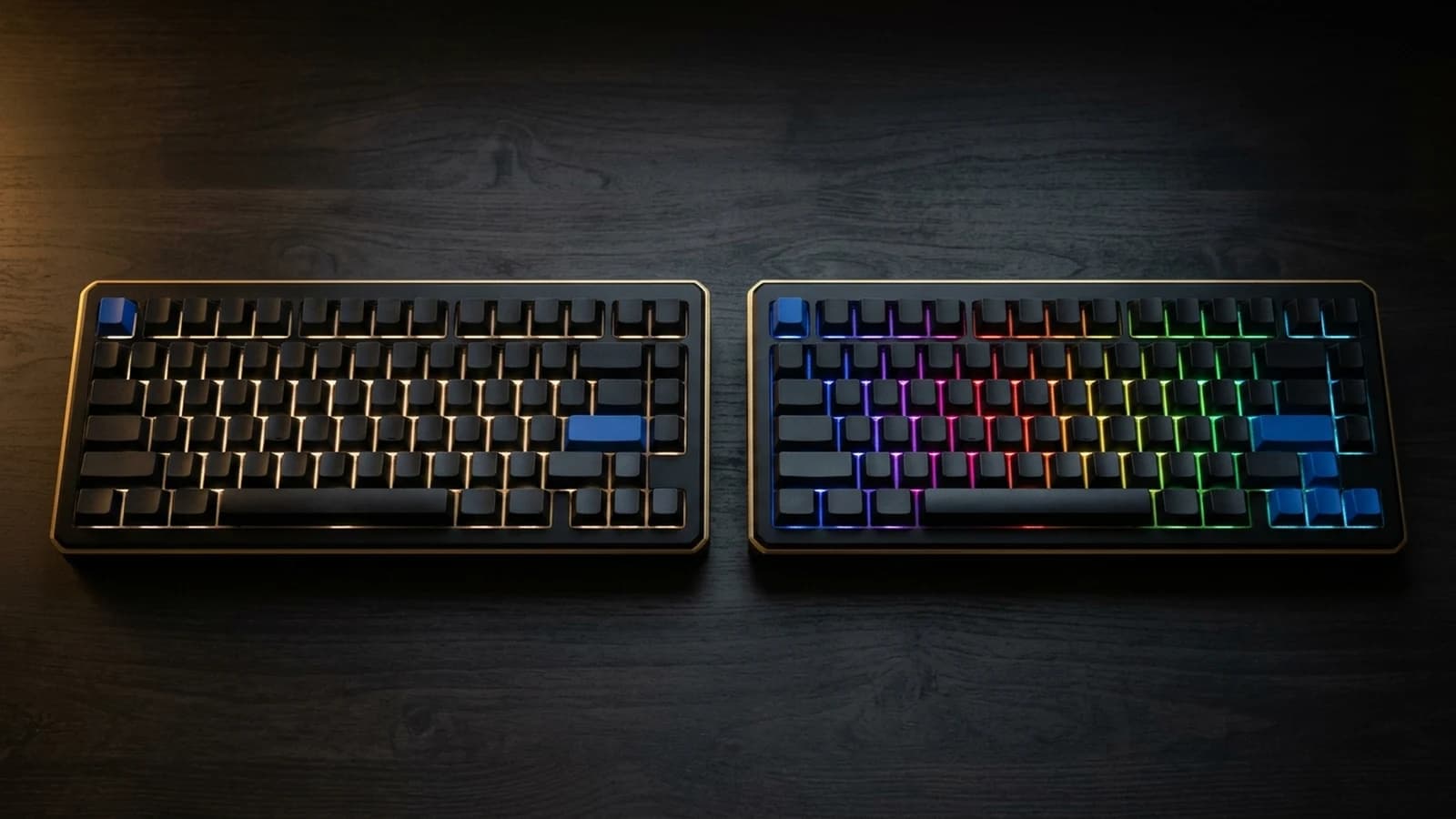
This guide is about one buying question: do you want a plain white backlight or RGB lighting? To keep it concrete, it sets two Keychron keyboards from our catalog side by side: the Keychron K10 Pro, whose catalog version has a white backlight, and the Keychron V6 8K, which is an RGB keyboard. All figures come from Keychron's own pages. The advice is editorial, and we have not tested either keyboard or measured their light.
The short answer
If you want to read your keys in a dim room and prefer settings you never have to open, a white backlight covers that need. If you want lighting that does more than glow, for example colors that mark a group of keys, RGB is the option that can. On a wireless board, add one question: how much runtime are you willing to trade for the lighting?
The sections below turn that answer into checks you can run on a listing.
What each lighting type offers on these two boards
The K10 Pro page gives the clearest side-by-side, because Keychron sells it with a white backlight or an RGB backlight in the same listing. The V6 8K is RGB only.
| Feature | K10 Pro, white backlight | K10 Pro, RGB | V6 8K |
|---|---|---|---|
| Lighting settings | 14 types | More than 22 types, plus a static white option | 22+ settings, including a static white option |
| Color control | White only | Hue, saturation, brightness and effect speed adjustable | Per-key RGB and a two-zone mode |
| LED position | South-facing (per our catalog listing) | South-facing | South-facing |
| Connection | Bluetooth 5.1 and Type-C cable | Bluetooth 5.1 and Type-C cable | Wired only |
| Battery | 4000 mAh | 4000 mAh | None |
| Weight | About 1495 g | About 1495 g | 1240 g ± 10 g |
Two things stand out. First, an RGB board can usually show plain white too: Keychron lists a static white option on both RGB versions, so choosing RGB does not take white away. Second, the white version differs in a simple way: Keychron lists fewer lighting settings for it and gives no color choice.
Seeing the legends is the real test
Backlighting exists so you can read the legends. Keychron says the K10 Pro's south-facing LEDs are designed to light the keyboard better from the typist's angle, and that they do not interfere with replacement keycaps. That is a design statement, not a brightness measurement, and we did not measure it.
The keycaps matter as much as the LEDs. Keychron lists the K10 Pro keycaps as double-shot PBT that are "backlight non-shine-through". In plain terms, the maker does not describe the legends as glowing through the caps. Keychron's V6 8K page does not say either way, while our catalog listing for the V6 describes its keycaps as non-shine-through. If you type in the dark and do not touch-type, treat this as a question to settle before you pay: look for photos or maker statements about how the legends are lit on the exact version you are buying.
What lighting costs in battery
Only the K10 Pro has a battery, so only it has a trade-off to read. Keychron lists about 260 hours of Bluetooth use with the backlight off and about 130 hours with RGB at the lowest brightness. Both figures carry the maker's note that lab results may vary by actual use. By our arithmetic that is roughly half the runtime at the lowest RGB setting, and brighter settings or busier effects are not covered by the figures we read.
The page does not give a runtime for the white version. A white backlight may well use less power than RGB, but nothing we read says so, and we do not claim it. If runtime matters, ask which version the stated number belongs to and under what brightness.
The V6 8K has no battery line because it is wired only, which removes the question. If you are choosing between wired and wireless at the same time, our Bluetooth, 2.4 GHz and wired comparison covers that trade-off.
Software: how much control do you actually get?
The V6 8K is where RGB shows its range. Keychron describes two lighting tools in its Launcher web app. Per-key RGB sets the color of each key individually. Mix RGB splits the keyboard into two zones, each with its own effects, with up to five timeline levels and each effect lasting from 1 to 99 seconds. Keychron's help pages say the Launcher needs a recent Chrome, Opera or Edge browser and a physical connection, and that some models support only a wired connection.
For the K10 Pro, Keychron lists adjustable hue, saturation, brightness and effect speed on the RGB version. The page we read does not mention per-key or zone lighting for it, so we do not say it has none; we say the page is silent. The Launcher is listed for remapping and macros on that board.
This matters for a practical reason. A white backlight can usually be left alone, while RGB invites setup time. If you work on a shared or managed computer where you cannot open a web configurator, check what the keyboard does without it. Our Mac and Windows layout guide covers a related limit: a remap that lives in software has to be carried to each computer.
Check the version before you click buy
The K10 Pro shows why this guide keeps repeating "the exact version". Keychron's own page offers a Backlight choice of white or RGB, alongside color, switch and hot-swap options. Fully assembled variants also differ: Keychron notes that one black version is not hot-swappable and lacks the sound-absorbing foam and silicone pad. A single model name therefore covers boards with different lighting, different build and different features.
Retail listings can reuse photos and descriptions across versions. Read the selected option on the page you will buy from, then match it to the lighting you want: white or RGB, and for RGB whether you need per-key control. If you plan to change switches later, our hot-swap compatibility guide lists what to verify.
When a white backlight fits
A white backlight fits if your main goal is to read the keys in a dim room, if you share the space and prefer a quiet visual presence, or if you want a keyboard you can use straight away with no configuration. On a wireless board it also leaves the battery question simpler, although Keychron gives no separate runtime for the white K10 Pro version, so ask rather than assume.
When RGB fits
RGB fits if you want lighting to carry information, for example one color for a shortcut group and another for the rest, or two zones with different effects. It fits if you are comfortable with a web configurator, and it fits a wired keyboard like the V6 8K, where battery is not a concern. It is also the choice if you want to switch between a calm static white and something more visual without buying a second keyboard.
A short checklist before you buy
- Where will you type most: a lit office, a shared room or a dark one?
- Do you read the legends or touch-type? If you read them, how does the exact keycap set show the legends?
- Do you want white only, or colors, zones or per-key control?
- Is the keyboard wireless? If so, which version does the quoted battery figure belong to, and at what brightness?
- Can you run the configuration tool, a supported browser plus, for some models, a cable, on the computers you use?
- Does the listing's selected option match the lighting version you want, and does it say hot-swap or fully assembled the way you expect?
Mark each answer confirmed or unresolved. If the answer to the first two is "mostly a dim room, I read the keys", start with the legend question rather than the effect count.
What the documentation cannot tell you
The pages we read say nothing about how bright either keyboard is, how even the light looks across the keys, or whether it is comfortable to look at for long sessions. They also give no runtime for the K10 Pro's white version, and nothing on typing sound; for sound, our quiet keyboard guide is the better place to look. We do not rank the two boards on any of those points. For a full-size layout question that comes before lighting, our 96% versus full-size guide is the better place to start.
Sources and shopping links
This documentation-led guide uses the published Keychron K10 Pro (opens in a new tab) and Keychron V6 8K (opens in a new tab) product pages, plus Keychron's help pages on per-key RGB (opens in a new tab) and Mix RGB (opens in a new tab). It does not claim hands-on testing. Confirm every feature against the regional version you will actually receive. We quote no prices or stock levels, because the product pages carry the current values.
As an Amazon Associate we earn from qualifying purchases.
If these exact models meet your checklist, view the catalog-matched Amazon listings for the Keychron K10 Pro (opens in a new tab) or the Keychron V6 8K (opens in a new tab). Both are affiliate links. Read the version named on the Amazon listing before you order, since this guide cannot vouch for every seller's configuration.